
Befunky
Free online photo editor and collageEdit photos and make collages free
Highlights
What you can do with it
- Enhance and touch up photos
- Build a photo collage
- Design a simple banner, flyer, or card
How to use it
- 1 Open the BeFunky site
- 2 Choose editing, collage, or design
- 3 Upload your photo or pick a template
- 4 Apply effects and edit, then save
Who it is for
Pros
- Free to use online with no install
- Covers editing, collage, and design in one place
- Templates make quick projects easier
Limitations
- Free access and some tools can change
- Advanced features may sit behind a paid tier
- Depends on an external service you do not control
What BeFunky is
BeFunky is an all-in-one online creative platform for photo editing, graphic design, and photo collages. It gives you a rich set of editing tools and effects so you can enhance photos and build designs without installing software. It also offers templates and design tools for banners, flyers, cards, and similar projects. The platform is meant to work for both professional designers and people just starting out. You can use it free online, which makes it easy to try before you decide if you need more.
What you can do with it
Here is what you can do with BeFunky:
- Edit and enhance photos with many effects
- Build photo collages
- Design banners, flyers, and cards from templates
- Create graphics for personal or work projects
Who it is for
It suits several groups:
- Casual users who want to touch up photos
- Beginners who need simple design tools
- Designers who want quick, browser-based edits
What to watch out for
BeFunky is free to use online, but free access and some advanced tools can change, and heavier features may sit behind a paid tier. Output and export options can depend on your plan, so check what is included before a big project. The service depends on an external platform you do not control, so availability can shift. Keep your own copies of finished designs, and save work in progress often. Free tiers and usage limits can change, so check the current rules on the official page before relying on it long term. Processing speed depends on file size and network conditions, so retry later if a task stalls during peak hours.
FAQ
Is BeFunky free?
It is a free online photo editing and collage tool, with some paid options.
What can I make?
Photo edits, collages, and designs like banners, flyers, and cards.
Who is it for?
Both beginners and professional designers who want a browser-based tool.
Why it is free
What the official page says: 免费
Free limits, trial length and features are decided by the official site and can change at any time.
Product preview
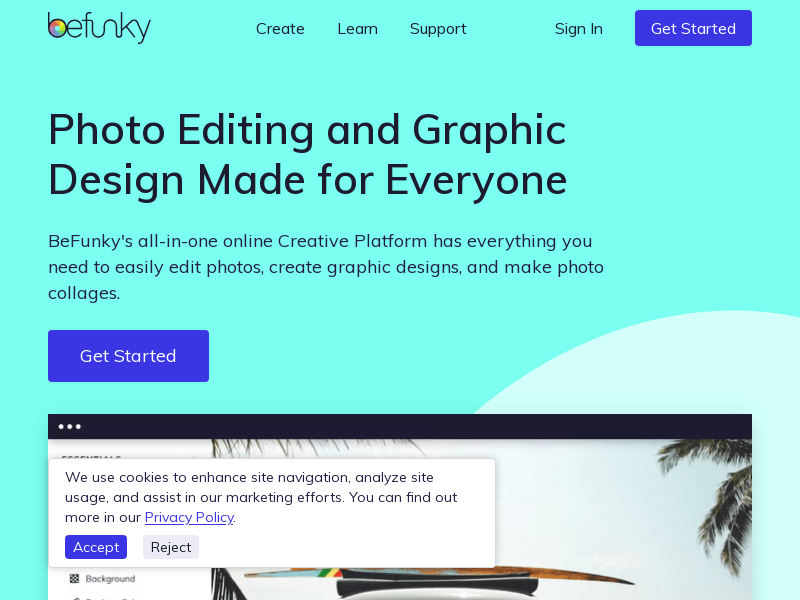
Screenshot archived from the listing page, for preview only.











