
Bazaart
Free AI design toolDesign anything, free to start
Highlights
What you can do with it
- Making social avatars and cover images.
- Designing promo posters and logos for a business.
- Editing photos with AI background and object tools.
How to use it
- 1 Open the Bazaart website.
- 2 Pick a template or start a new project.
- 3 Use AI tools to edit and generate images.
- 4 Adjust elements and text, then download or share.
Who it is for
Pros
- Free to start, with a wide set of AI tools.
- A large template library speeds up design.
- Covers photos, posts, logos, and video in one place.
Limitations
- Free limits and any paid upgrades can change over time.
- Templates can look common if not customized.
- Advanced edits may still need a dedicated design app.
What Bazaart is
Bazaart is a free design platform with AI tools for photos, social posts, banners, posters, logos, graphics, collages, and videos. Its AI features cover photo editing, background removal, object removal, background generation, image generation, image enhancement, and image extension, so you can clean up and build images without a separate editor. It also provides a large template library, which lets you start from an existing layout and adjust it instead of beginning from a blank page. The platform is aimed at individual users, social media professionals, and business owners who want professional-looking designs without advanced software. It is offered free to start, so you can create and download work before deciding whether you need more.
What you can do with it
- Edit photos with AI tools for a cleaner look.
- Remove backgrounds and unwanted objects.
- Generate and enhance images inside your design.
- Start from templates for posts, posters, and logos.
Who it is for
- Individuals making personal social graphics.
- Social media professionals creating posts and ads.
- Business owners designing posters and logos.
What to watch out for
Free limits and any paid upgrades can change over time, so confirm what the free tier includes before you rely on it for client work. Templates can look common if you do not customize them, so add your own touches to stand out. Advanced edits may still need a dedicated design app, since a browser tool has limits. As with any AI image tool, be careful with likenesses and copyrighted material, and make sure your final designs respect the rights of others. For team use, agree on naming and editing conventions in advance to avoid version conflicts or duplicated work.
FAQ
Is Bazaart free?
Yes. It is described as a free design platform you can use to create photos, posts, posters, logos, and more.
What AI tools does it include?
It includes AI photo editing, background and object removal, background and image generation, image enhancement, and image extension.
Are there templates?
Yes. It provides a template library with thousands of designs to help you start quickly.
Why it is free
What the official page says: 免费
Free limits, trial length and features are decided by the official site and can change at any time.
Product preview
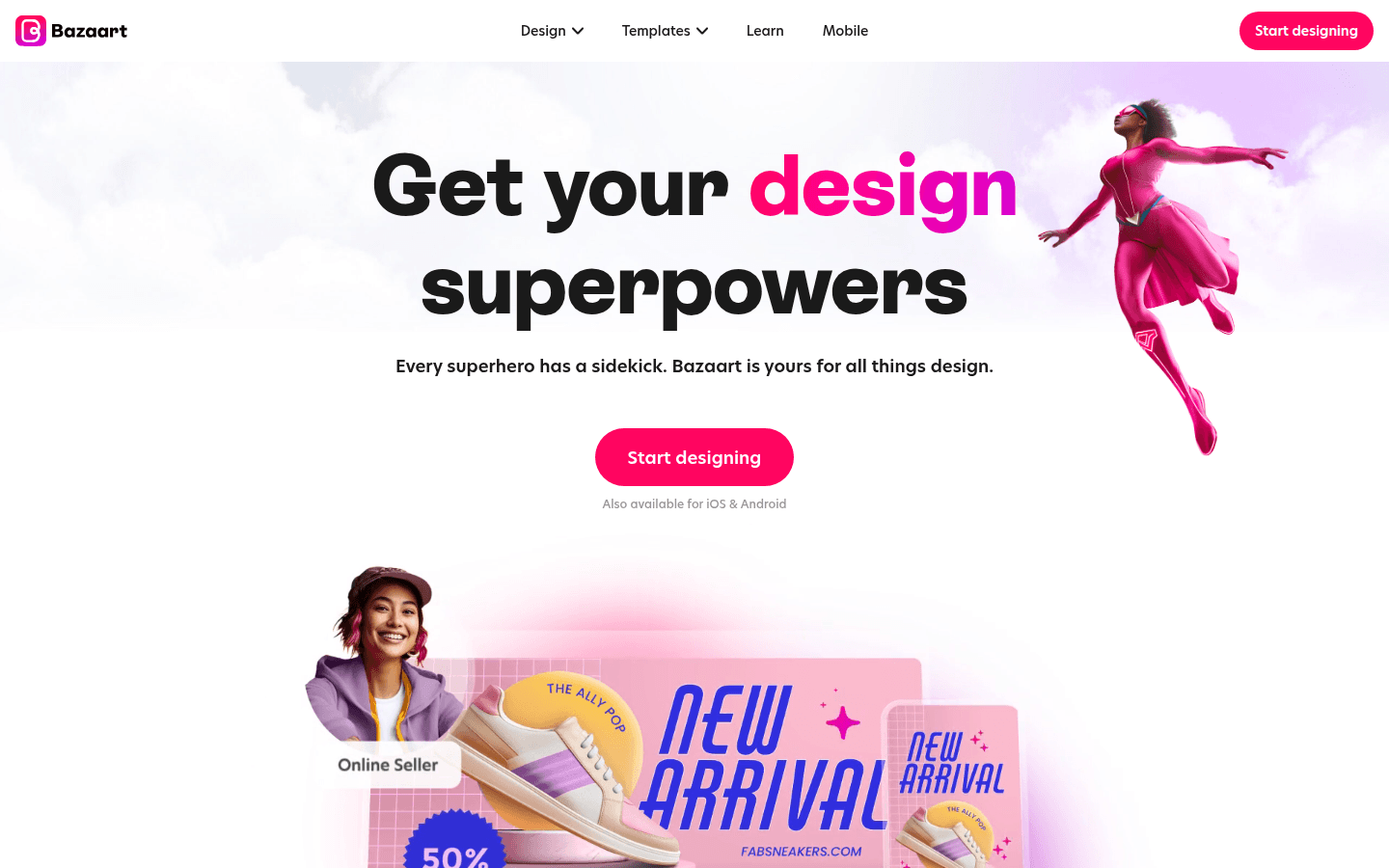
Screenshot archived from the listing page, for preview only.











