
Bazaar V3
AI video generator for software demosScreenshots and prompts into demo videos
Highlights
What you can do with it
- Creating a demo video for a new software release
- Producing a promotional video for a mobile app
- Building an animated financial dashboard for a business
How to use it
- 1 Open Bazaar and start the free trial
- 2 Describe your demo or upload screenshots and designs
- 3 Pick a template and customize it with prompts
- 4 Generate the video and refine the result
Who it is for
Pros
- No complex video production skills needed
- Accepts several kinds of input material
- Free trial with 100 free prompts
Limitations
- The free trial is limited and paid use follows
- Complex products may need heavy editing after generation
- Output quality depends on clear input material
What Bazaar V3 is
Bazaar V3 is an AI video generator developed by Neural Hub Limited, and it focuses on software demonstration videos. The premise is that making a good demo video normally needs editing skill and time, so Bazaar lets you skip that: describe what you want, or upload material such as screenshots, Figma design files, and YouTube references, and the AI produces an animated demo. Beyond demos, it supports template-based creation with prompt customization, promotional videos for apps, and animated financial dashboards that freelancers can use to present income, expenses, and savings goals. The stated audience is software developers, marketing professionals, and freelancers. It currently offers a free trial that includes 100 free prompts, so you can test the output before paying.
What you can do with it
- Generate a software demo from a written description
- Feed in screenshots, Figma files, or YouTube references
- Start from a template and customize it with prompts
- Create app promo videos or an animated financial dashboard
Who it is for
- Developers who need demo videos without an editor
- Marketers producing promotional content for apps
- Freelancers presenting business or financial information
What to watch out for
The free trial is capped at 100 prompts, and continued use moves to paid plans, so check pricing before you plan a video series. Generated demos are a first cut: complex software usually needs manual editing for pacing, accurate UI details, and a clear narrative, and rushed output can look generic. Quality depends on your input, so blurry screenshots or vague descriptions produce weak results. Finally, if you build a dashboard or promo with figures in it, verify every number yourself, because an animated chart that misstates your finances is worse than no chart at all.
FAQ
What kind of videos does Bazaar make?
It focuses on software demonstration videos, plus app promo videos and animated financial dashboards.
What can I upload as input?
Screenshots, Figma design files, and YouTube video references are listed among the accepted materials.
Is there a free trial?
Yes. The trial gives users 100 free prompts.
Why it is free
What the official page says: free trial
Free limits, trial length and features are decided by the official site and can change at any time.
Product preview
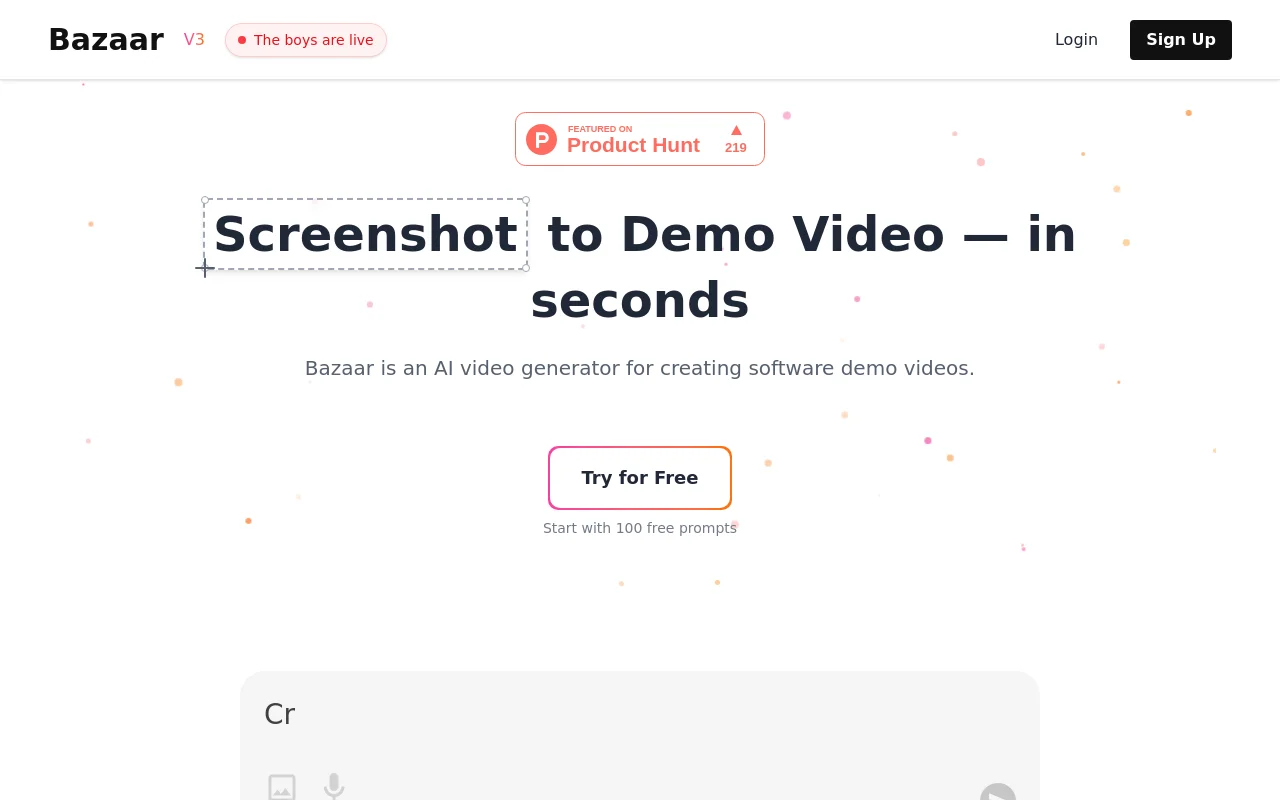
Screenshot archived from the listing page, for preview only.











