
BatchRemover
Free online batch image background removerRemove backgrounds in bulk, no signup, no watermark
Highlights
What you can do with it
- E-commerce sellers create white background product photos for listings
- Photographers batch process a wedding shoot to save post production time
- Social creators extract products from busy backgrounds and add brand backgrounds
How to use it
- 1 Upload JPG, PNG, or WebP images by drag and drop
- 2 Let the AI remove the background automatically
- 3 Choose an export format such as PNG, JPG, or WebP
- 4 Download the processed images, or a ZIP for batch jobs
Who it is for
Pros
- Free for single images with no signup
- No watermark and original resolution kept
- Batch mode with ZIP output
- Handles hair, transparent objects, and complex edges
Limitations
- Batch processing is paid from $0.04 per image
- AI edge detection may still need manual touch ups on fine details
- Free single image rules and credit pricing may change
What BatchRemover is
BatchRemover is an online background removal tool for images. Single image processing is free, and you do not need to register an account. Downloads are full HD at the original resolution, with no watermark. The tool handles many image types, including products, people, animals, food, logos, and graphics, and it uses AI edge detection to deal with hair, transparent objects, and complex shapes. After the background is removed, you can set a solid color or upload a custom background image. Export formats include PNG, JPG, and WebP. Batch processing is paid, starting from $0.04 per image through credit packs.
What you can do with it
- Remove the background from a single image for free with no signup.
- Upload a batch of images or a whole folder and process them at once.
- Download results as a ZIP file in the format you need.
- Swap in a solid color or custom background after removal.
Who it is for
- E-commerce sellers who need white background product photos for listings.
- Photographers and graphic designers working on composites and multi layer projects.
- Print on demand sellers and anyone editing ID or passport photos.
What to watch out for
Batch processing is paid from $0.04 per image, so large folders add up quickly. AI edge detection is capable but not perfect, and fine details such as hair or thin lines may need manual touch ups. The free single image offer and the credit pricing may change over time. Check the current terms before you rely on it for a big job, and keep a backup of your originals in case you need to redo an edit.
FAQ
Is BatchRemover free?
Single image processing is free with no registration. Batch processing is paid, starting from $0.04 per image through credit packs.
Do downloads have watermarks?
No. The page states that downloads have no watermark and keep the original resolution.
Which formats can I export?
You can export processed images as PNG, JPG, or WebP.
Why it is free
What the official page says: no registration
Free limits, trial length and features are decided by the official site and can change at any time.
Product preview
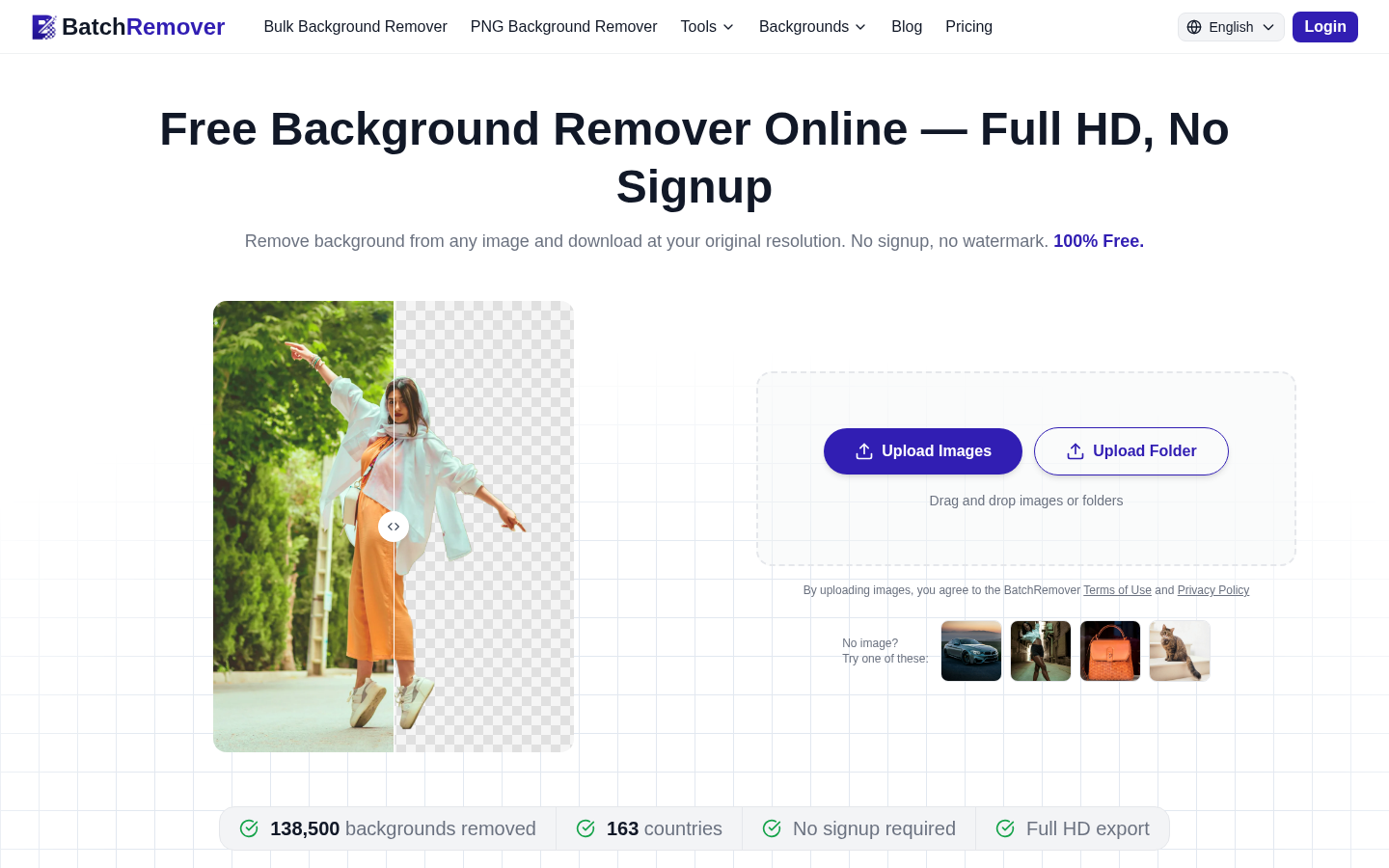
Screenshot archived from the listing page, for preview only.











