
Baron
Desktop ChatGPT clientLocal desktop assistant for Windows and Mac
Highlights
What you can do with it
- Programmers get code suggestions and generation inside an IDE.
- Writers gather article ideas and get polishing help.
- Salespeople rehearse conversations with pre-prepared prompts.
How to use it
- 1 Download and install Baron on Windows or Mac.
- 2 Set up custom modes and save the prompts you reuse.
- 3 Call the assistant from within the app you are working in.
Who it is for
Pros
- Runs as a desktop app instead of a browser tab.
- Custom modes and saved prompts make repeat tasks faster.
- A free version is available before paying for more.
Limitations
- The page describes local, offline-capable use, which needs verification on your setup.
- Free version limits and paid pricing can change at any time.
- A desktop client tied to another service can break when that service changes.
What Baron is
Baron is a desktop version of ChatGPT, positioned as a productivity booster rather than a chat website. The product page describes it as a locally deployed client that brings the native ChatGPT experience to Windows and Mac, and claims it can work without an internet connection, which is the main difference from using ChatGPT in a browser. Two features stand out for repeat work: custom modes with saved prompts, so you can build a personalised assistant tuned to a task, and the ability to call ChatGPT from inside any application, which keeps the assistant next to your editor, document, or inbox. Access is split between a free version and a paid version.
What you can do with it
- Run an assistant as a desktop app on Windows or Mac.
- Save prompts and custom modes for tasks you repeat often.
- Call the assistant from inside another application while you work.
- Use it for code suggestions, writing help, and conversation preparation.
Who it is for
- Programmers who want code suggestions and generation inside their IDE.
- Writers and editors who need ideas, drafts, and polishing on demand.
- Salespeople who prepare and rehearse conversations with saved prompts.
What to watch out for
The offline claim deserves scrutiny. A client of this kind usually still needs to reach a model service for answers, so verify what actually works without a connection on your own setup before relying on it. Free version limits and paid pricing can change without notice, and because Baron sits on top of another company's service, an upstream change can break features with little warning. Treat it as a convenience layer: keep a browser fallback for anything important, and check the privacy policy before sending sensitive text through it.
FAQ
Is Baron free?
The listing mentions both a free version and a paid version, so you can try the free tier first.
Which systems does it support?
Windows and Mac are named, and the page describes it as a locally deployed desktop client.
Can I use it in other applications?
Yes. Supporting calls to ChatGPT within any application is listed as a feature, along with custom modes and saved prompts.
Why it is free
What the official page says: 免费版免费
Free limits, trial length and features are decided by the official site and can change at any time.
Product preview
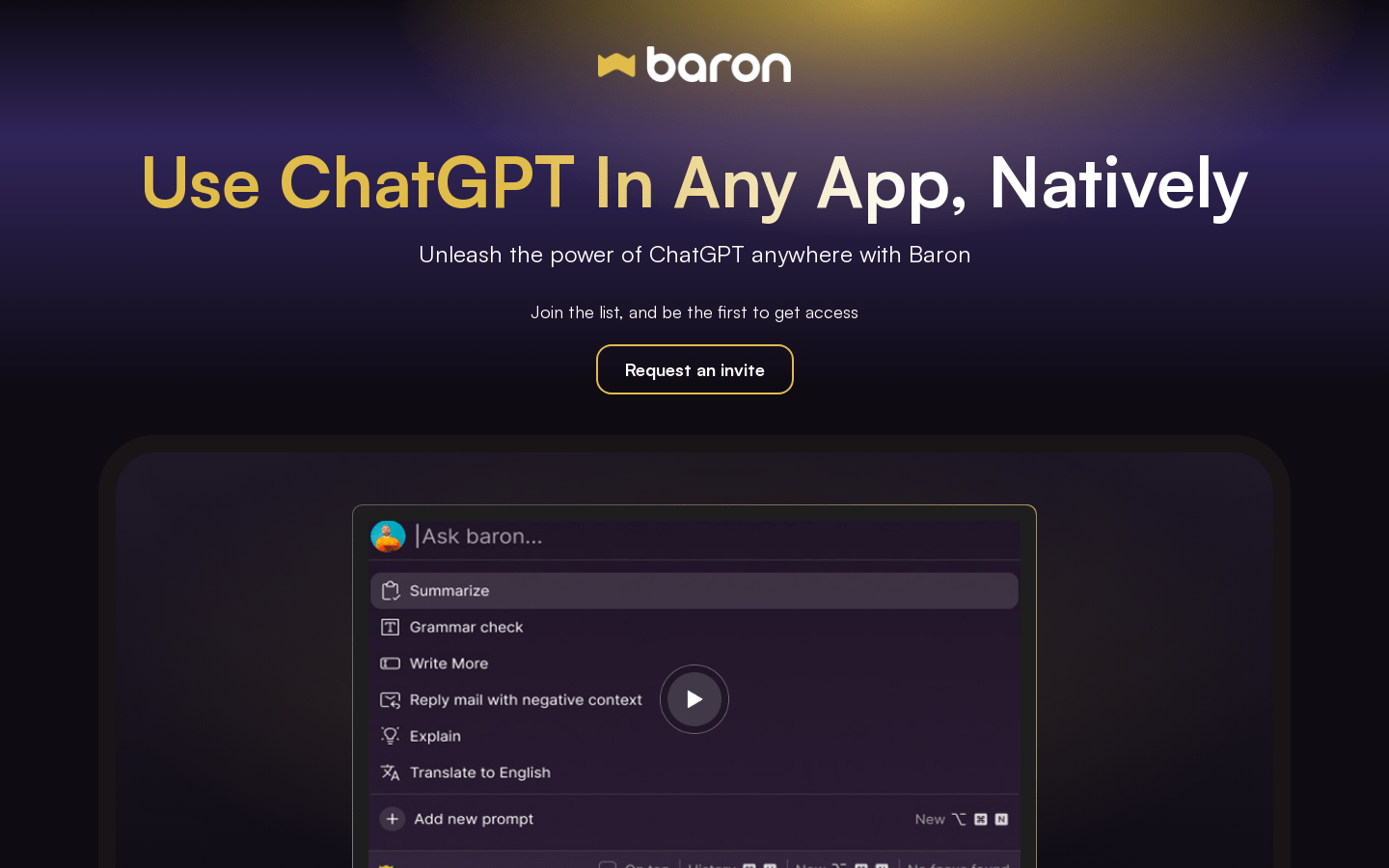
Screenshot archived from the listing page, for preview only.











