
BannerGPT
AI blog banner generatorOne-click banners that match your post
Highlights
What you can do with it
- Generate a header banner for a blog post
- Create matching art without manual design
- Export banners in different sizes
How to use it
- 1 Open the BannerGPT site
- 2 Paste your blog post content or link
- 3 Click to generate the banner
- 4 Download the image in the size you need
Who it is for
Pros
- Free to use with free downloads
- One-click generation from your article
- Multiple output sizes
Limitations
- Generated art may not always match your brand
- Style control is limited compared with manual design
- Free access and features can change
What BannerGPT is
BannerGPT is an online tool that automatically generates banners for your blog posts. It reads and understands the content of your article, then uses AI to create illustrations that relate to that content, so the header image fits the topic. The tool is easy to use and supports one-click generation, which saves you the time of designing a banner by hand. It supports multiple size outputs so you can match different layouts, it is free to use, and the results can be freely downloaded and used on your site.
What you can do with it
- Generate a blog banner in one click
- Match the illustration to your article content
- Export banners in multiple sizes
- Skip manual banner design entirely
Who it is for
- Bloggers who need header images fast
- Writers who do not want to design banners
- Content managers who publish posts regularly
What to watch out for
The generated art may not always line up with your site's brand or exact style, since style control is limited compared with manual design. Results depend on how clearly your article describes its topic, so vague posts may give generic banners. The tool is free now, but access and features can change, so do not build a paid workflow around it. Review each banner before publishing to make sure the image is appropriate for your audience. Features and interface details may change between versions, so review the latest notes on the page before you start. For team use, agree on naming and editing conventions in advance to avoid version conflicts or duplicated work. Save a backup of the original file before large batch jobs, and keep an exported copy of key results in case the page or service becomes temporarily unavailable.
FAQ
Is BannerGPT free?
Yes, the tool is free to use and the output can be freely downloaded and used.
How does it make the banner?
It reads your blog article content and uses AI to generate a related illustration.
Can I choose the size?
Yes. It supports multiple size outputs.
Why it is free
What the official page says: free to use
Free limits, trial length and features are decided by the official site and can change at any time.
Product preview
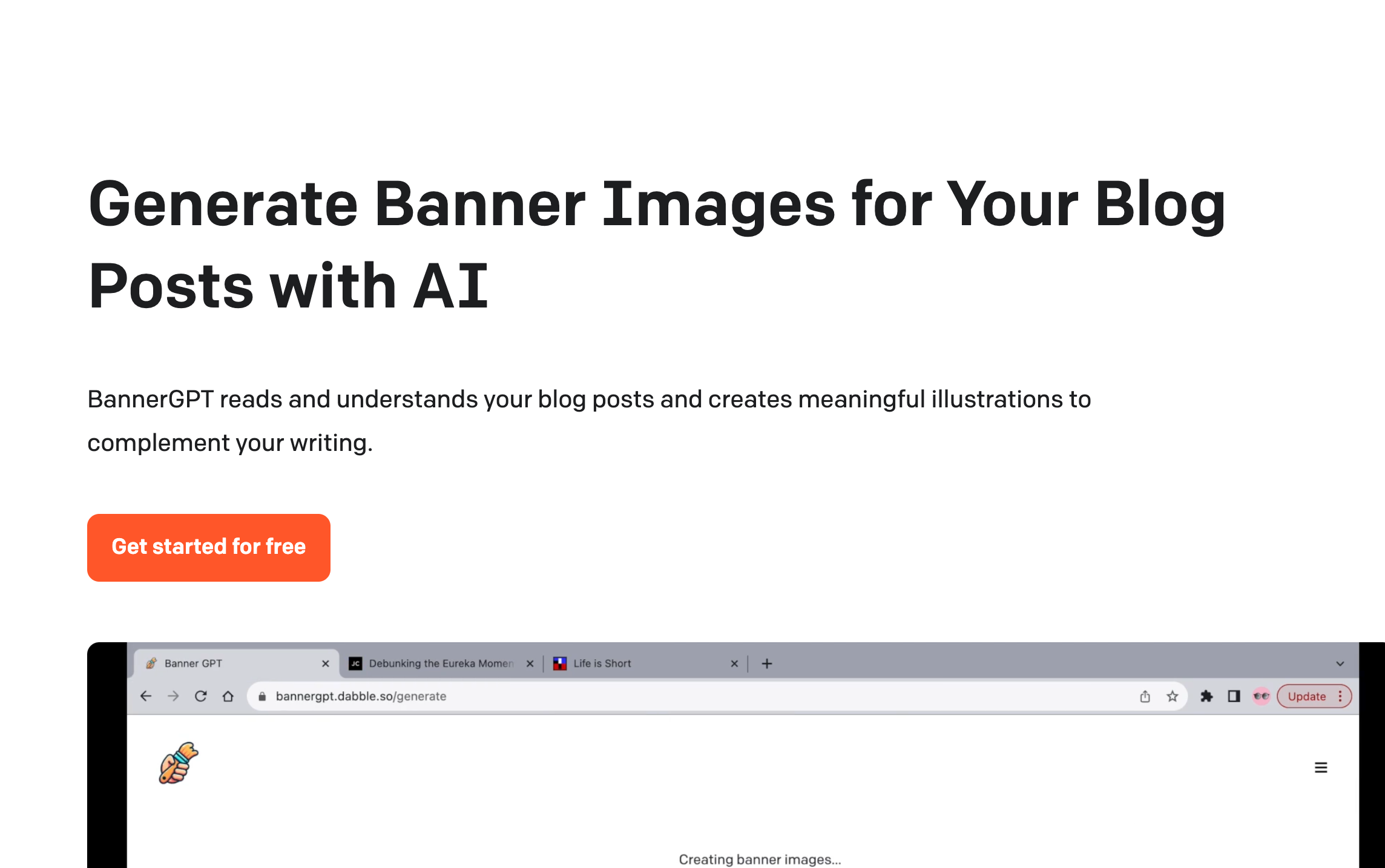
Screenshot archived from the listing page, for preview only.











