
banane nano ai
AI image tool powered by Google modelGenerate, restyle, and enhance images
Highlights
What you can do with it
- Converting a photo into an artistic illustration
- Producing a batch of social media posters
- Creating promotional images for a brand event
How to use it
- 1 Visit bananananoai.net and log in if needed
- 2 Upload images in JPG, PNG, WEBP, or HEIC
- 3 Write a prompt describing the change you want
- 4 Click generate image and wait a few seconds
- 5 Adjust the prompt or swap images if the result is off
- 6 Download or share the final image
Who it is for
Pros
- Wide tool set in one place
- Reference images plus prompts for control
- Free credits to start
Limitations
- Face swapping can be misused, and using someone's likeness without consent may break platform rules or law, with the consequences on the user
- Uploads are capped at eight images and 5MB each
- Free credits run out and paid use is required beyond that
What Banana Nano AI is
Banana Nano AI is an AI image platform powered by Google's Nano Banana model. It bundles several creative tools in one place: image generation from prompts and reference images, style conversion between realistic, artistic, cartoon, and anime looks, face swapping between two photos, background replacement and removal, and restoration of old or damaged pictures. You can choose output quality up to 4K, and detailed prompts guide the result toward what you had in mind. Uploads accept JPG, PNG, WEBP, and HEIC files, up to eight images at once with a 5MB limit each. Free credits are offered, and heavier use moves to paid.
What you can do with it
- Generate images from text prompts and reference uploads
- Convert a photo between realistic, cartoon, and anime styles
- Replace or remove a background
- Restore and enhance an old photo
- Export at up to 4K quality
Who it is for
- Digital artists producing styled illustrations
- Content creators who need a lot of visuals quickly
- Marketers and designers building campaign imagery
What to watch out for
The face swap tool is the sensitive part. Putting someone's face onto another image without their permission can break social platform rules and may raise legal problems depending on where you are, and any consequences fall on you rather than the site. Free credits are limited, so regular use becomes a paid habit. Uploads are capped at eight images and 5MB each, which rules out large files, and results still need a review pass before you publish them. Check the licence terms before using generated images commercially, and keep your own copies of anything you care about.
FAQ
What model does it use?
It is built on Google's Nano Banana model.
What formats and sizes can I upload?
JPG, PNG, WEBP, and HEIC, up to 8 images at 5MB each.
Is there a free option?
Yes, free credits are offered, with paid use beyond that.
Why it is free
What the official page says: 免费
Free limits, trial length and features are decided by the official site and can change at any time.
Product preview
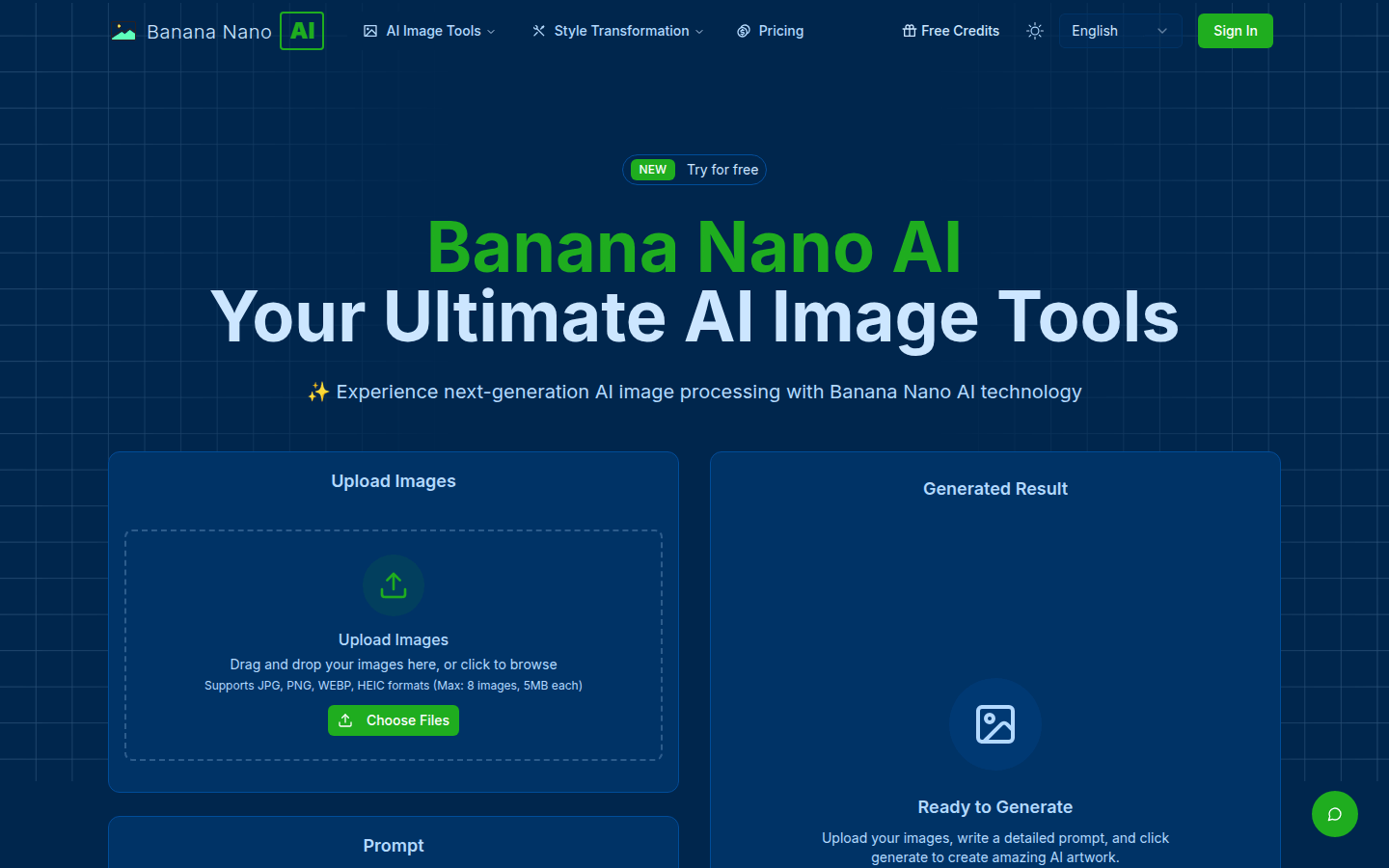
Screenshot archived from the listing page, for preview only.











