
BananaPix
AI image editorGenerate and edit images fast
Highlights
What you can do with it
- Create a promotional poster from a text description
- Remix an existing photo into campaign creative
- Upscale and retouch photos in post-processing
How to use it
- 1 Open bananapix.app and enter the editor.
- 2 Select the mode, such as image editing or text-to-image generation.
- 3 Choose Nano Banana or Nano Banana Pro.
- 4 Describe the image you want to generate or edit.
- 5 Click Generate, wait for the result, then download the final image.
Who it is for
Pros
- A free tier lets you generate a limited number of images daily
- Presets handle prompts and parameters for you
- Two models cover speed and fidelity needs
- Upscaling goes up to 4096 by 4096 on the Pro model
Limitations
- The free tier caps daily generations, so heavy use hits the limit
- Pro models and the highest resolutions sit behind paid plans
- AI edits can leave artifacts on hair, text, and complex edges
- It is image-focused, with no video, layout, or print tools
What BananaPix is
BananaPix is an AI image editor built on the Google Nano AI architecture. It comes in two flavors: Nano Banana, based on the Gemini 2.5 Flash Image model and focused on balancing speed with quality, and Nano Banana Pro, based on Gemini 3 Pro Image and aimed at high fidelity and complex reasoning. The interface is visual and simple, with presets that handle prompts and parameters for you, so designers and creators can move from an idea to an export quickly. There is a free tier with a limited number of daily generations, a paid plan with more generations and access to the Pro model, and a pay-as-you-go credit pack for occasional bursts of work.
What you can do with it
- Generate images from a text description
- Edit and remix uploaded photos while keeping the composition
- Remove objects, adjust colors, and change backgrounds
- Upscale resolution, up to 2048 by 2048 on Nano Banana and 4096 by 4096 on Pro
Who it is for
- Designers who need to visualize an idea fast
- Marketers producing promotional imagery
- Photographers and illustrators doing post-processing
What to watch out for
The free tier caps daily generations, so heavy users will reach the limit quickly and need credits or a paid plan. Pro features such as the highest resolutions sit behind the paid tier, and the plan structure can change. Output still needs review: AI edits can introduce artifacts on complex edges like hair or text, and anything client-facing deserves a human check before it ships. The tool is image-focused, so it does not handle video, layout, or print production, and upscaling improves resolution without inventing detail that was never captured.
FAQ
Is BananaPix free?
There is a free tier with a limited number of daily generations, plus a paid plan and pay-as-you-go credit packs.
What is the difference between the two models?
Nano Banana uses the Gemini 2.5 Flash Image model and balances speed with quality, while Nano Banana Pro uses Gemini 3 Pro Image for high fidelity and complex reasoning.
How large can the output be?
Nano Banana supports up to 2048 by 2048 pixels and Nano Banana Pro supports up to 4096 by 4096 pixels.
Why it is free
What the official page says: free tier
Free limits, trial length and features are decided by the official site and can change at any time.
Product preview
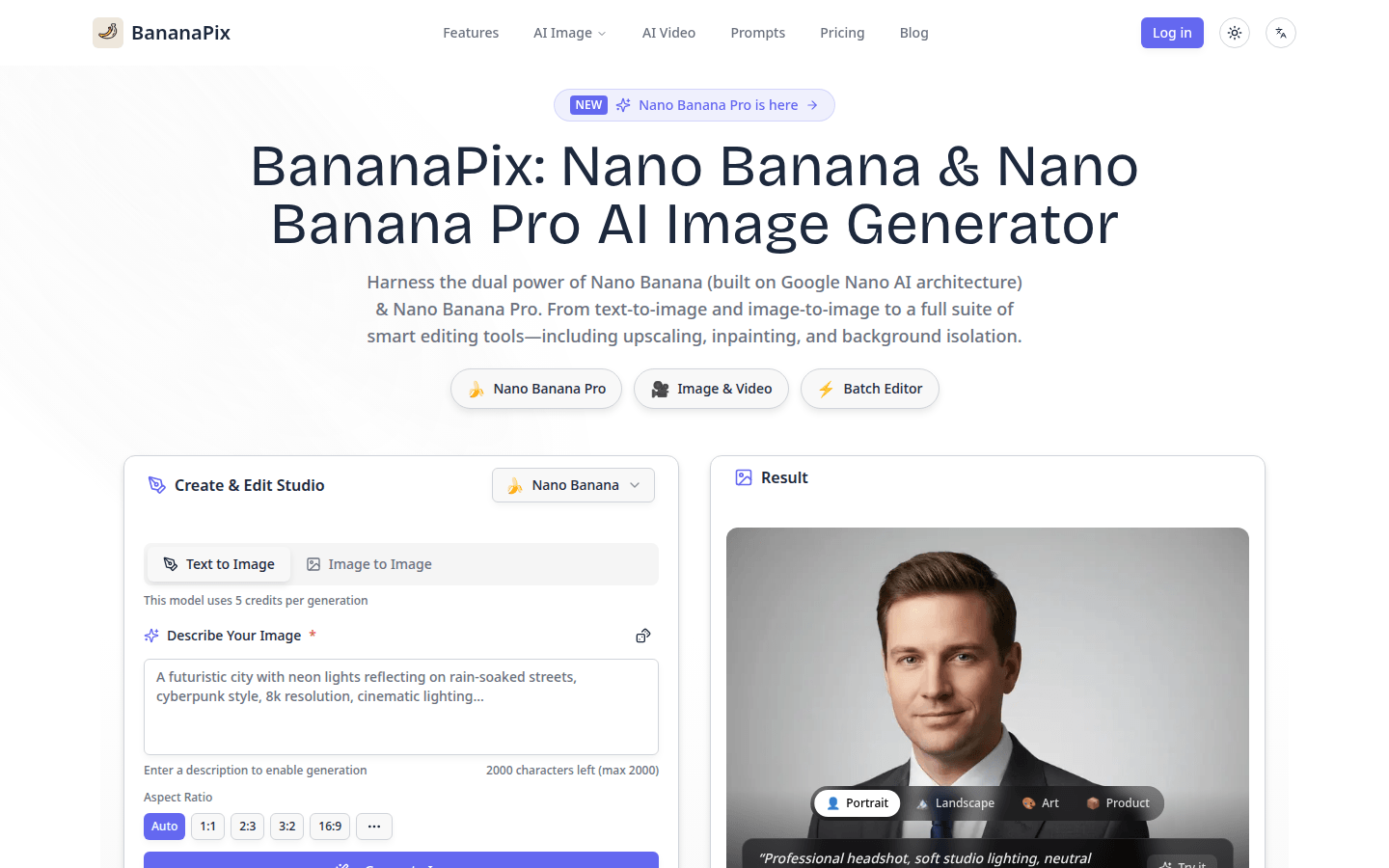
Screenshot archived from the listing page, for preview only.











