
Banana Pro
Next generation AI image creation and editing modelText to image, 4K output, and precise local editing
Highlights
What you can do with it
- Designing comic characters that stay consistent across scenes.
- Generating game scenes and backgrounds.
- Creating product visuals and marketing images.
How to use it
- 1 Write a prompt or upload a reference image.
- 2 Generate a new image or edit an existing one with natural language.
- 3 Adjust prompts or images and repeat until the result is right.
- 4 Export at high resolution for your use.
Who it is for
Pros
- 4K output with readable text and realistic lighting.
- Local editing avoids regenerating a whole image.
- Style transfer and iteration keep a series visually coherent.
Limitations
- The free offer is a trial, and later use may require payment.
- AI images can carry artefacts and wrong details, so review before publishing.
- Licensing and commercial terms need checking before client work.
- Heavy rendering takes time, and long sessions consume credits or quota.
What Banana Pro is
Banana Pro is an image creation and editing model designed to read your intent, visual context, and design goals rather than treating a prompt as a bag of keywords. It generates images from text, edits existing ones, and combines the two by accepting natural language instructions alongside visual material. The local area editing function is the practical highlight: if only one part of a frame needs changing, you adjust that region instead of rolling the dice on a whole new generation. Style fusion and transfer pull the look of a reference image into new content, and the iterative workflow lets you refine prompts and images repeatedly while holding style, lighting, and characters steady. Output goes up to 4K, with readable multilingual text and realistic lighting. A free trial is offered, and the listing notes later use may require payment.
What you can do with it
- Generate images from text prompts or from reference images.
- Edit a specific region without regenerating the frame.
- Transfer a reference style into new content.
- Iterate on prompts while keeping a consistent look.
Who it is for
- Digital artists and illustrators iterating on visual work.
- Marketers and content creators producing social and product visuals.
- Product designers and e commerce practitioners needing catalogue quality images.
What to watch out for
The free offer is a trial, and the listing says later use may require payment, so confirm pricing before you build a project on it. AI generated images still carry artefacts, wrong details, and text that looks right until you read it, so every output needs a human check before it is published or sent to a client. Licensing and commercial terms matter too, particularly for client work and anything public facing, so read them rather than assuming. Finally, iteration is the point of the tool but it is also the cost: long sessions consume quota or credits, and time spent refining is time you should budget for.
FAQ
Is Banana Pro free?
It supports a free trial, and the listing says later use may require payment, so check current pricing before committing.
What resolution can it output?
Up to 4K, with the listing noting clear detail, readable multilingual text, and realistic lighting and depth.
Can I edit just part of an image?
Yes. The local area editing function lets you adjust lighting, replace objects, or polish a specific region without regenerating the whole frame.
Why it is free
What the official page says: free trial
Free limits, trial length and features are decided by the official site and can change at any time.
Product preview
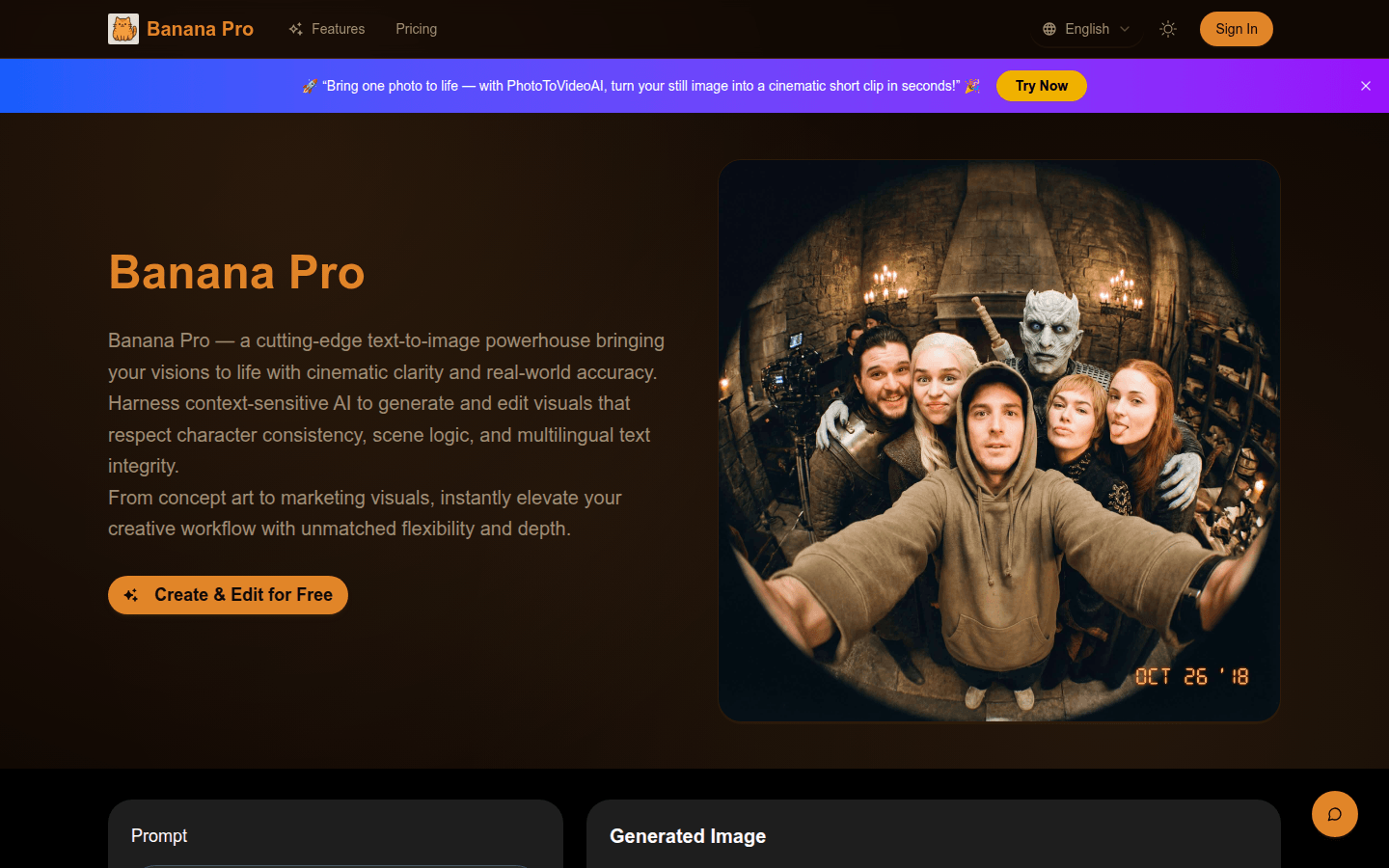
Screenshot archived from the listing page, for preview only.











