
BabyDance Generator – AI Baby Dance Video Maker
Make AI baby dance videos from a single photoTurn a baby photo into a fun dance clip
Highlights
What you can do with it
- Make a birthday party video for a baby
- Create a funny short video to grow a social following
- Share an AI baby dance clip to boost engagement
How to use it
- 1 Upload a clear, full body photo of the baby
- 2 Select a dance style from the library
- 3 Preview the effect to confirm it looks right
- 4 Click start and wait for the AI to generate the dance video
- 5 Download the video to save or share it
Who it is for
Pros
- Free points let you try it before paying
- Simple flow: upload, pick a dance, generate
- Preview helps you check the effect before spending points
Limitations
- Free points are limited and paid packages may change in price
- Needs a clear, full body photo for good results
- Be thoughtful about sharing videos that feature a child
What BabyDance Generator is
BabyDance Generator is a video generator powered by Kling 2.6 AI and made for turning a photo of a baby or toddler into a short dance clip. You upload a clear, full body photo, pick a dance style such as drunk dance, street swing, or Bollywood, and the AI syncs the photo to the movements. You can preview the effect before you generate, and you can even upload a custom dance video to make the baby perform moves you design. New users can get some free points to try it, and there are paid point packages for more use. It is built for parents and content creators who want playful, shareable clips.
What you can do with it
- Turn a single baby photo into a dancing video
- Choose from many dance styles or upload your own moves
- Preview the effect before you spend points generating
- Download and share the clip on social media
Who it is for
- Parents who want fun keepsake clips of their baby
- Content creators making playful short videos
- Social media users who enjoy novel, shareable content
What to watch out for
Free points are limited, and the paid point packages are described as promotional pricing that may change, so confirm current costs before you rely on them. Results depend heavily on your photo, so a clear, full body image works far better than a cropped or blurry one. Because the videos feature a child, be thoughtful about where you share them and who can see them, and remember this is an independent product that is not affiliated with Kuaishou or the developers of Kling AI.
FAQ
Is BabyDance Generator free?
You can get some free points to try it, and there are paid point packages for more use. Current pricing is promotional and may change, so check the site.
What do I need to upload?
A clear, full body photo of the baby works best, since the AI combines the photo with the dance movements.
Can I use my own dance moves?
Yes. You can upload a custom dance movement video so the baby performs a dance you design.
Why it is free
What the official page says: for free
Free limits, trial length and features are decided by the official site and can change at any time.
Product preview
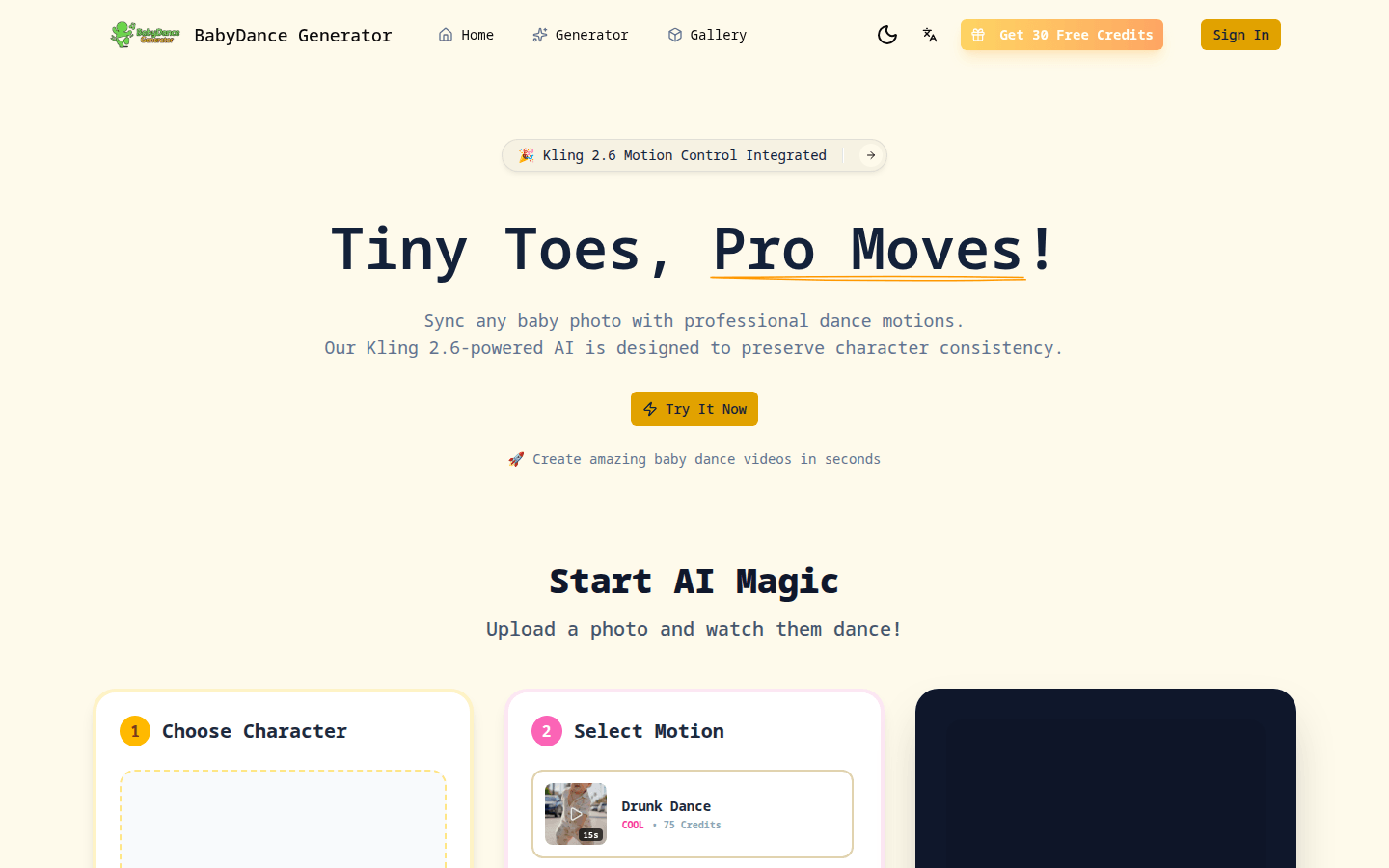
Screenshot archived from the listing page, for preview only.











