
Avif to JPG
Batch convert AVIF to JPG, PNG, or WebP offline in the browserConvert AVIF images in bulk without uploading them anywhere
Highlights
What you can do with it
- A web developer converts site AVIF images to JPG for older browsers
- A photographer turns AVIF shots into PNG for design software
- A user converts received AVIF files to WebP for social sharing
How to use it
- 1 Open the Avif to JPG website
- 2 Drag AVIF files onto the page or use the upload button
- 3 Pick the output format and adjust quality and size
- 4 Click Convert All, then download the converted files
Who it is for
Pros
- Free to use with no uploads, so files stay on your device
- Batch processing saves time on large sets
- Keeps transparency and offers quality control
Limitations
- Large batches depend on your device's performance
- It only converts formats, it does not edit images
- Very unusual AVIF files may not convert cleanly
What Avif to JPG is
Avif to JPG is a free, browser-based tool for converting AVIF images. It solves a common problem: AVIF is efficient, but some devices and software cannot open it. You drag AVIF files onto the page and convert them to JPG, PNG, or WebP in bulk. Everything runs locally in your browser, so files are never uploaded, which helps privacy and keeps conversion fast. It supports hundreds of images at once, keeps transparency for PNG and WebP, and lets you set output quality.
What you can do with it
- Batch convert hundreds of AVIF images in one pass.
- Convert to JPG for sharing, PNG to keep transparency, or WebP for size.
- Adjust output quality to balance file size and clarity.
- Drag and drop files and download the converted results.
Who it is for
- Web developers fixing AVIF compatibility on older browsers.
- Photographers converting many AVIF photos for editing.
- Everyday users whose devices or apps cannot open AVIF files.
What to watch out for
Because it runs in your browser, very large batches depend on your device's memory and speed, so huge sets may be slow. It converts formats but does not edit images, so cropping or retouching needs another tool. A few unusual AVIF files may not convert cleanly, and the tool is free with no guarantees, so keep your originals until you confirm the output. Name and archive exported files consistently so you can find and reuse them, and keep a backup copy of key data. When quality matters, export a small draft first to confirm the result before producing the final file. Save a backup of the original file before large batch jobs, and keep an exported copy of key results in case the page or service becomes temporarily unavailable.
FAQ
Is Avif to JPG free?
Yes. It is free to use and runs entirely in your browser.
Are my files uploaded?
No. All conversion happens locally in the browser, so images are not sent to a server.
What formats can I convert to?
You can convert AVIF to JPG, PNG, or WebP, and PNG and WebP can keep transparency.
What should I keep in mind?
Big batches use your device's resources, it only converts formats rather than editing, and rare files may not convert cleanly.
Why it is free
What the official page says: free to use
Free limits, trial length and features are decided by the official site and can change at any time.
Product preview
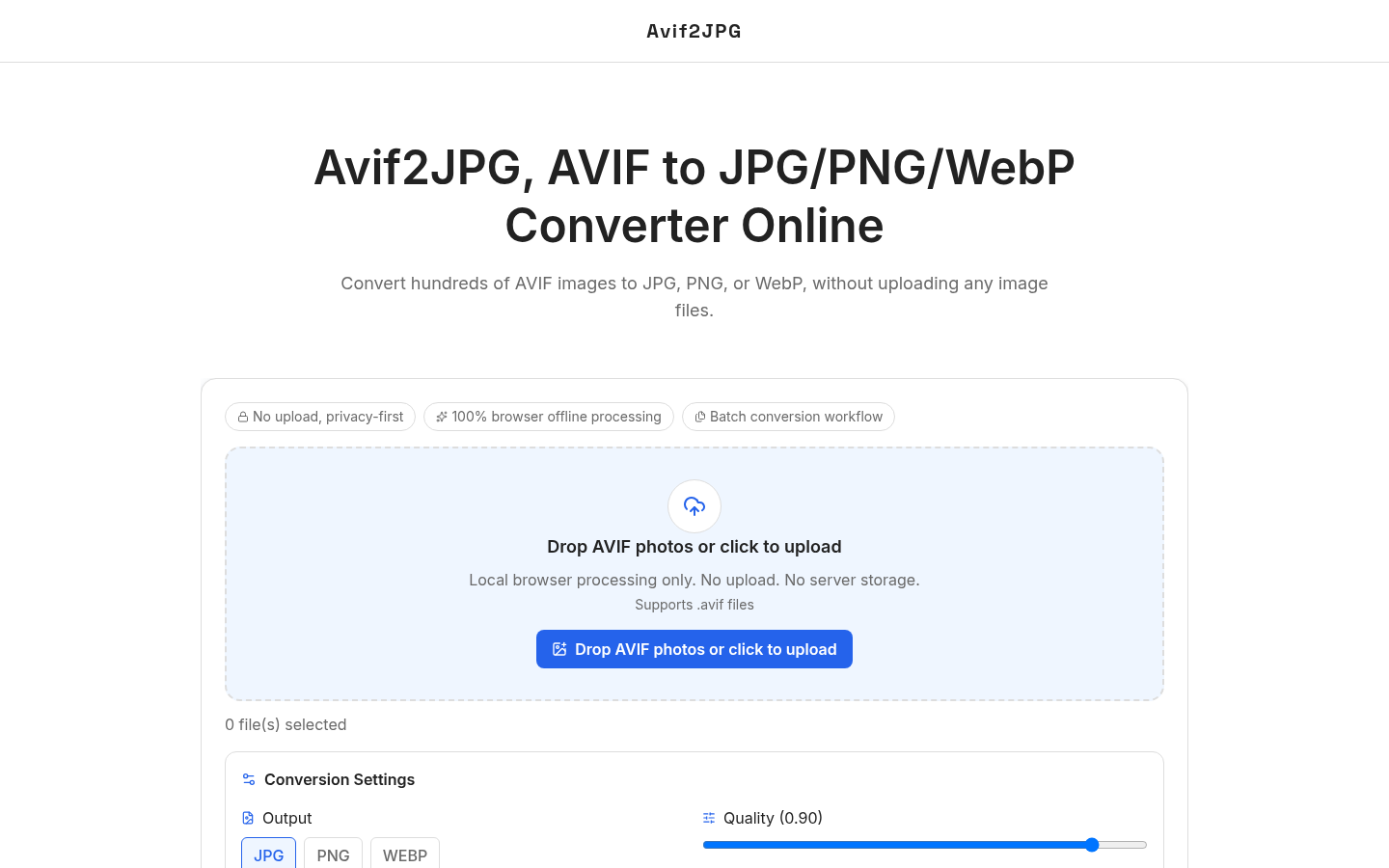
Screenshot archived from the listing page, for preview only.











