
Avclabs
Free automatic video background removalUpload a clip, drop the background
Highlights
What you can do with it
- Remove the background from a clip for an editor
- Place a presenter against different backgrounds
- Swap the background behind a product for advertising
How to use it
- 1 Open the Avclabs remove video background page
- 2 Upload the video clip you want processed
- 3 Wait for the automatic background removal to finish
- 4 Preview the result and download the cutout video
Who it is for
Pros
- Fully automatic, no masking or rotoscoping by hand
- Several common video formats accepted
- Free to use according to the listing
- Fast turnaround compared with manual editing
Limitations
- Automatic cutouts can struggle with fine detail such as hair or fast motion, so touch-up may be needed
- Free service terms can change without notice
- Uploading a video means your file is processed by the service
What Avclabs is
Avclabs is a free AI tool that removes the background from a video. You upload a clip and the system works out which part is the subject and which part is the background, then strips the background out, with no manual masking and no rotoscoping. That is the whole product, and it addresses the single most time-consuming step in compositing work. Several formats are accepted, including mp4, webm, ogg, and mov, so footage from most cameras and editors can be used without a conversion step first.
What you can do with it
- Remove the background from a video clip automatically
- Work with mp4, webm, ogg, and mov files
- Produce a clean subject ready for a new background
- Replace backdrops for presenters, products, or creative edits
Who it is for
- Video editors who need a fast subject cutout
- Content creators changing backgrounds without a green screen
- Advertising teams placing products against new settings
What to watch out for
Automatic cutouts are good but not perfect. Fine detail such as individual hairs, thin objects, and fast motion can produce ragged edges, and busy backgrounds that resemble the subject's colours confuse the separation, so plan for some manual clean-up on difficult shots. Because the video is uploaded, your file is processed by the service, which matters for confidential or unreleased material. As a free service, availability and limits can also change, so keep the original footage safe rather than treating the tool as your only copy. When quality matters, export a small draft first to confirm the result before producing the final file. Generated suggestions are for reference only, so verify anything that affects professional judgment or important data.
FAQ
Is Avclabs background removal free?
It is described as a free AI video background removal tool.
Which formats are supported?
mp4, webm, ogg, and mov.
Do I need to mask anything manually?
No. The removal is automatic, though fine edges may still need clean-up afterwards.
Why it is free
What the official page says: for free
Free limits, trial length and features are decided by the official site and can change at any time.
Product preview
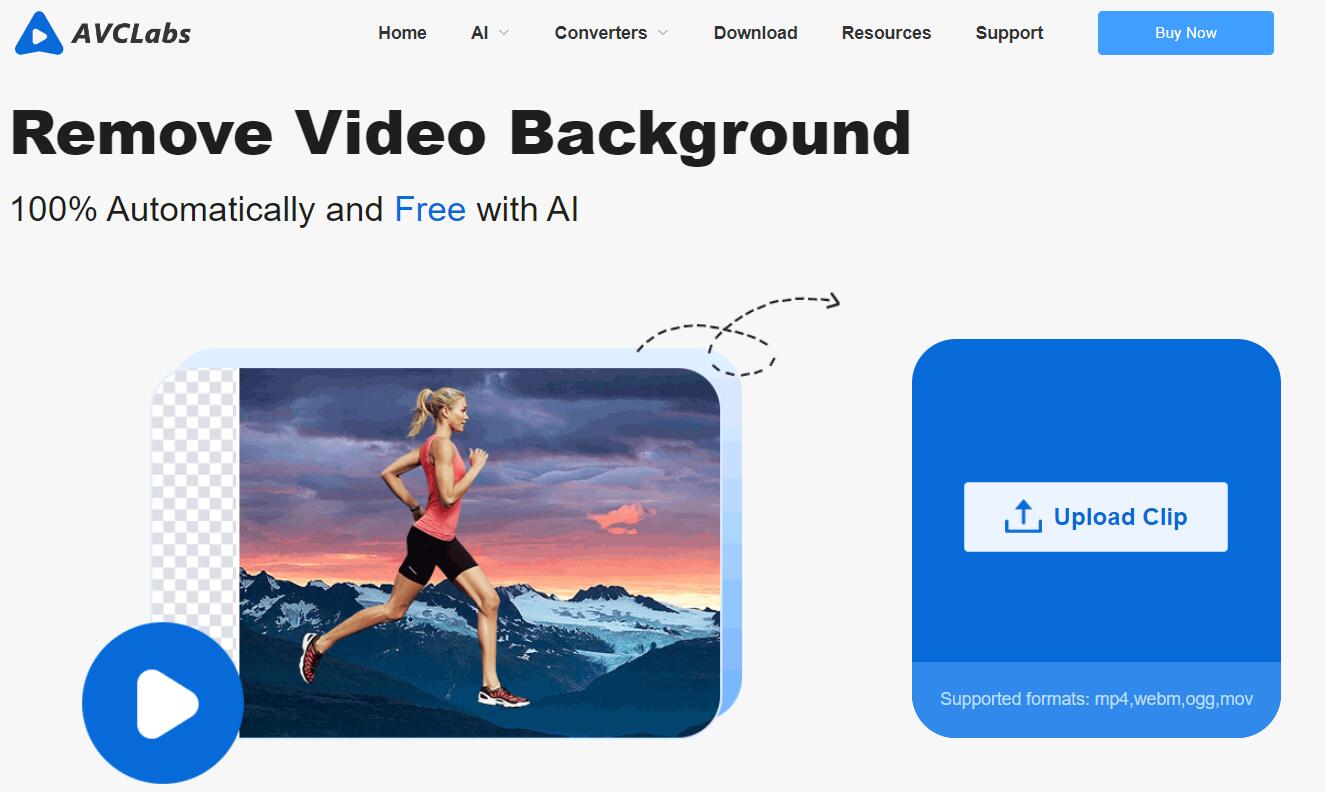
Screenshot archived from the listing page, for preview only.











