
Avatar 2
Turn photos into talking avatar videosRealistic talking avatars from one image
Highlights
What you can do with it
- Create videos without appearing on camera
- Make product demos and training videos
- Produce multi-language course content
How to use it
- 1 Upload a clear, front-facing portrait photo
- 2 Add audio, your voice, or text-to-speech
- 3 Let Kling Avatar 2 generate the talking video
- 4 Download and share the finished video
Who it is for
Pros
- Free trial with no credit card
- Fast generation and 50-language lip-sync
- Uploads are not stored or used for training
Limitations
- Free generations are limited and terms can change
- Realistic avatars can be misused; follow platform rules
- Clear front-facing images give the strongest results
What Avatar 2 is
Avatar 2 is an online tool powered by Kling Avatar 2 AI that turns static images into talking avatar videos, and it offers a free trial without a credit card along with a few free generations. It aims to give content creators, marketers, and educators a convenient way to make video content. Its main strengths are fast generation, high-level privacy protection, support for 50 languages, natural facial expressions, and videos up to 60 seconds. You can use your own voice, text-to-speech, or any audio file.
What you can do with it
- Turn a portrait photo into a talking avatar
- Sync lips to audio in 50 languages
- Create product demos and training videos
- Produce multi-language course content
Who it is for
- Content creators who avoid being on camera
- Marketers making demo and training videos
- Educators creating multi-language lessons
What to watch out for
The free trial gives a limited number of generations, and those terms can change over time. Because it can create realistic talking avatars, it could be misused, so follow the rules of any platform you post on and only use images and voices you have the right to use. Clear, front-facing photos give the strongest results. Check that generated content is labeled as AI where required. Generated suggestions are for reference only, so verify anything that affects professional judgment or important data. Start with a small sample to confirm the output meets your expectations before processing the full batch. For team use, agree on naming and editing conventions in advance to avoid version conflicts or duplicated work. Name and archive exported files consistently so you can find and reuse them, and keep a backup copy of key data.
FAQ
Is there a free trial?
Yes. It offers a free trial without a credit card and a few free generations.
What does Avatar 2 do?
It turns static images into talking avatar videos with natural expressions and lip-sync.
How long can the videos be?
It can generate videos up to 60 seconds long.
Why it is free
What the official page says: free trial
Free limits, trial length and features are decided by the official site and can change at any time.
Product preview
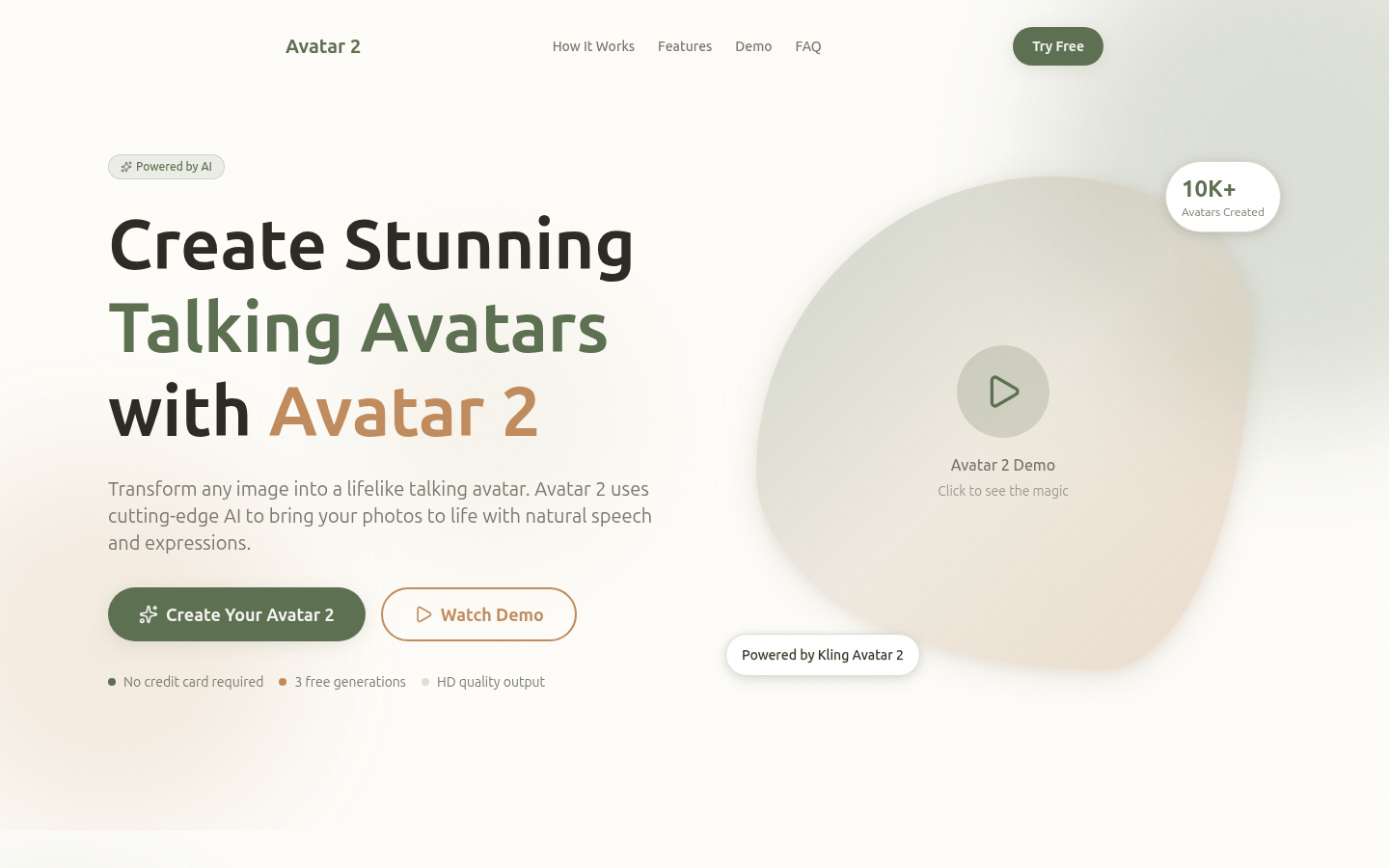
Screenshot archived from the listing page, for preview only.











