
Avanty
AI SQL assistant for Metabase analystsWrite and explain SQL inside Metabase
Highlights
What you can do with it
- Quickly generate a query such as a filtered employee list
- Correct syntax and get optimization suggestions
- Add comments and explanations to existing SQL
How to use it
- 1 Install the Avanty extension in Chrome.
- 2 Open Metabase and go to the SQL editor.
- 3 Describe the query you need and let Avanty generate it.
- 4 Check syntax and apply the optimization suggestions.
- 5 Add comments or ask for an explanation before you run it.
Who it is for
Pros
- Works directly inside Metabase
- Speeds up writing and editing queries
- Explains existing SQL in plain language
- Optimization suggestions included
Limitations
- It only works with Metabase, not other BI tools
- A free trial is followed by a paid version
- Generated SQL needs review before it touches production data
- Browser extension permissions reach the pages you open
What Avanty is
Avanty is an AI powered Chrome plugin designed specifically for Metabase data analysts. It helps you write, edit, understand, and comment on SQL queries, and it can generate SQL intelligently from a plain description of the result you want. Syntax checking and correction, query optimization suggestions, and a data dictionary with templates round out the feature set. The pitch is time: less effort spent producing a query, less spent editing one that almost works, and less spent trying to understand a query someone else wrote months ago. A free trial is offered, with a paid version that adds advanced features.
What you can do with it
- Generate SQL from a description of the data you need.
- Check and correct syntax as you type.
- Get optimization suggestions for slow queries.
- Add comments and plain language explanations to existing SQL.
Who it is for
- Metabase data analysts who write queries every day.
- BI and analytics team members maintaining shared questions.
- SQL learners working inside Metabase rather than a course.
- Anyone who has inherited queries they did not write.
What to watch out for
It only works with Metabase, so if your team uses another BI tool this is not the plugin for you. A free trial is followed by a paid version, so check what survives after the trial before you build a workflow around it. Generated SQL still needs review: a query that runs is not the same as a query that answers the right question, and anything touching production data should be checked by a person first. As a browser extension, it also has permissions on the pages you open, so install it from the official listing and read what it asks for.
FAQ
What does it work with?
It is a Chrome plugin designed for Metabase.
Is there a free trial?
Yes, a free trial is offered with a paid version for advanced features.
Can it explain queries I did not write?
Yes, commenting and explanation are listed features.
Who is it for?
Metabase data analysts and anyone who writes SQL inside Metabase.
Why it is free
What the official page says: free trial
Free limits, trial length and features are decided by the official site and can change at any time.
Product preview
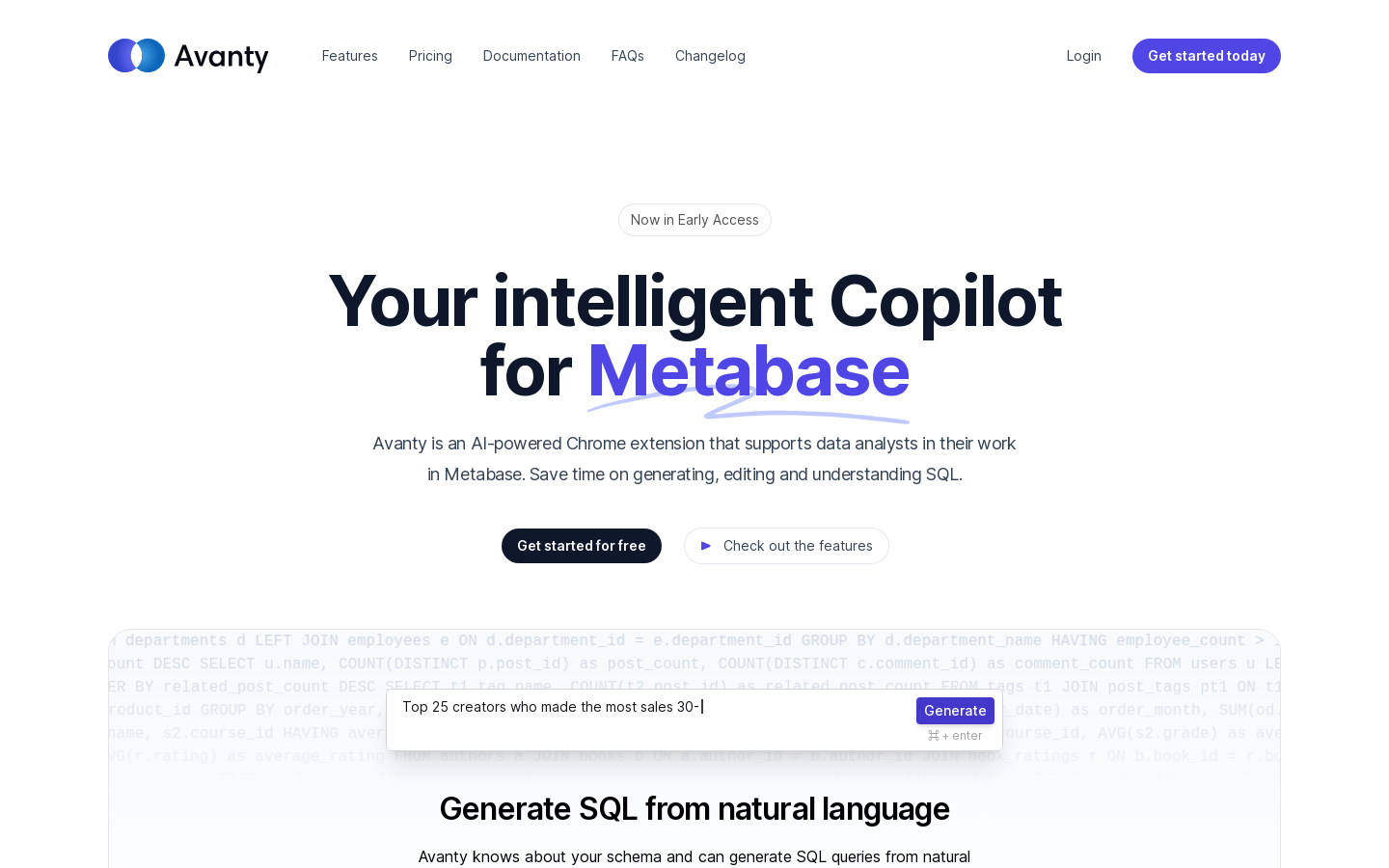
Screenshot archived from the listing page, for preview only.











