
Autotab
Browser automation builder in PythonAutomate web tasks without repetitive clicking
Highlights
What you can do with it
- Collect and analyze web data on a schedule
- Fill and submit forms automatically
- Monitor a website and get alerts on change
How to use it
- 1 Sign up and start the free trial
- 2 Define the browser task you want to automate
- 3 Configure data extraction or form filling steps
- 4 Run the automation and check the results
- 5 Schedule it for testing or monitoring
Who it is for
Pros
- Removes repetitive clicking and copying
- Covers extraction, forms, testing, and monitoring
- Python base fits existing developer workflows
Limitations
- Some Python or scripting knowledge helps
- Automating a site must respect that site's rules
- Free trial limits apply before subscription
What Autotab is
Autotab is a browser automation builder based on Python. Instead of repeating the same clicks and copy-paste routines, you define the task once and let it run. The tool covers web operations, data extraction, and form filling, and the same machinery supports automation testing and web monitoring. A free trial is offered, with subscription plans for ongoing use, and it is aimed at both individual users and enterprises.
What you can do with it
- Extract data from pages on a schedule.
- Fill and submit forms without manual entry.
- Run automated checks as part of a test pass.
- Watch a page and alert when something changes.
Who it is for
- Analysts and researchers who collect web data often.
- QA engineers who want repeatable browser tests.
- Operations teams that need to notice site changes quickly.
What to watch out for
Automation does not grant permission. Scraping or submitting forms on a site can breach its terms of service, and aggressive scheduling can look like an attack, so keep rates reasonable and check the rules of every target site. The free trial is time or usage limited, so plan your evaluation around a real recurring task. Finally, browser layouts change, which means automations break silently, so build in checks rather than trusting a script forever. Generated suggestions are for reference only, so verify anything that affects professional judgment or important data. Start with a small sample to confirm the output meets your expectations before processing the full batch. Save a backup of the original file before large batch jobs, and keep an exported copy of key results in case the page or service becomes temporarily unavailable.
FAQ
What is Autotab used for?
It builds browser automation for web operations, data extraction, and form filling.
Does it support testing and monitoring?
Yes, it is used for automation testing and web monitoring as well.
Is there a free trial?
Yes, the pricing includes a free trial and subscription options.
Why it is free
What the official page says: free trial
Free limits, trial length and features are decided by the official site and can change at any time.
Product preview
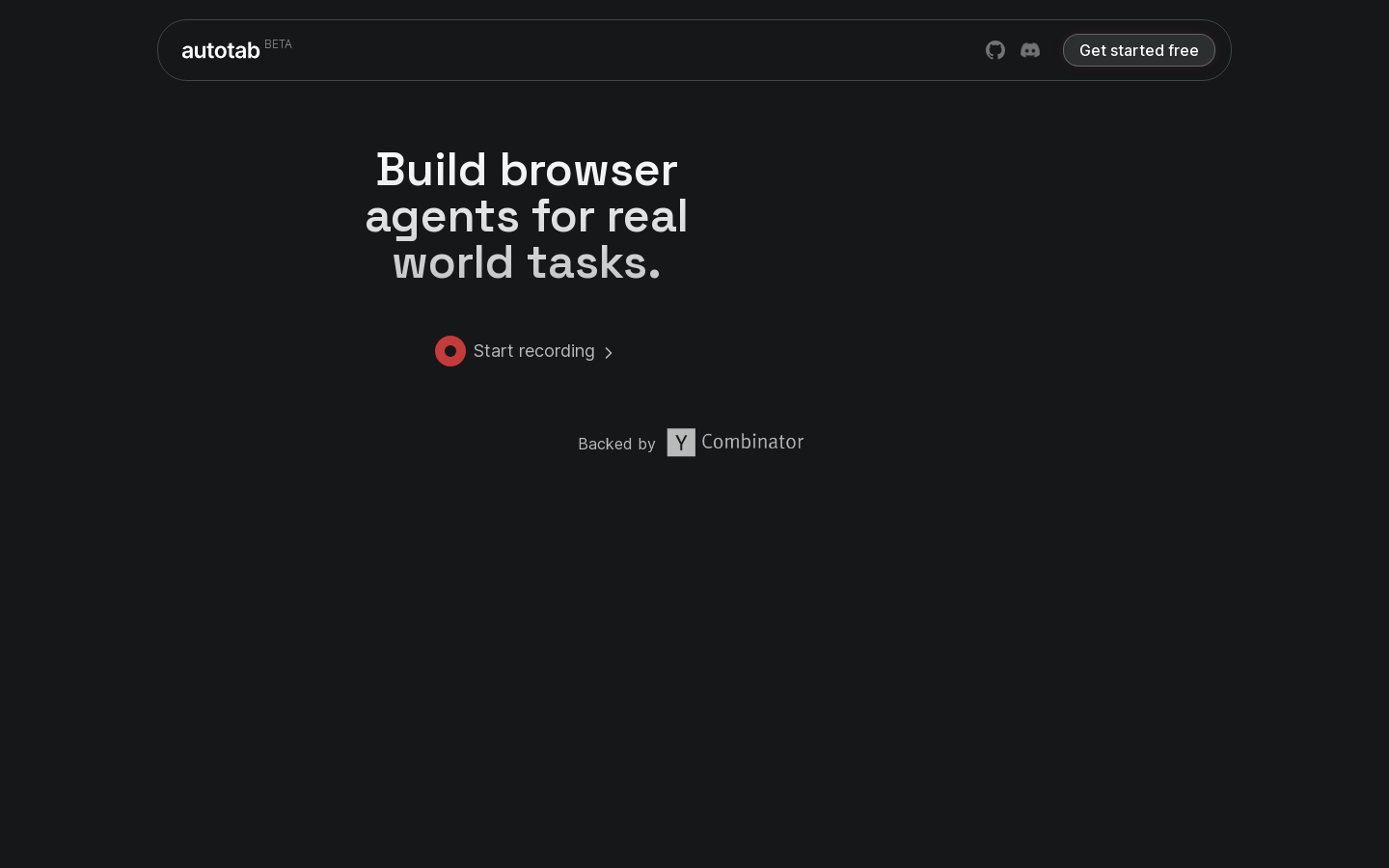
Screenshot archived from the listing page, for preview only.











