
Autoppt
AI PowerPoint slide generatorTurn a topic into a deck fast
Highlights
What you can do with it
- Build corporate report slides for a meeting
- Turn a research paper into a shareable deck
- Create course presentations for class
How to use it
- 1 Pick a theme or upload a document
- 2 Choose a template that fits your purpose
- 3 Customize text, color, and font in the online editor
- 4 Download the deck or generate a share link
Who it is for
Pros
- Turns a topic into slides in one step
- Converts existing PDF and Word files
- Online editing and sharing are built in
Limitations
- Free trial only; full use needs a subscription
- Generated layouts may need manual fixes
- Depends on an external service you do not control
What Autoppt is
Autoppt is an AI PowerPoint generator that creates designed slides from a single topic or an uploaded file. You type what your presentation is about, and the tool handles the design and layout so you do not start from a blank slide. It offers many templates, converts PDF and Word documents into PowerPoint, and lets you edit online. It supports more than 100 languages, and it uses a free trial plus a paid subscription so you can test it before committing. It is built to cut the time it takes to make a deck.
What you can do with it
Here is what you can do with Autoppt:
- Generate slides from a single topic
- Convert PDF and Word files to PowerPoint
- Edit text, color, and font in the online editor
- Download the deck or create a share link
Who it is for
It suits several groups:
- Professionals who build decks often
- Students and researchers sharing findings
- Teachers making course presentations
What to watch out for
Only a free trial is offered, and full use needs a subscription, so costs matter if you make decks regularly. Generated layouts are a starting point and often need manual fixes to match your content and brand. The tool depends on an external service you do not control, so availability and quality can change. Keep your own copy of any deck you plan to present, and check the current terms before you rely on it for important meetings. Name and archive exported files consistently so you can find and reuse them, and keep a backup copy of key data. When quality matters, export a small draft first to confirm the result before producing the final file.
FAQ
Is there a free trial?
Yes, it offers a free trial plus paid subscription options.
Can I upload a document?
Yes, it can convert PDF and Word files to PowerPoint.
How many languages?
It supports over 100 languages.
Why it is free
What the official page says: free trial
Free limits, trial length and features are decided by the official site and can change at any time.
Product preview
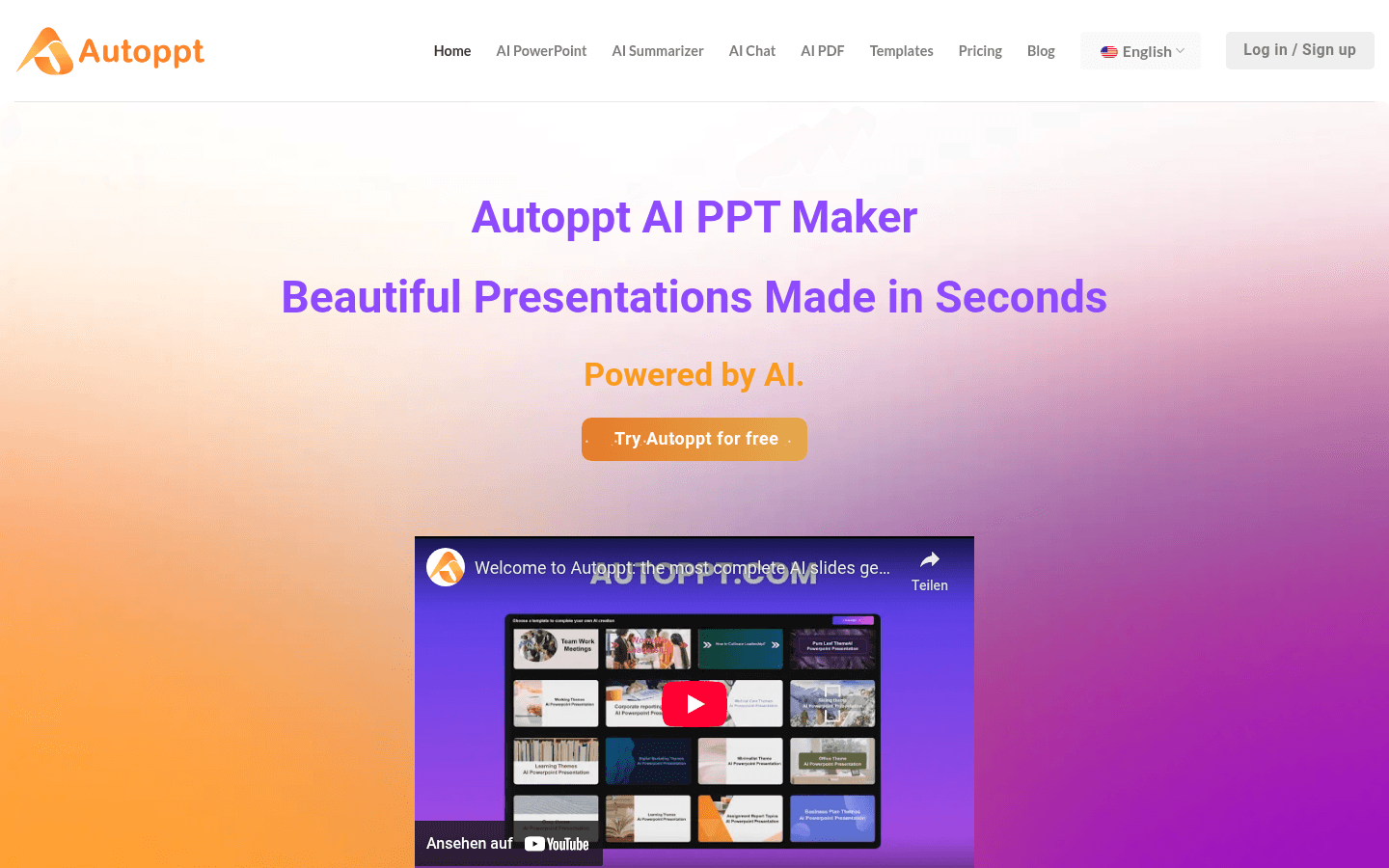
Screenshot archived from the listing page, for preview only.











