
Highlights
What you can do with it
- Watch a tutorial in a language you do not speak.
- Follow a technical talk where terminology matters.
- Use bilingual subtitles to pick up vocabulary while watching.
How to use it
- 1 Install the AutoDub extension in your browser.
- 2 Open a YouTube video.
- 3 Let the extension detect the source language.
- 4 Choose your target language and the dubbed or bilingual subtitle mode.
- 5 Watch; the translation work happens in the background.
Who it is for
Pros
- Works inside YouTube with no separate app or account.
- Wide language coverage at 42 dubbing languages.
- Free for individual use with no stated usage cap.
Limitations
- Free for individual use right now, but pricing or limits can change later.
- Dubbing quality depends on Google's translation model, so errors and awkward phrasing happen.
- Automated voices are not the original speakers, and republishing a video's audio in another language can sit awkwardly with the creator's rights and platform rules.
What AutoDub is
AutoDub is a browser extension built for YouTube. Its job is to translate a video and dub the audio so you can watch it in a language you understand, with bilingual subtitles as an option. The extension uses Google's current AI translation model together with neural voices, and the developer says it deals with technical terms reasonably well and gets better as the underlying model improves. Dubbing covers 42 languages, and the source language is detected automatically. Translation work runs in the background so playback is barely slowed down. There is no account or login, the developer states that user data is not sold, and individual use is described as completely free with no usage limits.
What you can do with it
- Watch a YouTube video dubbed into one of 42 supported languages.
- Turn on bilingual subtitles to follow both the original and the translation.
- Keep the original playback speed while translation runs in the background.
- Follow specialist or technical talks where the wording carries weight.
Who it is for
- Viewers who want YouTube content in their own language without hunting for subtitles.
- People watching technical or niche material where the wording matters.
- Language learners who use bilingual subtitles as a study aid.
What to watch out for
Machine dubbing is not the original performance. Neural voices will sound different from the speakers, and translation errors or awkward phrasing still happen, especially on fast speech, slang, or heavy jargon. The extension is free for individual use today, but that can change, so check the store listing before you depend on it. Since the tool produces a new audio track for a video you may not own, keep the original creator's rights and YouTube's own rules in mind; how you use the output is your responsibility.
FAQ
What does AutoDub do?
It is a browser extension that translates and dubs YouTube videos and supports bilingual subtitles.
How many languages does it support?
Dubbing in 42 languages, with automatic detection of the source video language.
Do I need an account?
No login is required, and the developer says user data is not sold. Individual use is described as completely free with no usage limits.
Why it is free
What the official page says: 完全免费免费
Free limits, trial length and features are decided by the official site and can change at any time.
Product preview
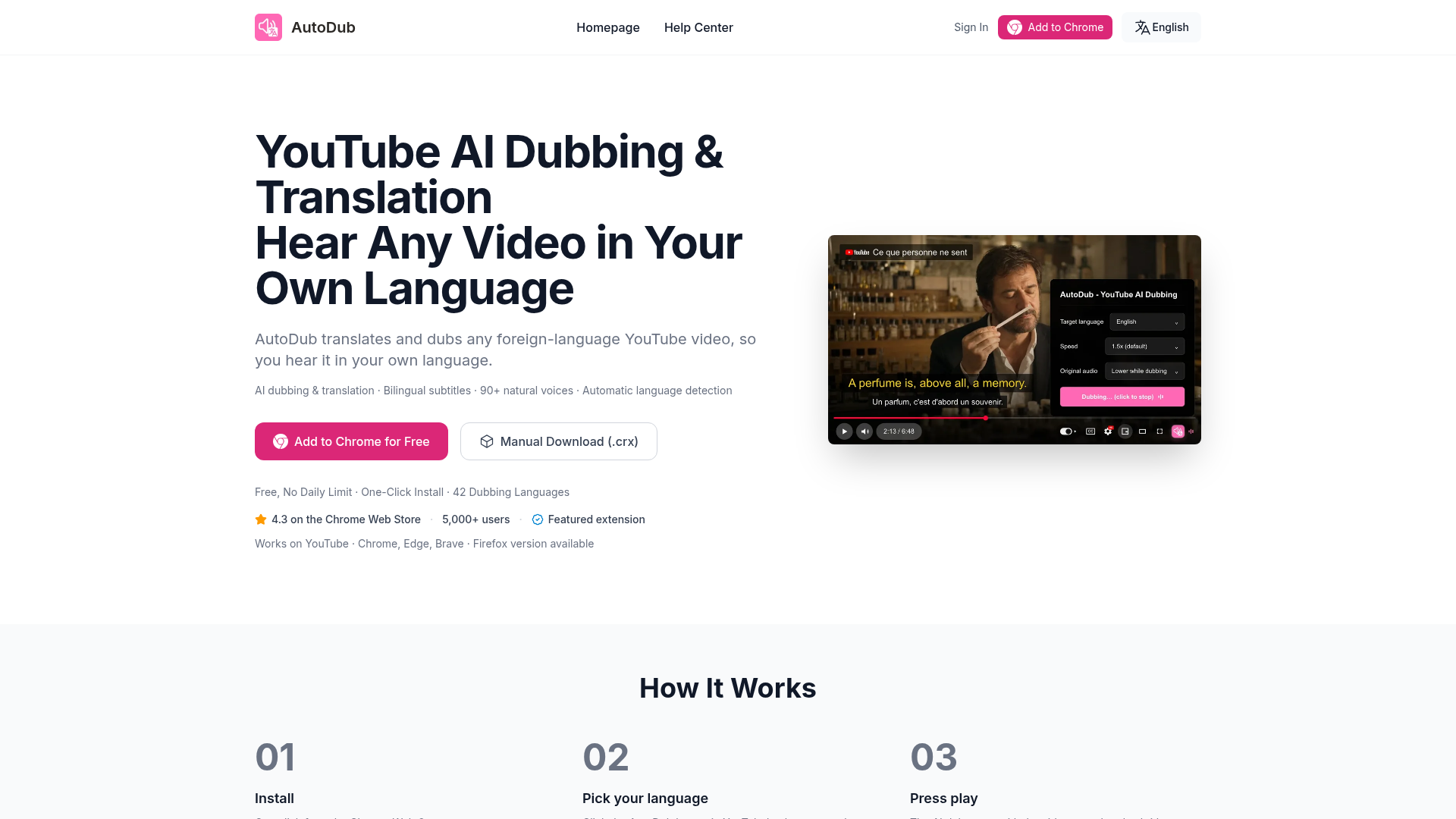
Screenshot archived from the listing page, for preview only.