
AutoCropper
Automatic cropper for scanned photo batchesSplit a scanned page into separate photos
Highlights
What you can do with it
- Digitising a family photo album
- Batch cropping a folder of scanned prints
- Preparing separated images for a slideshow or archive
How to use it
- 1 Open the AutoCropper site in your browser
- 2 Upload the scanned image containing several photos
- 3 Let the tool detect and split the individual photos
- 4 Adjust the crop size or position if the automatic box is off
- 5 Download the separated image files
Who it is for
Pros
- Free to use
- No install, it runs in the browser
- Batch support saves repeating the same job
Limitations
- Heavily overlapping or badly skewed prints need manual adjustment
- Result quality tracks the quality of your scan
- Free status and site availability can change
What AutoCropper is
AutoCropper is an AI-powered online tool for splitting scanned photos apart. You upload a scan that contains several prints, and it detects each one, crops it out, and saves it as a separate image file. On top of the splitting it corrects the image, detects and fixes rotation, and works in batches so you are not repeating the job one photo at a time. Nothing needs to be installed, and the site says upload and download are lossless. It is described as free and cross-platform.
What you can do with it
- Detect and segment multiple photos from a single scan
- Correct rotation automatically on crooked scans
- Process a whole batch of scans in one pass
- Adjust crop size and position when the automatic box is wrong
Who it is for
- Families digitising old photo albums at home
- Archivists and libraries processing scanned collections
- Anyone who has a folder of scans that needs cutting apart
What to watch out for
Detection works best on evenly spaced, well-separated prints. Overlapping photos, heavy scan borders, dark edges, or prints touching each other will confuse it, and you will end up dragging crop boxes by hand. The output is only as good as the scan, so a low-resolution or dusty original stays low-resolution and dusty afterwards. Since it is a free browser tool, availability and limits can shift, and uploading personal photos means sending them to a third party, which is worth thinking about for sensitive material. Features and interface details may change between versions, so review the latest notes on the page before you start. For team use, agree on naming and editing conventions in advance to avoid version conflicts or duplicated work.
FAQ
Is AutoCropper free?
The listing describes it as a free, cross-platform tool that runs in the browser.
Does it fix tilted scans?
Yes, it includes automatic rotation detection and correction.
Can it handle many photos at once?
It supports batch cropping of multiple photos in a single run.
Why it is free
What the official page says: 免费
Free limits, trial length and features are decided by the official site and can change at any time.
Product preview
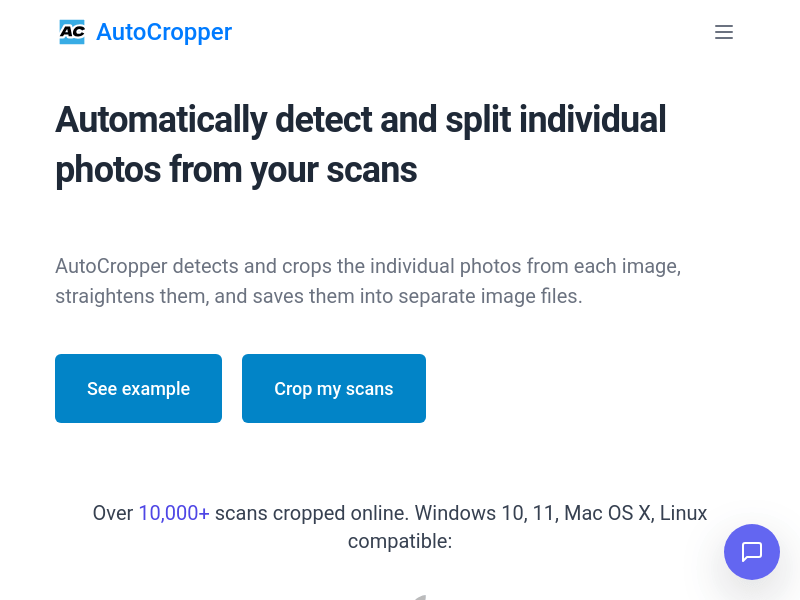
Screenshot archived from the listing page, for preview only.











