
Aura.build
AI landing page builder with templates, SEO, and one-click deployDesign AI landing pages, then deploy and publish in one click
Highlights
What you can do with it
- A developer builds a landing page for new software to attract downloads
- A marketer creates a campaign page and tunes SEO for more exposure
- A small business owner makes a professional page for products and services
How to use it
- 1 Visit the Aura.build site, register, and log in
- 2 Browse templates and pick a free or paid one that fits your needs
- 3 Personalize the layout, add content, and generate images and icons
- 4 Set SEO parameters for the page
- 5 Click the one-click deploy button to publish the page
Who it is for
Pros
- Free templates let you start without paying
- Visual editing means no complex code knowledge
- Built-in image and icon generation saves time
- SEO settings and one-click deploy speed up launch
Limitations
- Free and paid templates differ, and template access can change
- Generated images may not always match your brand, so review them
- SEO results depend on many outside factors beyond the tool
- Advanced layouts may still take time to get right
What Aura.build is
Aura.build is a landing page design tool powered by AI. There are free templates to start from, plus professional and paid options, so you can try the workflow without spending. You can browse templates across many styles and industries, generate images and icons, edit the page visually through a built-in content system without writing code, set SEO options, and deploy the finished page with one click. The site reports a large user base and aims the tool at developers, marketers, and small business owners who want a professional page fast.
What you can do with it
- Browse a wide range of templates, including free, professional, and paid options.
- Generate high-quality images and icons for your landing page visuals.
- Edit the design visually through the built-in content system, no code needed.
- Set SEO parameters to help the page rank and pull in traffic.
- Deploy and publish the page to the internet with one click.
Who it is for
- Developers building a landing page for a tool or product.
- Digital marketers creating pages for product or service campaigns.
- Small business owners who want a low-cost, professional web presence.
What to watch out for
Free templates are available, but the mix of free and paid templates can change, and some designs may require payment. Generated images and icons may not always match your brand, so review and swap them when needed. SEO settings help, but ranking still depends on many outside factors the tool cannot control. While no code is required, getting an advanced layout exactly right can still take time, and you should test the published page on mobile before you drive traffic to it.
FAQ
Are there free templates?
Yes. The platform offers free templates alongside professional and paid ones, and the mix can change over time.
Do I need to code to build a page?
No. The built-in content system lets you edit and adjust the design visually without complex code knowledge.
Can I publish the page directly?
Yes. After the design is done, a one-click deployment button publishes the landing page to the internet.
Why it is free
What the official page says: 免费
Free limits, trial length and features are decided by the official site and can change at any time.
Product preview
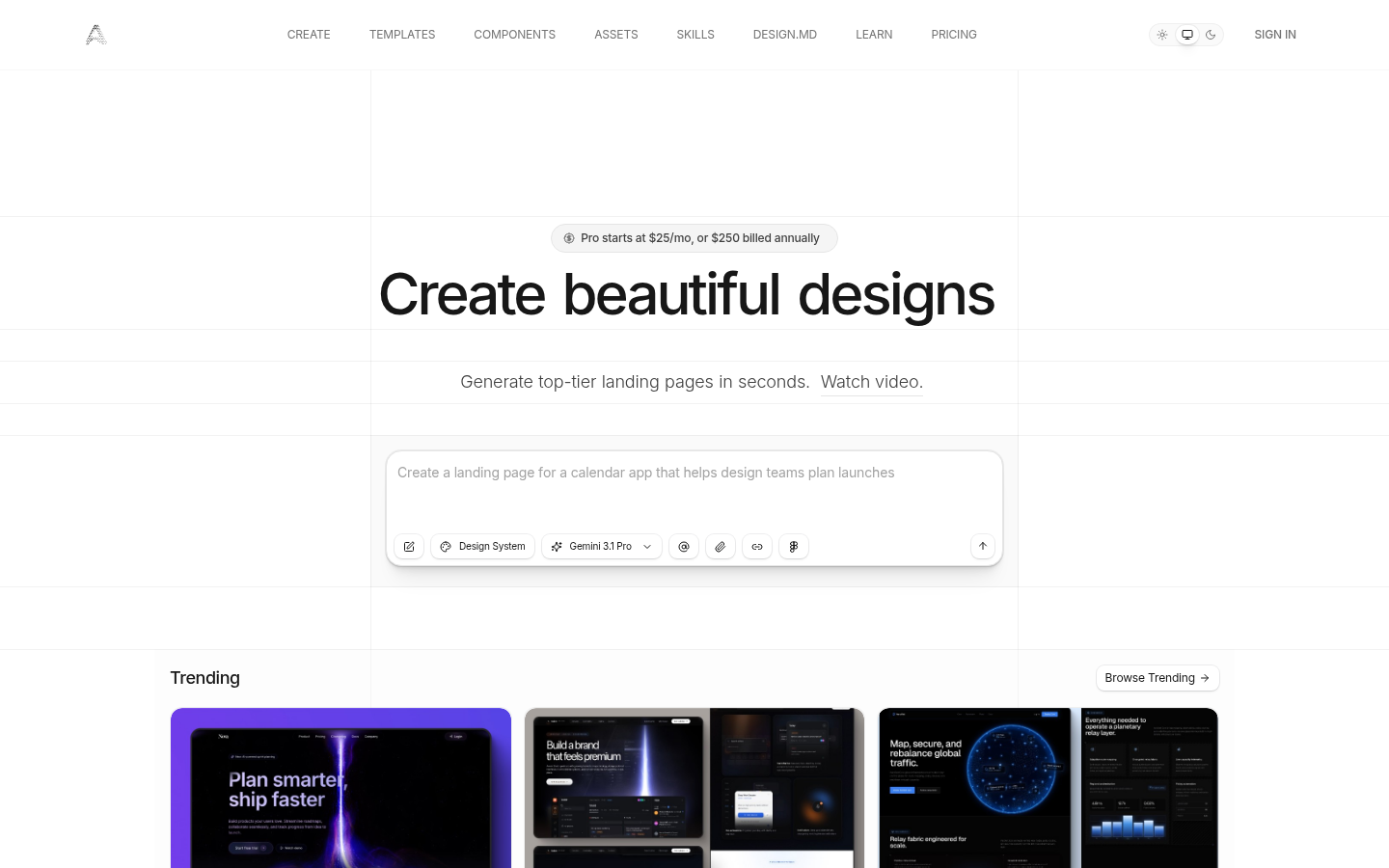
Screenshot archived from the listing page, for preview only.











