
Athena Desktop
Open source local-first AI coding toolkitLocal-first AI agents with persistent memory
Highlights
What you can do with it
- Developers managing several coding agents and switching between projects
- Data scientists orchestrating multi-agent work for complex analysis
- Tech enthusiasts reading the open source code and building on it
How to use it
- 1 Install Athena Code from the terminal using the install script
- 2 Pick the components you need, such as Desktop, Loops, or Whisper
- 3 Embed your coding agents in Athena Desktop and restore existing sessions
- 4 Let Athena Code save stable facts and recall them in later sessions
- 5 Use Athena Loops for parallel multi-agent work and Whisper for voice input
Who it is for
Pros
- Local-first storage keeps work history on your own machine
- Persistent memory means agents recall facts and decisions across sessions
- Open source code you can read, with an MIT licensed core
Limitations
- Self-hosted tooling assumes comfort with terminals and command line setup
- Many moving parts mean a real learning curve before it feels smooth
- Early stage components vary in polish and documentation
- Free status depends on current licenses, so verify before relying on it long term
What Athena Desktop is
Athena Desktop is an open source, locally prioritized AI tool ecosystem built by LuckeySystems. The idea is simple: keep the work on your machine. Rather than sending every session to a cloud service, the toolkit stores memory history and orchestration locally. Athena Code, the terminal coding agent, automatically saves stable facts and decisions, then recalls them during later interactions so you are not repeating context every time. Athena Desktop acts as the command room, embedding multiple native terminals and supporting agents such as Codex, OpenCode, Claude Code, and Hermes. Athena Code ships under the MIT license and other repositories publish their source, so the core experience is essentially free.
What you can do with it
- Run several AI coding agents from one desktop command room
- Keep persistent local memory of facts, decisions, and project context
- Use Athena Loops to break a goal into subtasks, run agents in parallel, and review results
- Dictate into any text field with Athena Whisper, which transcribes locally with Faster Whisper
- Search across sessions from Codex, Claude Code, OpenCode, and Hermes
- Track local usage limits for Codex and Claude Code on a dashboard
Who it is for
Developers who want a single local workspace for coding agents and dislike re-explaining project context. Data scientists who need parallel agent work for heavy analysis jobs. Tech enthusiasts who enjoy reading source code, forking it, and shaping tools to their own workflow.
What to watch out for
This is a toolkit, not a polished one-click app. Expect terminal commands, configuration, and a learning curve before the pieces fit together. Some components are early, so stability and documentation vary between repositories. The free status rests on the current licenses, and open source projects can change terms or scope over time, so verify the license before you build a long workflow on it. Because everything is local, backups and machine hygiene are your responsibility.
FAQ
Is Athena Desktop free?
Athena Code uses the MIT license and other repos publish source code, so core usage is essentially free.
Does it work offline?
It is locally prioritized, but agents may still need model access for coding help.
Which agents does it support?
Codex, OpenCode, Claude Code, and Hermes, among others.
What is persistent memory?
The agent saves stable facts and decisions locally and recalls them in later interactions.
Why it is free
What the official page says: 免费
Free limits, trial length and features are decided by the official site and can change at any time.
Product preview
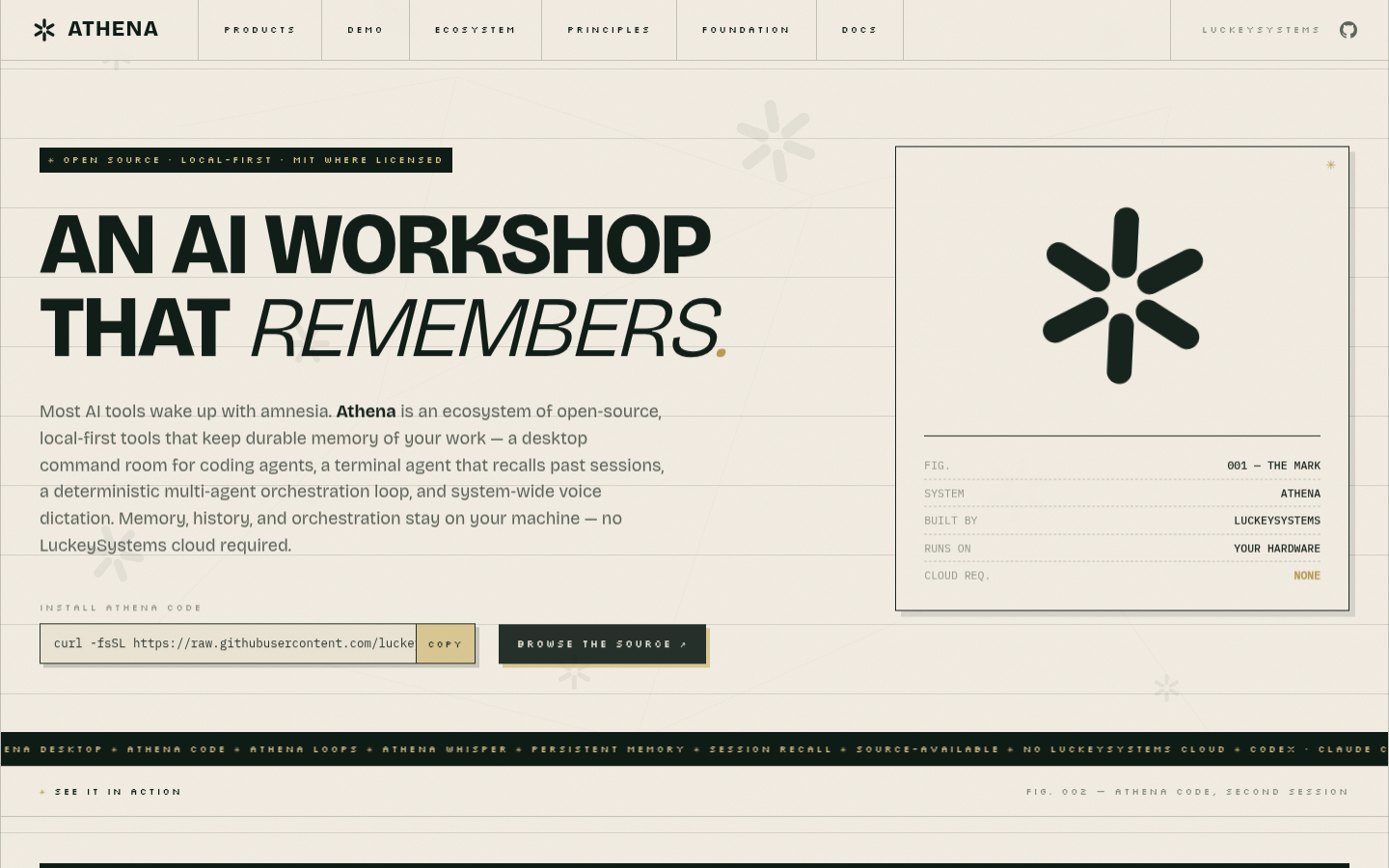
Screenshot archived from the listing page, for preview only.











