
AskVideo.ai
Free tool to chat with YouTube videosAsk questions and get answers from video transcripts
Highlights
What you can do with it
- Students learning from educational videos
- Researchers scanning talks and lectures
- Self learners who want answers fast
How to use it
- 1 Open the AskVideo.ai site
- 2 Paste the link to a YouTube video
- 3 Type your question about the video
- 4 Read the answer drawn from the transcript
Who it is for
Pros
- Free access
- Works on any YouTube video
- Quick answers from transcripts
Limitations
- Depends on transcript availability and quality
- Free access can change
- Answers may miss nuance or context
What AskVideo.ai is
AskVideo.ai is a free tool that lets you chat with any YouTube video. It works from the video's transcribed content, so you can ask questions about what was said and get answers quickly. The site presents it as a way to learn from videos, discover insights, and find key moments without watching everything. It is aimed at learning and research use, and access is free.
What you can do with it
- Ask questions about any YouTube video
- Pull key points from long videos in minutes
- Find specific moments through the transcript
- Use it for study, research, or quick reference
Who it is for
- Students learning from educational videos
- Researchers scanning talks and lectures
- Self learners who want answers instead of scrubbing a timeline
What to watch out for
Answers come from the transcript, so videos without captions or with poor audio will give weak results. The tool is free now, but free access can change. Transcripts can contain errors, and the summary may miss nuance or context that matters. Treat answers as a starting point and check the video itself before quoting anything. Generated suggestions are for reference only, so verify anything that affects professional judgment or important data. Start with a small sample to confirm the output meets your expectations before processing the full batch. Generated suggestions are for reference only, so verify anything that affects professional judgment or important data. Start with a small sample to confirm the output meets your expectations before processing the full batch. For team use, agree on naming and editing conventions in advance to avoid version conflicts or duplicated work.
FAQ
Is AskVideo.ai free?
Yes, the site describes it as a free tool.
How does it answer questions?
It uses the transcribed content of the YouTube video to respond.
What is it good for?
Learning and research, such as pulling key points from long videos.
Why it is free
What the official page says: 免费
Free limits, trial length and features are decided by the official site and can change at any time.
Product preview
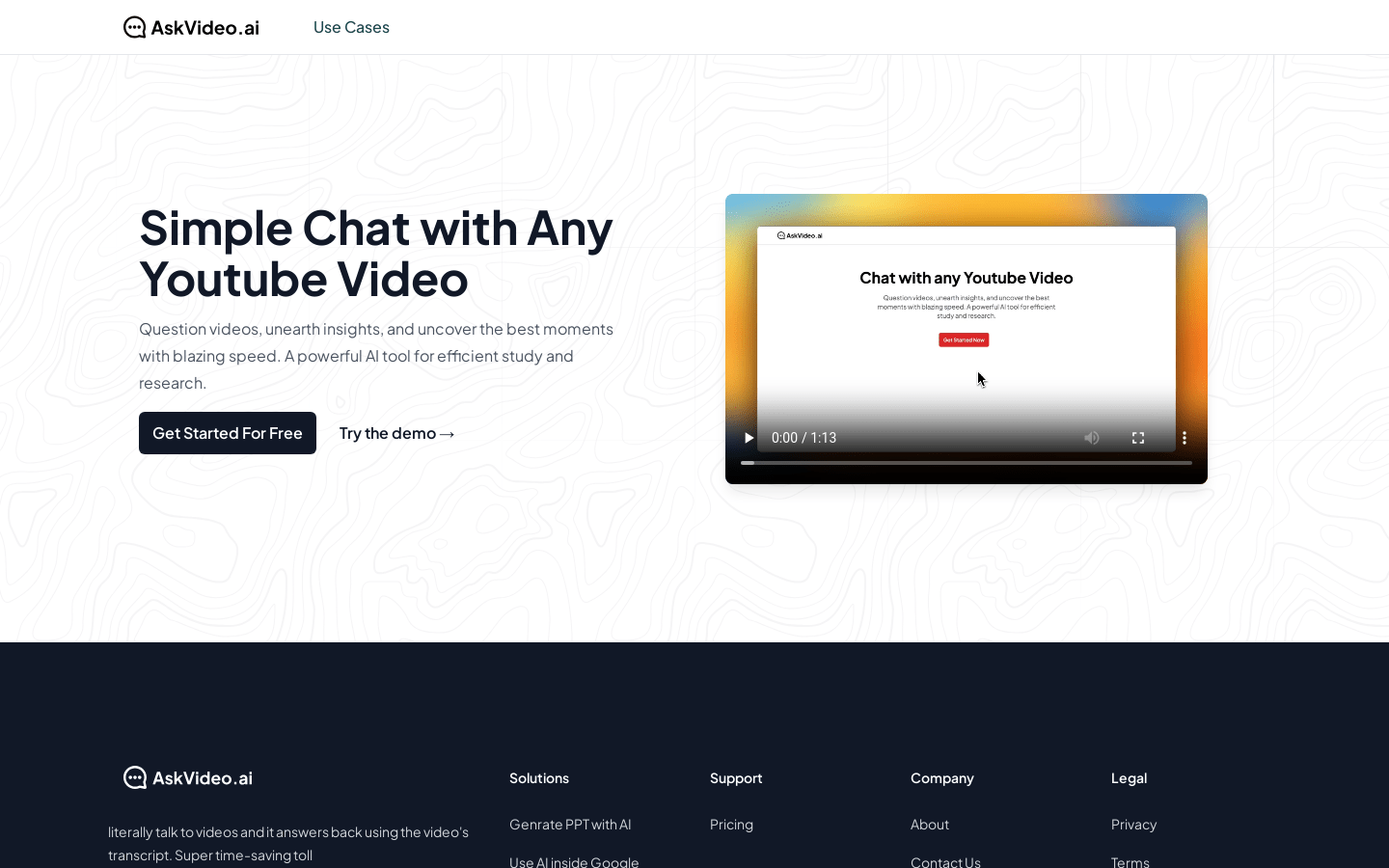
Screenshot archived from the listing page, for preview only.











