
Arvin AI
GPT-4 assistant browser pluginWrite, summarize, and make art
Highlights
What you can do with it
- Summarizing a long article while you are reading it
- Drafting a social post from a template
- Generating an image to accompany a message
How to use it
- 1 Install the plugin in your browser
- 2 Open the page or app where you are working
- 3 Pick a template or type your request
- 4 Review and edit the output
- 5 Save or send the result
Who it is for
Pros
- Described as free to use
- Templates shorten common writing tasks
- Works where you already browse
- Both GPT-4 and GPT 3.5 access is mentioned
Limitations
- Free terms and model access are not detailed in the listing
- Plugin behavior depends on the browser you use
- Output still needs a human check before sending
- Summaries can miss nuance in a long article
What Arvin AI is
Arvin AI is a browser plugin powered by GPT-4 that puts an assistant next to whatever you are already doing. Rather than opening a separate chat tab, copying text across, and copying the result back, you work in place: on the page, in the email box, or in the social composer. The plugin model matters because it removes the friction of switching contexts, which is where most people lose time when using a separate chat window. The listing describes it as free and frames it as a set of assistant capabilities rather than a single feature.
Those capabilities cover AI art, article summarization, and content creation. The plugin provides access to the latest GPT-4 and GPT 3.5 models along with a range of useful features, and it ships templates for common writing jobs so you are not starting from a blank prompt each time. Generating a Twitter post and composing a Gmail reply are the two examples named. It also supports image input, described as simple input of high quality images with flexible design adjustments, which extends it beyond pure text work.
What you can do with it
- Summarize an article while you are reading it
- Draft social posts from templates
- Compose email replies with assistance
- Generate images and adjust them
- Create longer content with GPT-4 or GPT 3.5
Who it is for
- Writers who summarize a lot of reading
- Social media users who post on a schedule
- People who answer a high volume of email
- Anyone who wants AI help inside the browser
- Users who prefer working in place over switching tabs
What to watch out for
The listing describes the plugin as free but does not detail usage limits or how model access is metered, so confirm current terms before depending on it for daily work. Plugin behavior depends on your browser and its version, and extensions can break after a browser update, so keep it maintained. Generated summaries can miss nuance in a long or technical article, and drafted email still needs a human read before it is sent, because tone mistakes are costly. If you use it for anything client facing, treat the output as a draft that you own and check. Finally, anything you paste into a third party tool should be material you are comfortable sharing, so check the privacy terms before using it with confidential text.
FAQ
What is Arvin AI?
A free GPT-4 powered plugin offering AI assistant features including AI art, article summarization, and content creation.
What templates are available?
The listing mentions templates for tasks such as generating Twitter posts and composing Gmail replies.
Does it handle images?
The listing says it supports simple input of high quality images and flexible design adjustments.
Is it free?
The listing describes Arvin AI as a free GPT-4 powered plugin.
Why it is free
What the official page says: 免费
Free limits, trial length and features are decided by the official site and can change at any time.
Product preview
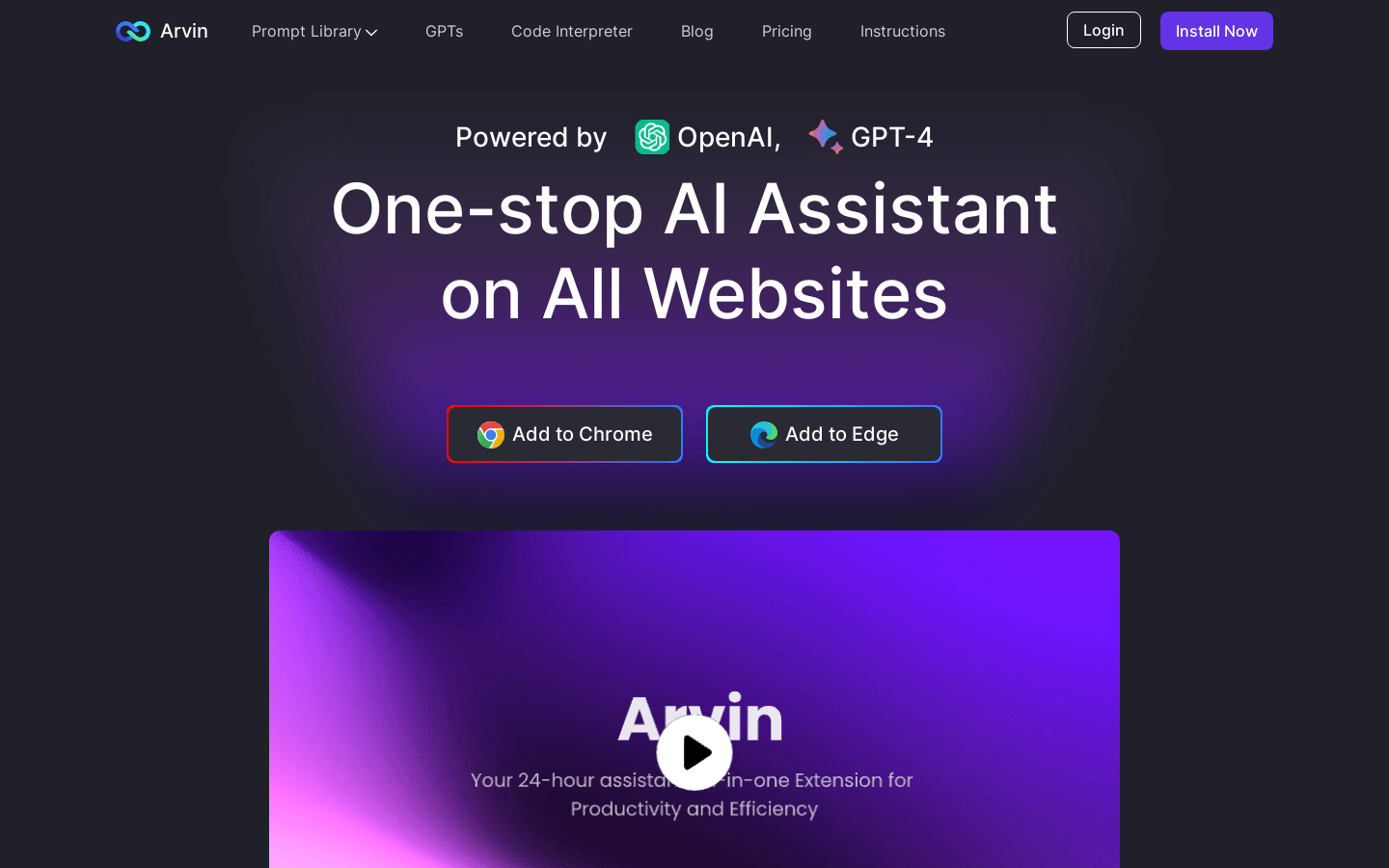
Screenshot archived from the listing page, for preview only.











