
Artisto
Free artistic video filter appTurn videos into art with AI filters
Highlights
What you can do with it
- Add an impressionistic filter to a travel video
- Turn a dance video into an anime effect for sharing
- Add festive effects to a birthday party video
How to use it
- 1 Open the Artisto app
- 2 Pick a photo or video clip
- 3 Choose an artistic filter
- 4 Export and share the result
Who it is for
Pros
- Free to use
- Automatic face and scene recognition
- Many artistic filters
- Easy export and sharing
Limitations
- Free status can change
- App availability can vary
- Filter quality depends on the source clip
- Automatic effects give less manual control
What Artisto is
Artisto is a free video editing app that provides a rich selection of artistic filters and effects. It uses advanced artificial intelligence to detect faces in videos and recognize scenes, then automatically adds various filter effects without requiring manual operation. The app is versatile for processing selfies, images, video clips, and animations, and it offers powerful features while staying easy to use. It supports exporting and sharing your creations, and filters include styles such as sketch and anime.
What you can do with it
- Apply artistic filters to images and videos
- Let AI detect faces and scenes automatically
- Turn ordinary clips into artistic styles
- Export and share your creations
Who it is for
- Social media users who want artistic clips
- People editing selfies and personal photos
- Creators making short video or animated works
- Anyone who wants a quick artistic look without manual editing
What to watch out for
The free status can change, and app availability can vary, so confirm the current listing before you plan a project. Filter quality depends on the source clip, and a low-resolution or busy video may give weaker results. Because effects are applied automatically, you get less manual control over exactly where and how a filter lands. Treat it as a fun, fast filter tool rather than a full manual editor. Free tiers and usage limits can change, so check the current rules on the official page before relying on it long term. Processing speed depends on file size and network conditions, so retry later if a task stalls during peak hours. Save a backup of the original file before large batch jobs, and keep an exported copy of key results in case the page or service becomes temporarily unavailable.
FAQ
Is Artisto free?
Yes, it is described as a free video editing app.
How do filters apply?
AI detects faces and scenes, then adds effects automatically.
What styles are available?
Styles such as sketch and anime, among others.
Can I share results?
Yes, you can export and share your creations.
Why it is free
What the official page says: 免费
Free limits, trial length and features are decided by the official site and can change at any time.
Product preview
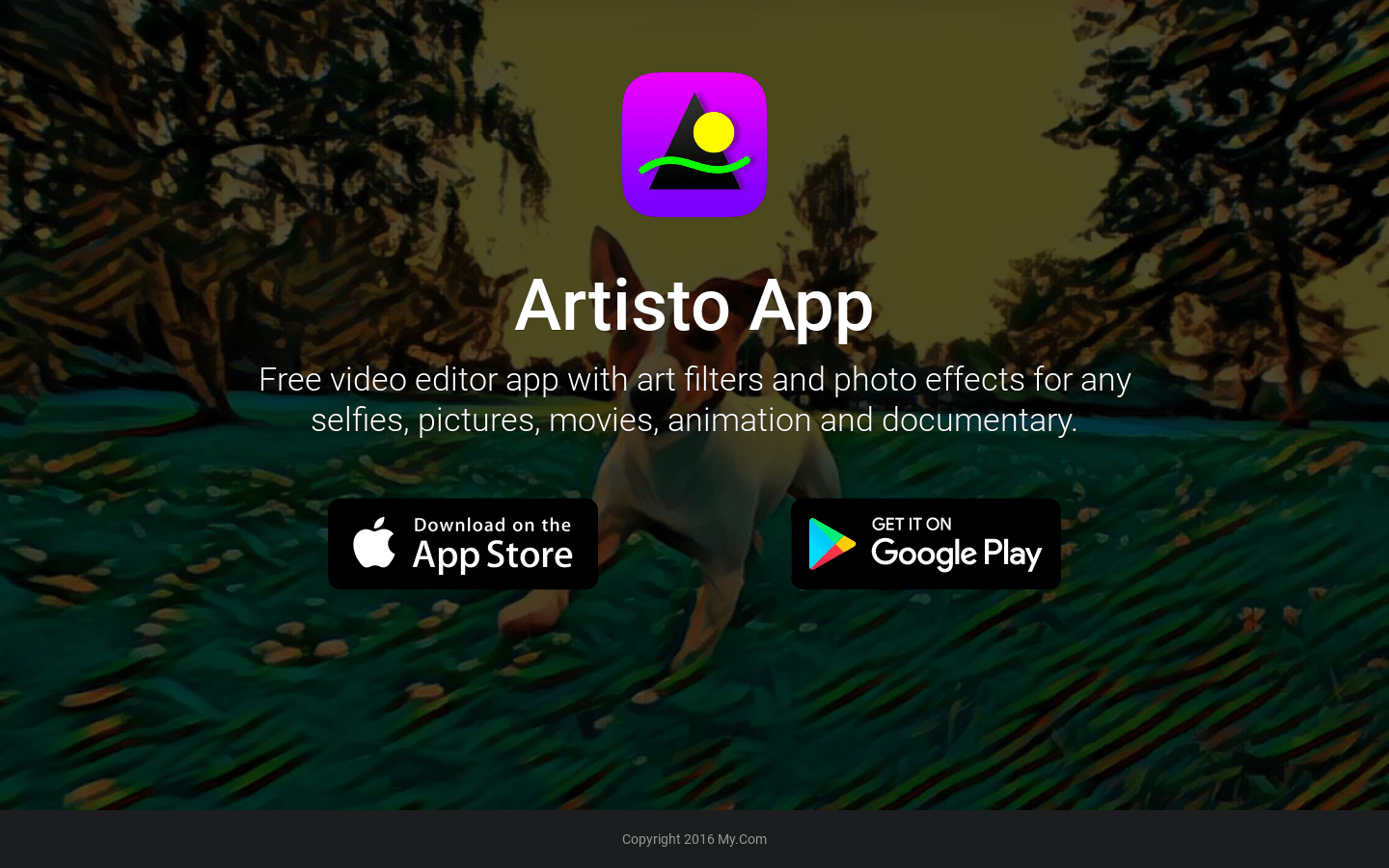
Screenshot archived from the listing page, for preview only.











