
Artedge AI
Free AI photo enhancer to 4K, no registrationFix blur and noise in about three seconds
Highlights
What you can do with it
- Social media users cleaning up photos before posting
- Photographers tidying up shots before delivery
- Anyone rescuing a blurry or noisy image quickly
How to use it
- 1 Upload the photo you want to improve
- 2 Let the AI analyse and process it
- 3 Wait roughly 3 seconds for the result
- 4 Download the enhanced image
Who it is for
Pros
- Free and no registration required
- Fast, around 3 seconds per image on average
- Simple operation with no editing skills needed
- Handles blur, noise, resolution, and detail in one pass
Limitations
- Free status can change, and the page sets no long term promise
- Enhancement cannot recover detail that was never captured
- Very damaged originals may still look artificial after processing
- Exact output limits such as file size and batch handling are not stated
What Artedge AI is
Artedge AI is a free online AI photo enhancer. You upload an image and the tool analyses it, then upgrades quality, repairs blur, removes noise, and improves resolution and fine detail, with output reaching 4K. The page says no registration is required and describes the operation as simple, so people who do not edit photos for a living can use it. Everything runs in the browser, so there is nothing to install. The site lists an average processing time of about 3 seconds per image. It is positioned for anyone with image quality needs, from professional photographers doing quick cleanups to social media users who just want a sharper post.
What you can do with it
- Enhance a photo up to 4K quality in one upload
- Repair blur and reduce noise automatically
- Improve resolution and recover visible detail
- Process images in roughly 3 seconds without signing up
Who it is for
- Social media users who want cleaner photos before posting
- Photographers who need fast fixes on a batch of shots
- Anyone holding a blurry or noisy image they want to rescue
What to watch out for
The page states the tool is free to use, but free offerings can change and no long term commitment is made, so treat the free status as current rather than permanent. Enhancement cannot invent detail that the camera never captured, so heavily cropped or low resolution originals will only improve so far. Aggressive processing on very damaged photos can look artificial, so compare the before and after before you publish. Exact limits such as file size, resolution caps, and batch handling are not spelled out on the page, which matters if you plan to run a large set of images through it.
FAQ
Is Artedge AI free?
The page describes it as free to use, with no registration required.
How long does processing take?
The site lists an average processing time of about 3 seconds.
What does it fix?
Blur, noise, resolution, and detail, with output up to 4K quality.
Who is it for?
Anyone with image quality needs, from professional photographers to social media users.
Why it is free
What the official page says: 免费使用免费无需注册
Free limits, trial length and features are decided by the official site and can change at any time.
Product preview
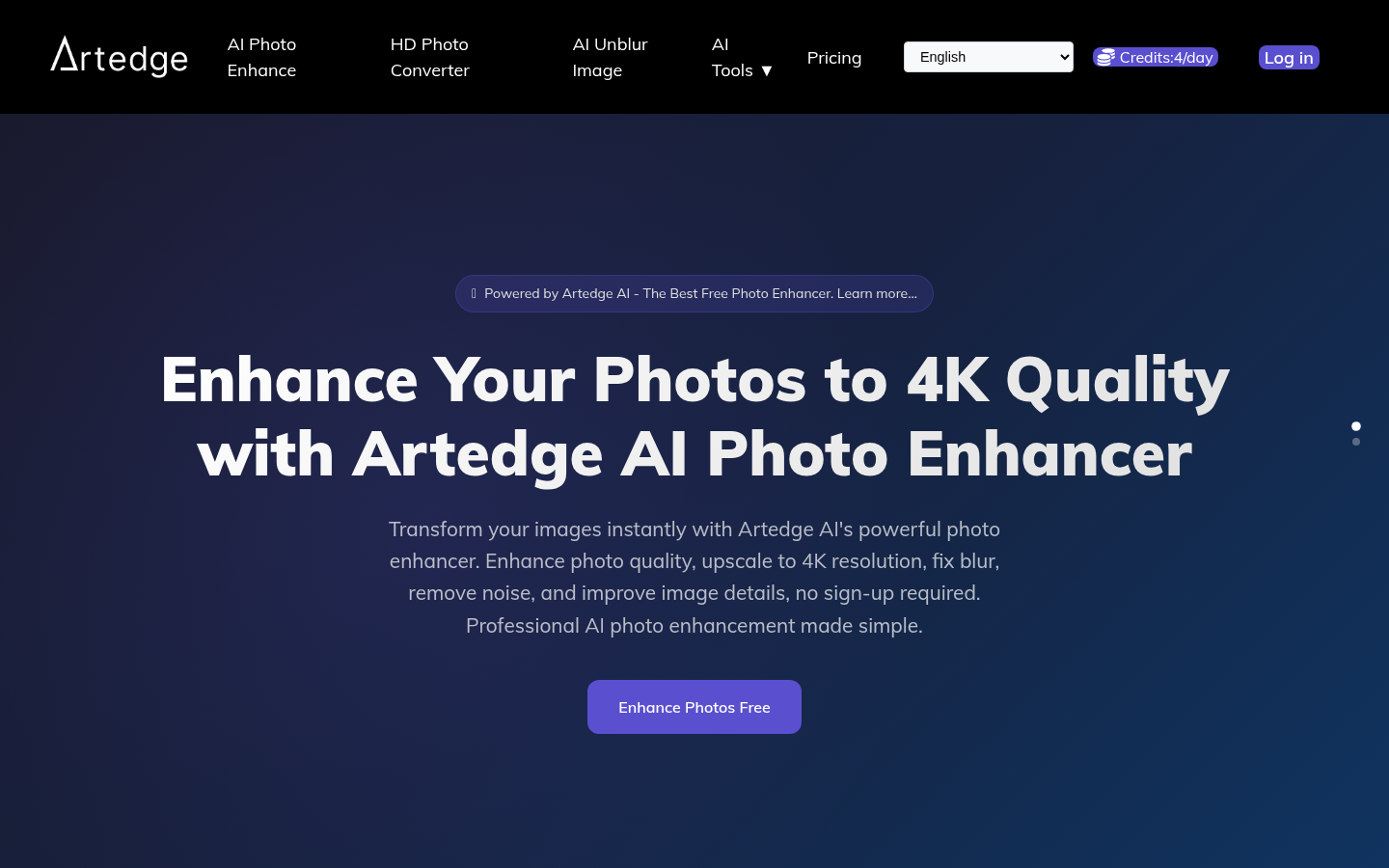
Screenshot archived from the listing page, for preview only.