
Argil Article to Video
Turn articles into videos with AI avatarsPaste a link, get a video for social
Highlights
What you can do with it
- Turn a blog post into a YouTube video
- Batch produce product intro videos
- Repurpose a press release into social clips
How to use it
- 1 Create an account and start the free trial.
- 2 Paste the article link to pull in the content.
- 3 Choose a virtual avatar for the video.
- 4 Let the AI edit with subtitles, media, and music.
- 5 Preview, then generate and share to social.
Who it is for
Pros
- Automates most of the editing work
- Avatars add a presenter without filming
- Bulk generation saves time
Limitations
- Free trial is limited and full use may be paid
- Avatar quality and voices can feel synthetic
- Repurposed content still needs a review pass
What Argil Article to Video is
Argil Article to Video is an online platform that uses AI to convert article content into videos, with the goal of boosting search rankings, increasing engagement time, and opening new acquisition channels. It automates most of the editing by adding subtitles, media, and music, and it offers personalized virtual avatars so a video can carry a presenter without filming. You start by pasting an article link, pick an avatar, and let the system generate, with options to produce videos in bulk and share straight to TikTok and YouTube. The aim is to create video content at minimal or no cost, and a free trial is available.
What you can do with it
- Paste an article link and turn it into a video.
- Add a virtual avatar as an on screen presenter.
- Auto generate subtitles, media, and music for the edit.
- Produce videos in bulk and share to social platforms.
Who it is for
- Content creators repurposing blog posts into video.
- Marketers batch producing product introduction clips.
- Businesses turning press releases and news into social content.
What to watch out for
The free trial is limited, so full or ongoing use may move to a paid plan; confirm current pricing before you scale up. Avatar delivery and voices can feel synthetic, so test whether the style fits your brand. Repurposed video still deserves a review pass for accuracy and tone before you publish it widely. Generated suggestions are for reference only, so verify anything that affects professional judgment or important data. Start with a small sample to confirm the output meets your expectations before processing the full batch.
FAQ
How do I start a video?
Paste the article link and the system extracts the content.
Is there a free option?
Yes, there is a free trial, and the tool aims for minimal or no cost.
Can I make many videos at once?
Yes, it supports generating videos in bulk.
Why it is free
What the official page says: 零成本
Free limits, trial length and features are decided by the official site and can change at any time.
Product preview
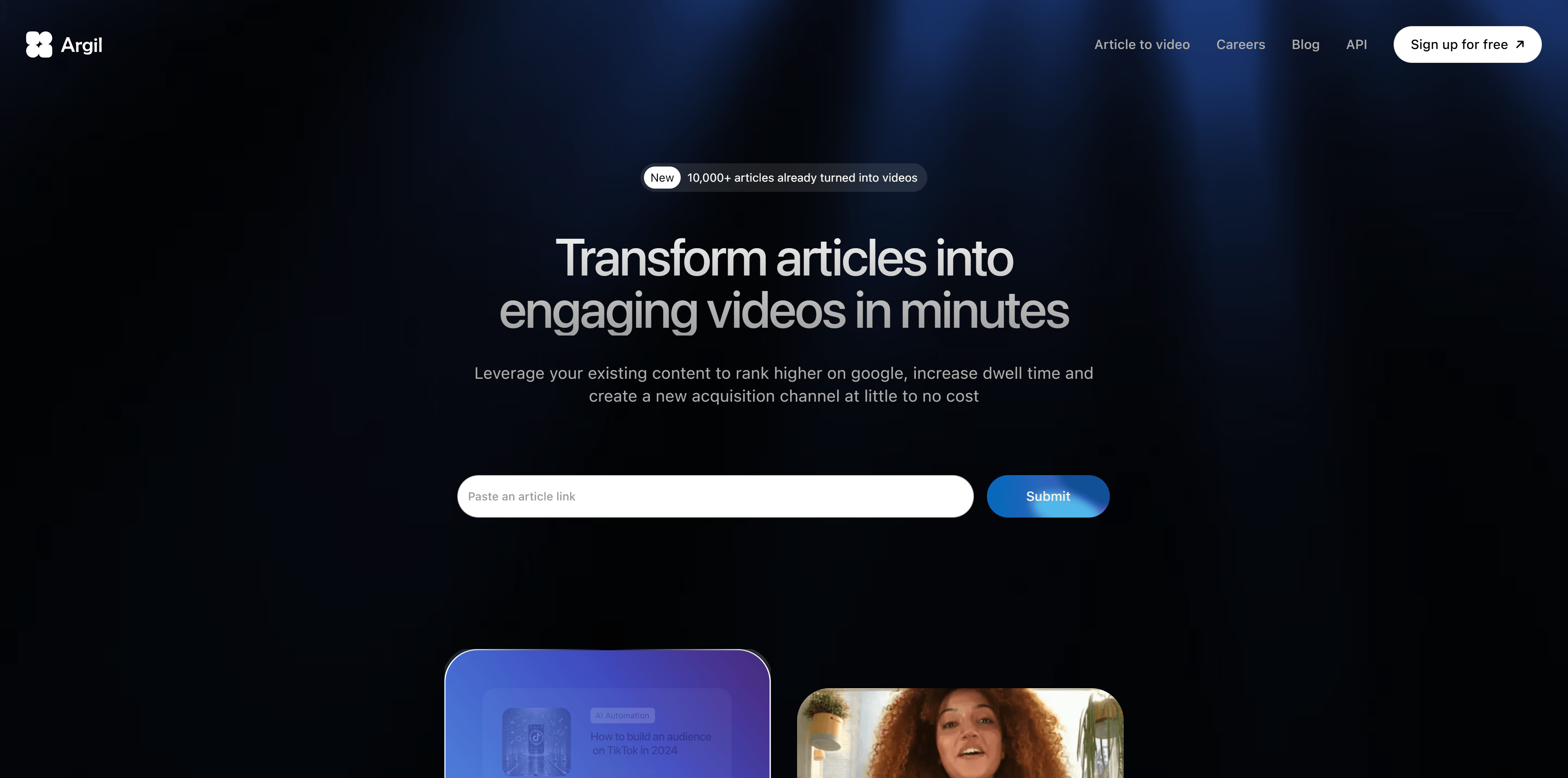
Screenshot archived from the listing page, for preview only.











