ArchVizr
Fast AI architectural renderingSketchUp, Revit, or CAD to a render in 20 seconds
Highlights
What you can do with it
- Present design options to clients with fast multi-light renders
- Turn a hand-drawn sketch into a realistic competition entry
- Show investors a project's potential in the pre-project stage
How to use it
- 1 Export a view from SketchUp, Revit, Rhino, or a sketch
- 2 Describe materials, season, and time of day
- 3 Download the render; fast mode gives a first frame in about 20 seconds
Who it is for
Pros
- Very fast first render, about 20 seconds
- Keeps your model's geometry and camera stable
- First rendering is free to try
Limitations
- The first rendering is free, but the later paid model is not detailed and can change
- Best mode is slower and heavier than fast mode
- Complex scenes may need cleanup for final presentation
What ArchVizr is
ArchVizr is an AI architectural rendering tool. You upload a file exported from SketchUp, Revit, or CAD, and it generates a realistic rendering in about 20 seconds while keeping the building's geometry and camera position stable. It treats your drawing as structure rather than inspiration, so the render matches the model you drew. You can transfer style from a reference photo or mood board, render under different lighting such as golden hour, cloudy, blue hour, or night, and produce interior, exterior, and landscape views. It works in three steps with no software install, and the first rendering is free.
What you can do with it
- Turn a SketchUp, Revit, or CAD view into a realistic render
- Keep geometry and camera position intact
- Apply style transfer from a reference image
- Render the same model under different lighting conditions
Who it is for
- Small architectural firms without a big visualization budget
- Architecture students preparing studio or competition work
- Real estate developers presenting early-stage projects
What to watch out for
The first rendering is free, but the later paid model is not detailed and can change, so confirm current pricing before regular use. Best mode is slower and heavier than fast mode, so plan time for final-quality images. Very complex scenes may still need cleanup for client-ready presentation. Because it relies on your exported view, clear line work and good material notes in your description produce better results. Free tiers and usage limits can change, so check the current rules on the official page before relying on it long term. Processing speed depends on file size and network conditions, so retry later if a task stalls during peak hours.
FAQ
What files can I upload?
You can export views from SketchUp, Revit, or CAD, screenshot Rhino, or use a sketch on tracing paper.
How fast is it?
Fast mode gives a first frame in about 20 seconds; best mode takes about two minutes for more detail.
Is the first render free?
Yes. The first rendering is free, though the later paid model is not detailed.
Why it is free
What the official page says: 免费
Free limits, trial length and features are decided by the official site and can change at any time.
Product preview
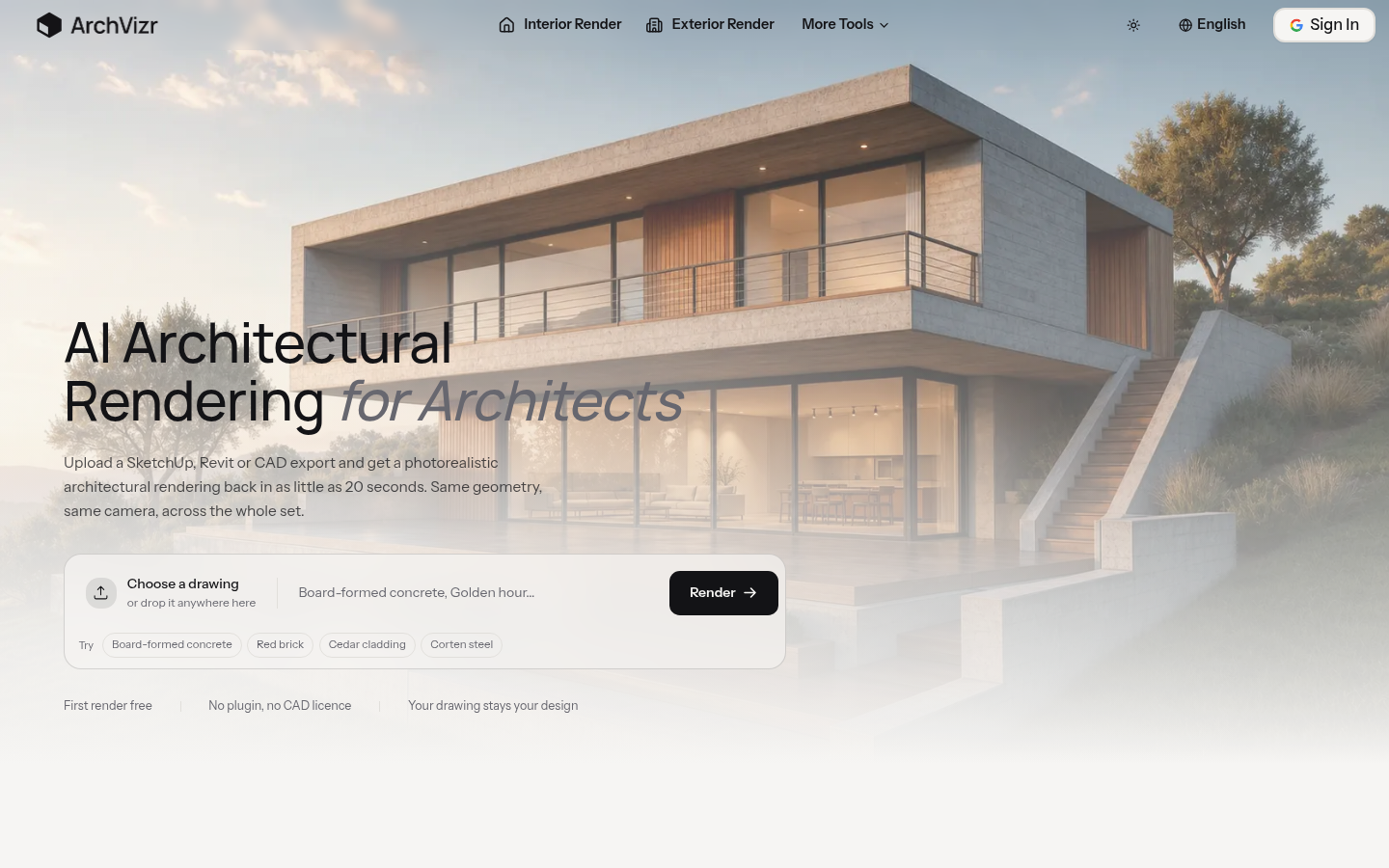
Screenshot archived from the listing page, for preview only.











