
ArchRender
AI rendering for architects and designersPhotoreal renders in seconds, no complex setup
Highlights
What you can do with it
- Architects generating multiple design scheme renders early in a project
- Interior designers producing interior renders from inspiration images and descriptions
- Design studios organizing renderings and source files in one project for collaboration
How to use it
- 1 Start a new rendering from a drawing or model, or edit an existing render or photo
- 2 Set the style, write a simple prompt for materials, or upload a mood board
- 3 Generate the render, iterate on details, and compare versions inside one project
- 4 Adjust the camera, field of view, and aspect ratio before export
Who it is for
Pros
- Fast rendering without complex lighting and scene setup
- Fine control over season, light, environment, and camera
- 4K output suited to presentations and printed marketing material
Limitations
- Paid plans are priced for professional use rather than casual one-off projects
- The site is young and access has not always been stable
- AI renders still need human review before they go to a client
- Free trial terms and pricing can change, so confirm before subscribing
What ArchRender is
ArchRender is an AI rendering tool for architects and designers. Instead of building complex lighting rigs and scene settings, you import a 3D model from common architectural software in formats such as OBJ, FBX, or GPL, pick an angle, and let the AI produce a realistic photographic result in a short time. The tool is aimed at people who need presentation quality visuals fast, from early concept options to polished client proposals. A free trial is available, and paid plans are structured in tiers with a discount when you pay annually.
What you can do with it
- Import 3D models and generate photorealistic renders from the best angle
- Change season and time of day to show how a design looks in different conditions
- Choose surrounding environments, from natural landscapes to developed settings
- Guide materials, style, mood, and lighting with plain language prompts
- Upload an inspiration board and let the AI read its colors, finishes, and style
- Export at 4K resolution for presentations, client proposals, and printed material
Who it is for
Architects who need several design options rendered quickly for client meetings. Interior designers who want to preview a room concept before committing to it. Design studios that juggle multiple projects and need files and versions organized in one place. Architecture and design students who want a simpler entry point into visualization without deep render engine knowledge.
What to watch out for
ArchRender is a professional tool, so the paid tiers are priced for commercial use rather than casual one-off projects. The free trial lets you test the workflow, but trial limits and plan pricing can change, so check the current terms before you subscribe. The service is young, and access has not always been stable. Generated renders are a starting point, not a final deliverable: textures, scale, and brand details still need a human eye before anything goes to a client or into print.
FAQ
Is there a free trial?
Yes. ArchRender offers a free trial before the paid plans.
What file formats can I import?
OBJ, FBX, and GPL models from common architectural software.
Can I control lighting and season?
Yes. You can set season, time of day, lighting, and the surrounding environment.
Can I reuse a look I like?
Yes. Custom prompts can be saved and applied to future renderings.
Why it is free
What the official page says: free trial
Free limits, trial length and features are decided by the official site and can change at any time.
Product preview
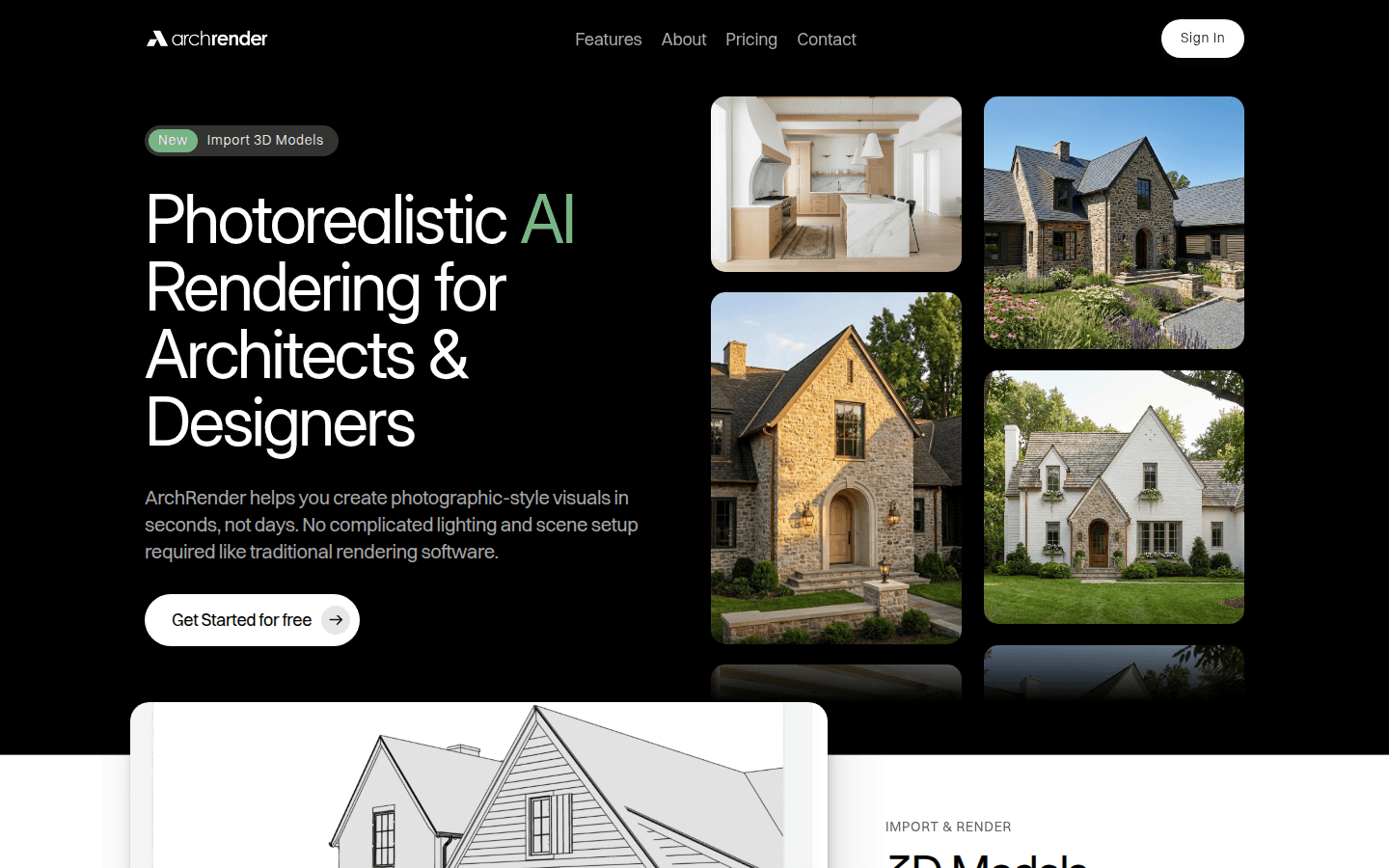
Screenshot archived from the listing page, for preview only.











