
Architect Render
AI architectural rendering toolRender designs from sketches and photos
Highlights
What you can do with it
- Turn a sketch into a realistic render
- Preview a design concept quickly
- Explore different looks for a project
How to use it
- 1 Sign up and start the free trial
- 2 Upload your image, sketch, or photo
- 3 Set the design focus you want
- 4 Generate the render and review it
Who it is for
Pros
- Turns simple input into realistic renders
- Fast, online generation
- Free trial to test quality
Limitations
- Free trial only; full use needs a plan
- Render quality varies with the input
- Depends on an external service you do not control
What Architect Render is
Architect Render is an AI-powered tool that generates realistic renderings from images, sketches, and photos you provide. It works as an online 3D rendering tool, using AI to create results quickly. The tool focuses on design elements, so it aims to produce unique, design-focused looks rather than generic output. It offers a free trial, so you can test the quality of the renders before choosing a plan. It is built for people who want to preview a design without a long render process.
What you can do with it
Here is what you can do with the tool:
- Turn an image, sketch, or photo into a realistic render
- Focus the output on design elements
- Generate renders quickly in the browser
- Explore different looks for the same input
Who it is for
It suits a few groups:
- Architects and designers previewing work
- People turning sketches into renders
- Anyone exploring design concepts fast
What to watch out for
Only a free trial is offered, and full use needs a plan, so costs matter for regular work. Render quality varies with the input, so a rough sketch may give a rougher result than a clean photo. The tool depends on an external service you do not control, so availability and quality can change. Keep your own copies of renders you like, and test a few inputs before a big project. Start with a small sample to confirm the output meets your expectations before processing the full batch. Free tiers and usage limits can change, so check the current rules on the official page before relying on it long term.
FAQ
Is there a free trial?
Yes, it offers a free trial.
What input does it take?
Images, sketches, and photos.
Who is it for?
Architects, designers, and anyone previewing design concepts.
Why it is free
What the official page says: free trial
Free limits, trial length and features are decided by the official site and can change at any time.
Product preview
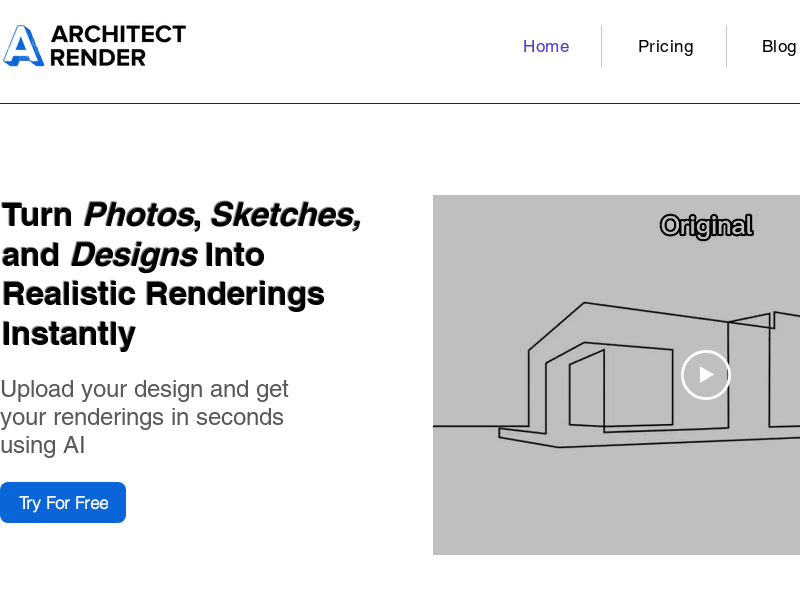
Screenshot archived from the listing page, for preview only.











