
AppWeaver
No-code platform for web and mobile appsDrag and drop your way to an app
Highlights
What you can do with it
- Build an internal workflow management system
- Develop a simple to-do application
- Prototype an MVP product quickly
How to use it
- 1 Open the AppWeaver site and create a project
- 2 Drag components onto the canvas
- 3 Configure data, logic, and page structure
- 4 Connect services, then deploy with one click
Who it is for
Pros
- No coding required to get a working app
- Multi-platform output from one project
- Free version for learning and small projects
Limitations
- The free version provides only basic functionality
- Complex or highly custom needs may exceed the platform
- The site was unreachable when checked, so verify availability
- Learning the component and data model takes time
What AppWeaver is
AppWeaver is a no-code development platform for people without a technical background. You assemble applications by dragging visual components onto a canvas, picking from interface templates, and configuring data and logic without writing code. The output is not limited to websites: the same project can produce web apps, mobile apps, and administration backends, with a single codebase covering web, iOS, and Android.
What you can do with it
- Drag and drop components to build an interface
- Create web apps, mobile apps, and admin backends
- Use templates to skip blank-page setup
- Integrate third-party services
- Deploy to the cloud with one click
Who it is for
- Non-technical users building a first application
- Small teams that need internal tools quickly
- Startups prototyping an MVP before hiring developers
- Students learning no-code development
What to watch out for
The free version covers basic functionality, so anything with real users or custom logic likely needs the premium plan. No-code platforms trade control for speed, and complex requirements, unusual integrations, or precise performance targets can run into platform limits that you cannot code around. Learning the component and data model is its own task, so budget time beyond the first drag-and-drop session. The site was unreachable when checked, so confirm it is live before planning around it. Name and archive exported files consistently so you can find and reuse them, and keep a backup copy of key data. When quality matters, export a small draft first to confirm the result before producing the final file. Save a backup of the original file before large batch jobs, and keep an exported copy of key results in case the page or service becomes temporarily unavailable.
FAQ
Do I need to code?
No, AppWeaver is a no-code platform built on drag-and-drop components.
What can I build?
Web apps, mobile apps, and administration backends.
Can one project cover multiple platforms?
Yes, a single codebase can generate web, iOS, and Android apps.
Why it is free
What the official page says: free version
Free limits, trial length and features are decided by the official site and can change at any time.
Product preview
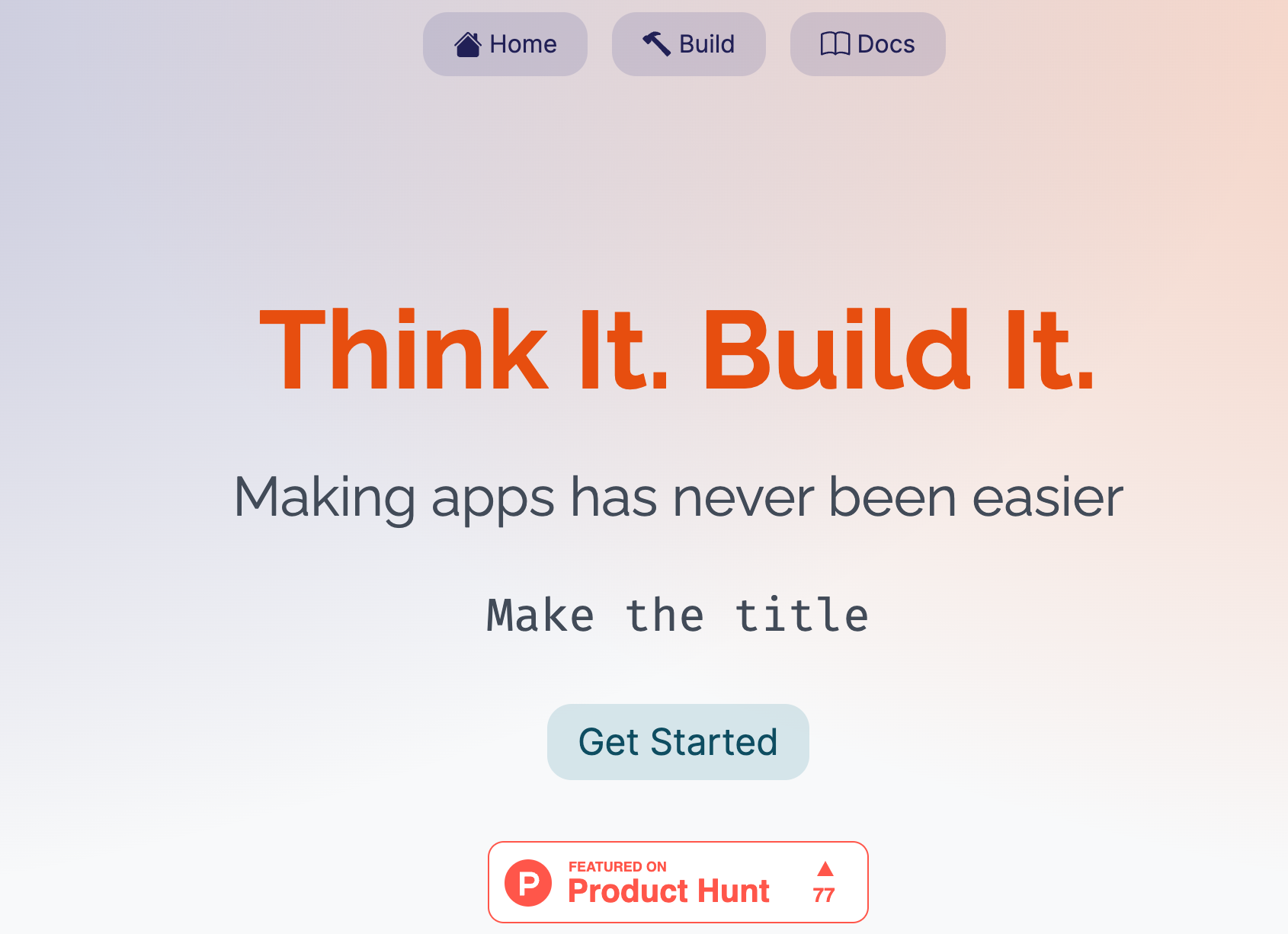
Screenshot archived from the listing page, for preview only.











