
Appified
Turn an OpenAI assistant into an appPublish your assistant as a web app
Highlights
What you can do with it
- Publishing a personal assistant as a business app
- Embedding support chat on a website
- Selling access to an AI assistant
How to use it
- 1 Connect your OpenAI account
- 2 Choose the assistant you want to publish
- 3 Embed it or share a link
- 4 Add Stripe if you want to charge
- 5 Track usage and users in the dashboard
Who it is for
Pros
- No code required
- You keep your own data and assistant
- Built in path to charging users
Limitations
- Pricing has not been announced yet
- Depends on your OpenAI account and its costs
- Requires an assistant that is already well built
What Appified is
Appified is a platform that turns an existing OpenAI assistant into a web application, with no code required. You connect your OpenAI account, choose the assistant you want to publish, and then either embed it in a website or share a link with your users. Because it runs on your own OpenAI account, you keep ownership of the data and the assistant itself. Users can interact on any device and see past conversation history. If you want to charge for access, you connect a Stripe account and Appified handles payments and user management. A dashboard tracks how the assistant is performing. Pricing has not been announced, but building is free to start.
What you can do with it
- Publish an existing assistant as a web app without code
- Embed it in a site or share a direct link
- Charge for access through Stripe
- Manage users and track assistant performance in one dashboard
Who it is for
- People with an OpenAI assistant and no time to code
- Businesses that want support chat on their site
- Anyone who wants to sell access to an assistant
What to watch out for
Pricing has not been announced, so there is no guarantee the current free build access will last. The product depends on your OpenAI account, which means API usage costs and rate limits sit with you, and changes to OpenAI terms affect what you can build. It publishes an assistant you already have, so it does not fix a poorly designed assistant: quality is still your job. Treat payment and user data handling as your responsibility, review the terms before you charge anyone, and check what happens to conversation history if you stop paying.
FAQ
Do I need to code?
No, Appified is a no code platform.
Who owns the data?
You do, because it connects to your own OpenAI account.
Can I charge users?
Yes, you can add a Stripe account to charge for access.
Why it is free
What the official page says: for free
Free limits, trial length and features are decided by the official site and can change at any time.
Product preview
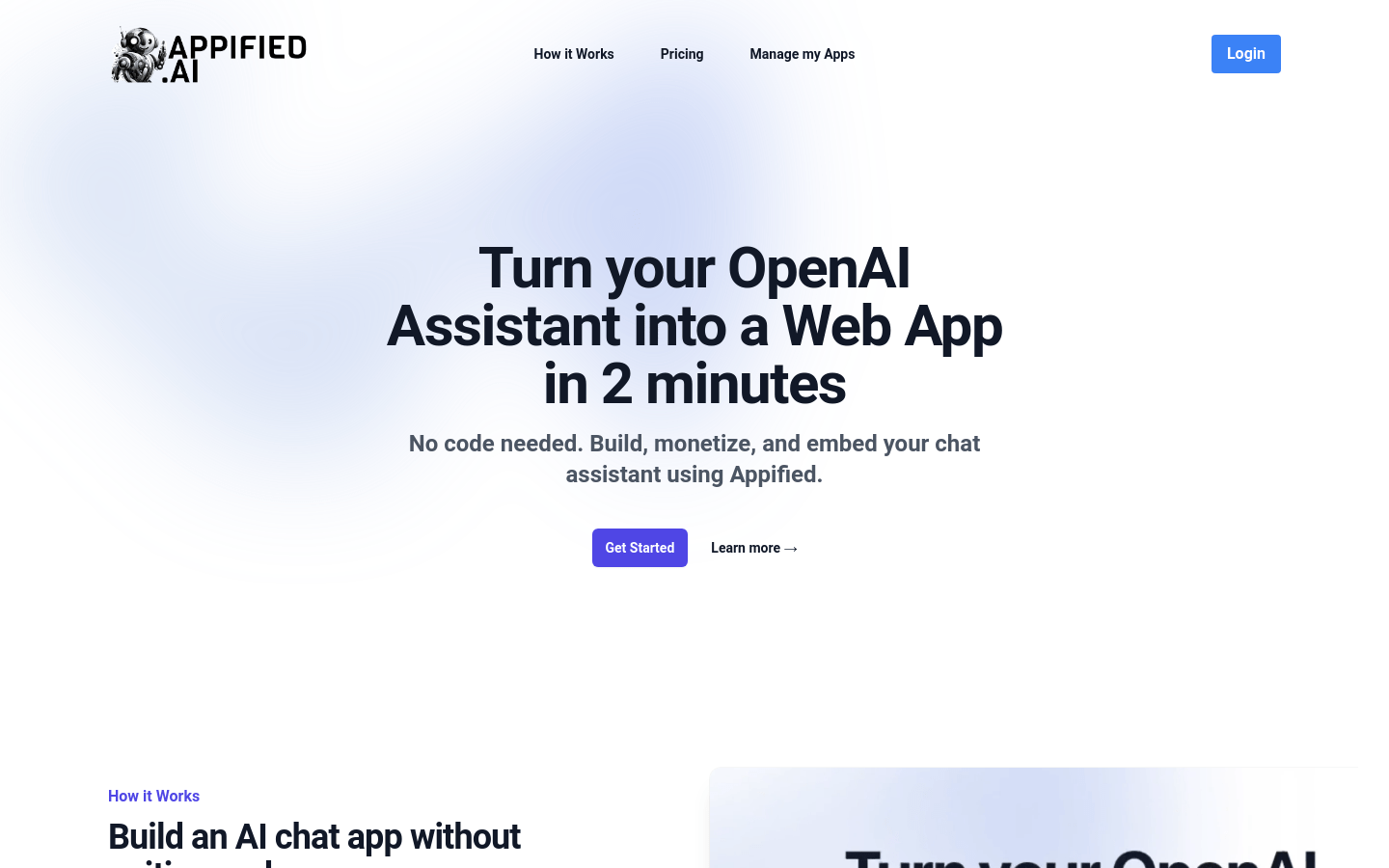
Screenshot archived from the listing page, for preview only.











