AppIconKitchen
AI app icon generator for iOS, Android, and WebDescribe your app and get ready to ship icon sets
Highlights
What you can do with it
- A developer describes a meditation app and exports an Xcode ready icon set in minutes.
- An independent creator makes several icon styles for a finance app and drops the mipmap folder into Android Studio.
- A game developer produces web friendly icons that look consistent across browsers and devices.
How to use it
- 1 Describe your app and either let the AI pick the style and colour or choose them yourself.
- 2 Select how many concepts to generate, from one to four, and run the tool.
- 3 Pick the icon you like most from the results.
- 4 Download the project ready ZIP and copy the folders into Xcode or Android Studio.
Who it is for
Pros
- A short description is enough, so no design skills are required.
- Exports cover all platforms and sizes, saving time on manual asset preparation.
- Files drop straight into Xcode and Android Studio with no cleanup.
Limitations
- The free part is only two credits, or one icon, so it is a trial rather than unlimited free use.
- Generating more icons or extra concepts needs paid credits, so regular use costs money.
- AI concepts still need review, and free credit amounts and pricing can change.
What AppIconKitchen is
AppIconKitchen is an AI app icon generator that turns a short description into polished icons in seconds. You can describe your app in any language and either pick a style and colour yourself or let the AI choose. Each run can create one to four concepts so you can compare directions before you commit. The export includes every size that iOS, Android, and the Web need, and it ships a ready to use Xcode AppIcon set plus an Android mipmap folder, so the files drop straight into your project. New accounts get two free credits, enough to make one icon, so it works as a free trial rather than an unlimited free tool.
What you can do with it
- Turn a plain text description into several icon concepts in one run.
- Export all iOS, Android, and Web sizes together instead of resizing by hand.
- Copy a ready AppIcon set and mipmap folder straight into Xcode or Android Studio.
- Refine the chosen icon in the workbench, adjusting style and theme colour until it fits your brand.
Who it is for
- iOS and Android developers who need complete, correctly sized icon sets fast.
- Independent creators and solo founders who have no designer on hand.
- Cross platform teams using Flutter or Expo who want one icon source for every build.
What to watch out for
The free offer is small: two credits, or one icon, so it is really a trial rather than a long term free tool. Making more icons or extra concepts means buying credits, so regular use has a cost. The AI gives you a starting point, but concepts still need review, and final polish may take extra editing in the workbench. Free credit amounts and pricing can change, so check the current offer before you plan a project around it, and keep a backup of the icon files you have already exported.
FAQ
How many free icons can I make?
New accounts get two free credits, which is enough to generate one icon before you need to pay.
Which platforms does the export support?
It covers all iOS, Android, and Web sizes, including an Xcode AppIcon set and an Android mipmap folder.
Can I describe my app in my own language?
Yes. You can write the description in any language and the AI will base the icon on it.
Why it is free
What the official page says: free creditsfree trial
Free limits, trial length and features are decided by the official site and can change at any time.
Product preview
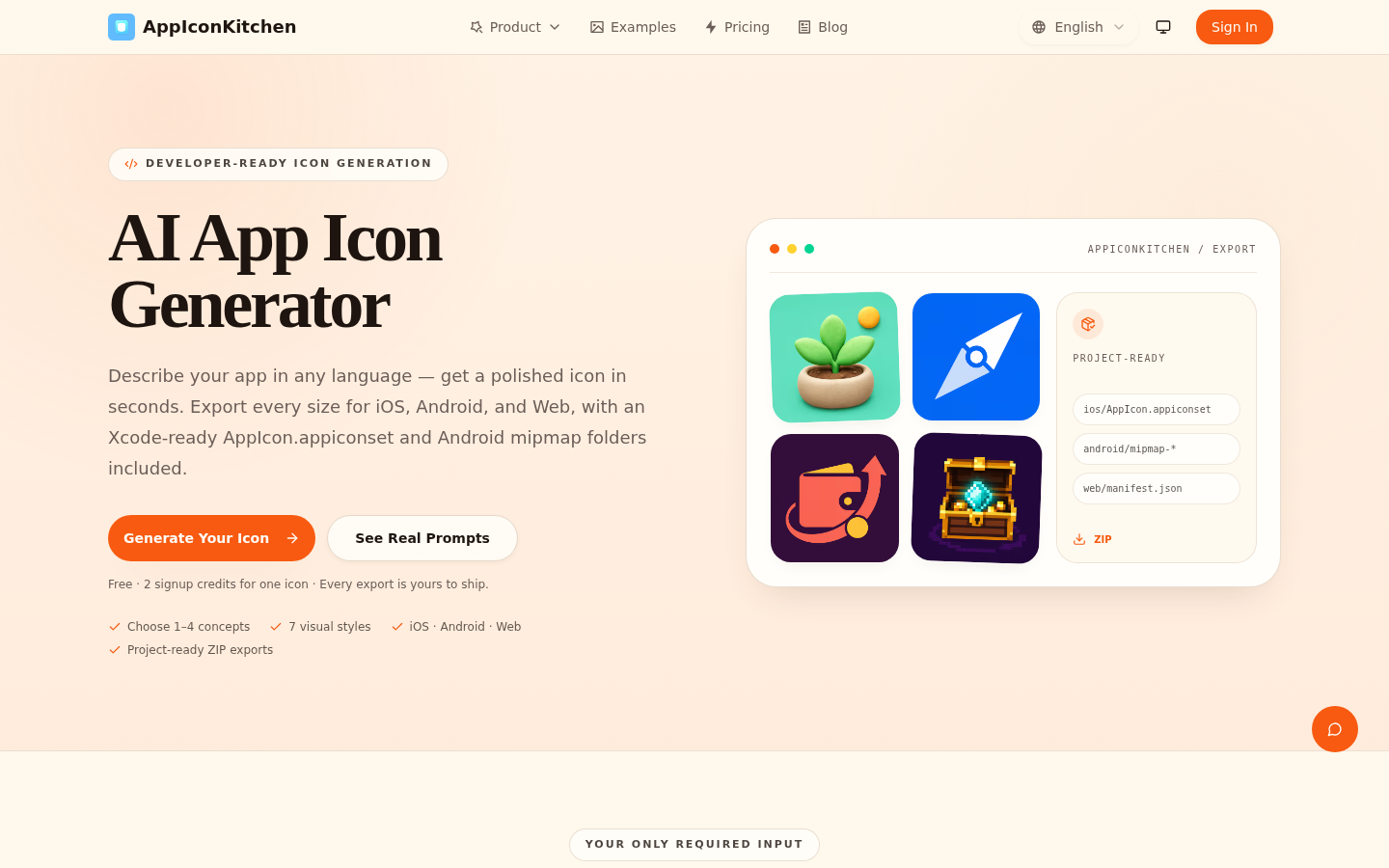
Screenshot archived from the listing page, for preview only.











