
Appblit Scribe
Online punctuation toolAdd punctuation to text and subtitles
Highlights
What you can do with it
- Cleaning up raw transcripts
- Fixing YouTube subtitle files
- Improving readability of long text
How to use it
- 1 Open Appblit Scribe in your browser
- 2 Paste raw text or upload a subtitle file
- 3 Click the add punctuation button
- 4 Review the punctuated output
- 5 Copy or download the result
Who it is for
Pros
- Focused, simple task
- Works on both text and subtitles
- Fast processing speed
- Free trial to test quality
Limitations
- The free trial is limited
- Accuracy varies with source quality
- A paid subscription is needed for more use
- Narrow scope, only punctuation
What Appblit Scribe is
Appblit Scribe is an online tool that adds punctuation to raw text and YouTube subtitle files. Many transcripts and auto-generated captions arrive as one long run of words, and this tool breaks them into readable sentences. The product description highlights high accuracy, fast processing, and a simple interface. You paste text or upload a subtitle file, click a button, and the service returns a punctuated version. It is positioned as an efficient text processing helper for people who deal with large amounts of unpunctuated content. A free trial is available, with paid subscriptions for fuller use.
What you can do with it
- Add punctuation to raw pasted text
- Process YouTube subtitle files
- Clean up long transcripts for easier reading
- Improve readability before publishing
- Handle large volumes of text quickly
Who it is for
- Transcript editors who clean raw audio text
- YouTubers fixing auto-generated subtitle files
- Writers who need readable drafts from rough notes
What to watch out for
The free trial is limited, so regular work will need a paid subscription. Accuracy depends on the quality of the source material, and heavily garbled audio transcripts will produce weaker results. The tool only handles punctuation, so grammar fixes and formatting still need other software or manual editing. Since it is an online service, availability and pricing can change, so check the current terms before building a workflow around it. When quality matters, export a small draft first to confirm the result before producing the final file. Generated suggestions are for reference only, so verify anything that affects professional judgment or important data. Save a backup of the original file before large batch jobs, and keep an exported copy of key results in case the page or service becomes temporarily unavailable.
FAQ
What does Appblit Scribe do?
It adds punctuation to raw text and YouTube subtitles.
Is there a free trial?
Yes, free trials are offered alongside paid subscriptions.
Can I upload subtitle files?
Yes, YouTube subtitle files are supported.
Is it accurate?
The tool claims high accuracy, but you should check results.
Why it is free
What the official page says: free trial
Free limits, trial length and features are decided by the official site and can change at any time.
Product preview
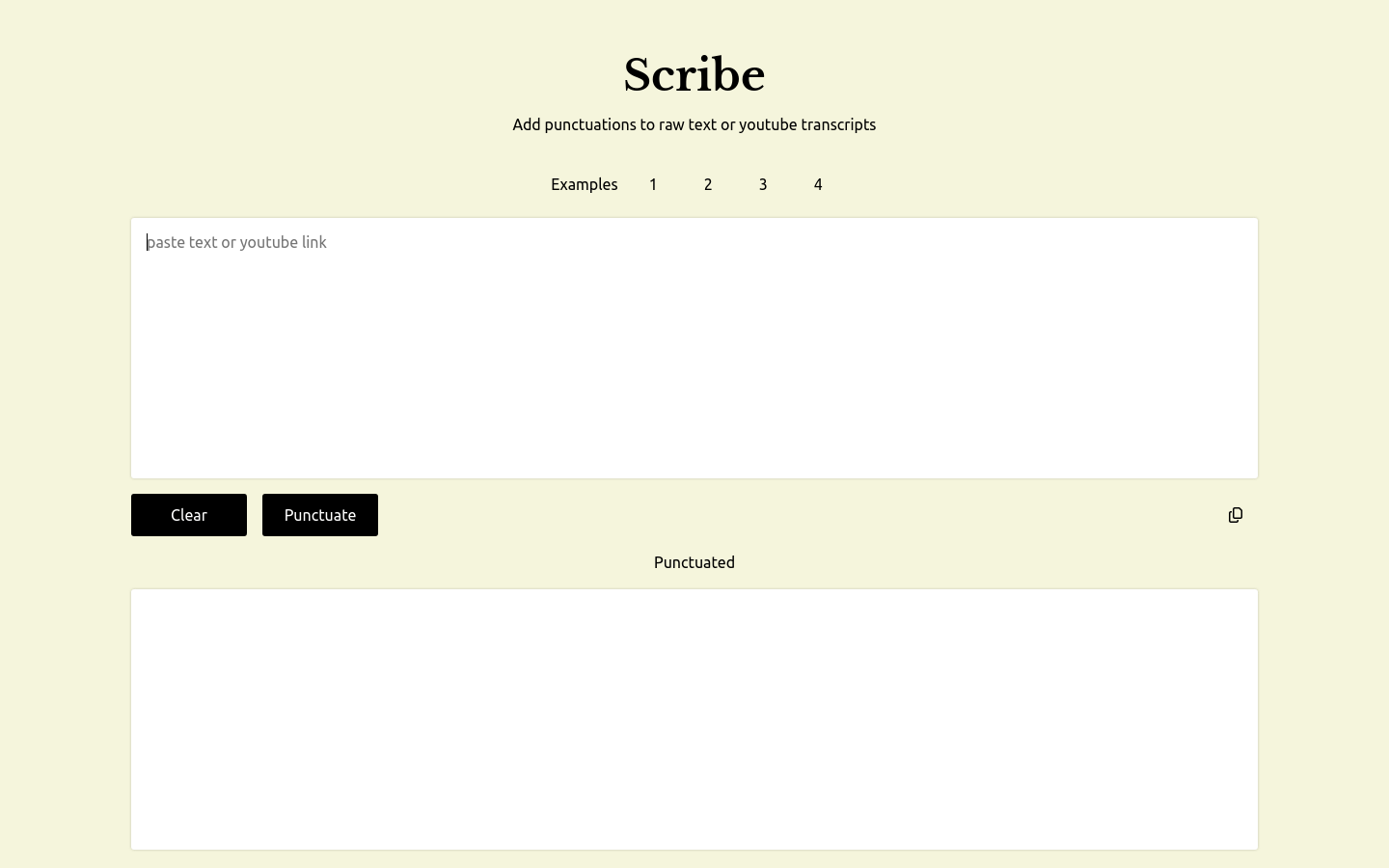
Screenshot archived from the listing page, for preview only.











