
app0.ai
AI full-stack application builderDescribe an app, get a complete codebase
Highlights
What you can do with it
- An independent developer builds a simple task app from a description
- A design studio turns a prototype into a runnable application
- A startup team produces an initial version for market validation
How to use it
- 1 Open the site and start a free trial or register.
- 2 Describe the application in writing and upload any references.
- 3 Submit and watch the planning, coding, and testing progress.
- 4 Preview the application and check it against your expectations.
- 5 Export the complete code library and connect it to your own process.
Who it is for
Pros
- Free version available to start
- Covers the full stack rather than just a front end
- Verification happens in a real environment before delivery
- You own the exported code and can deploy it yourself
Limitations
- Generated code still needs review before it goes to production
- Complex requirements produce complex output that is harder to verify
- Paid packages are priced at several levels and not detailed here
- Best treated as an accelerator, not a replacement for engineering judgment
What app0.ai is
app0.ai is an AI application builder aimed at developers. You describe what you want in writing, and you can also upload sketches, screenshots, or reference files to make the brief precise. The platform then plans the work, writes the code, tests it, and fixes problems inside an isolated development environment, before handing over a complete code library. It builds the front end, back end services, database, and interfaces together rather than only producing a user interface, and it runs verification in a real environment before delivery. You can watch progress through a real-time preview. There is a free version, and paid packages sit above it.
What you can do with it
- Describe an application in natural language and get working code.
- Add sketches, screenshots, and reference files to sharpen the brief.
- Get front end, back end, database, and interfaces built together.
- Watch a real-time preview while development runs.
- Export the complete code library and deploy it yourself.
Who it is for
- Independent developers with limited time and resources.
- Design studios turning a prototype into something runnable.
- Startup teams that need an initial version for market validation.
What to watch out for
Generated code is a starting point, not a finished product. Review it before it goes anywhere near production, because subtle logic errors, weak input handling, and missing edge cases are exactly the things an automated build check will not catch. Complex requirements also produce complex output, and the more there is, the harder it is to verify that all of it does what you meant. Paid packages are priced at several levels and are not detailed in the listing, so work out which tier your usage actually needs. Treat the tool as an accelerator for prototyping and early versions rather than a replacement for engineering judgment, and keep your own review and testing process in place. Finally, anything you upload as a reference should be material you have the rights to use.
FAQ
Is there a free version?
Yes. The listing mentions a free version, with paid packages above it.
What does it build?
The front end, back end services, database, and interfaces of an application, delivered as a complete code library.
Do I own the code?
The listing says the complete code library is delivered and users own the code, so they can modify, deploy, and commercialize it.
Why it is free
What the official page says: free version
Free limits, trial length and features are decided by the official site and can change at any time.
Product preview
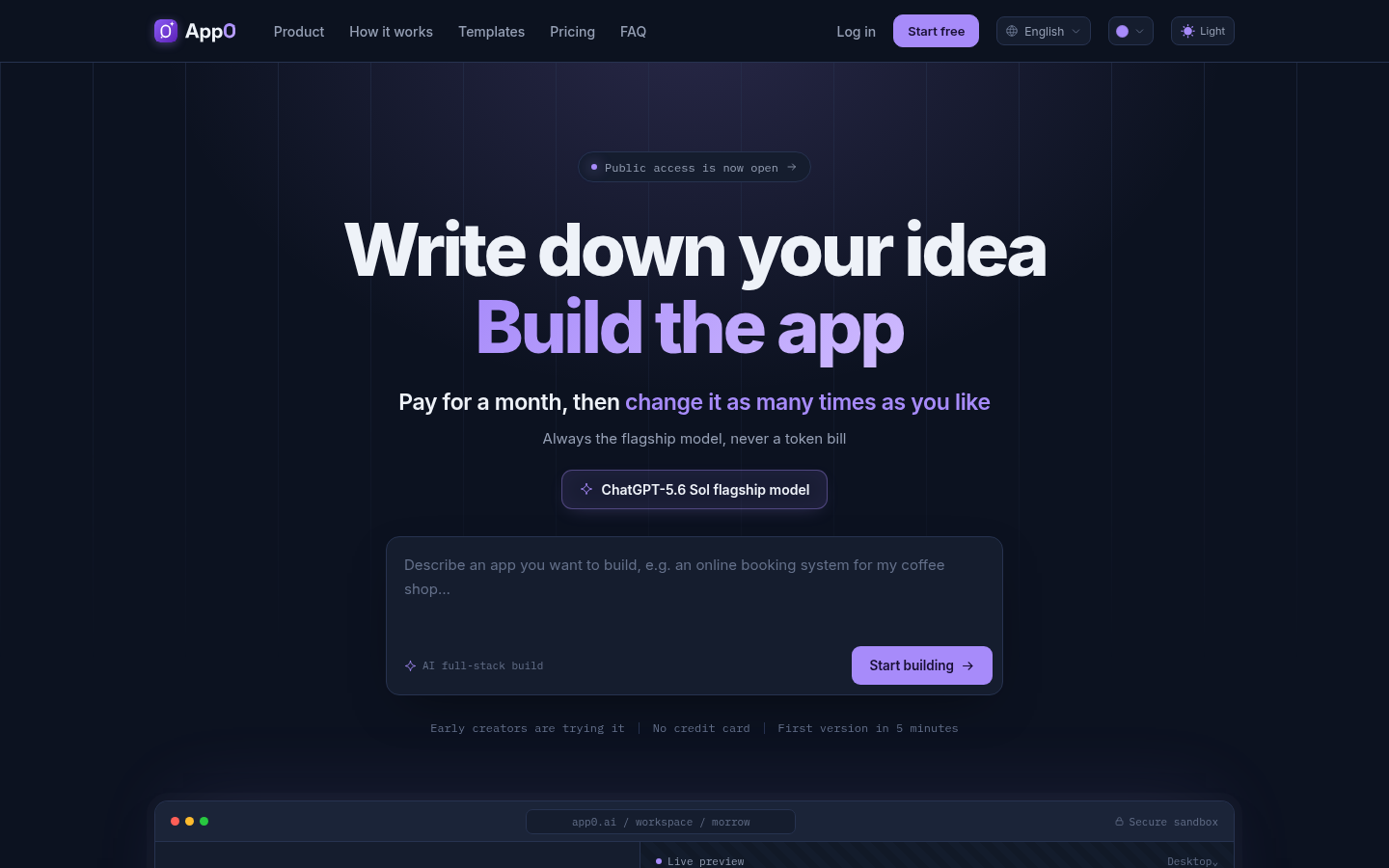
Screenshot archived from the listing page, for preview only.











