
App Mint AI
No code AI app builderBuild AI text apps by dragging blocks
Highlights
What you can do with it
- Makers testing an AI writing tool without touching code
- Teachers building a simple prompt based classroom app
- Startups prototyping a text product before hiring developers
How to use it
- 1 Open appmintai.com and create a project
- 2 Drag the blocks you need onto the canvas
- 3 Wire up the AI text behaviour you want
- 4 Preview, then publish with free hosting or your own domain
- 5 Download the source code if you need it
Who it is for
Pros
- No coding background required
- Free hosting and free entry plan
- You can export the source code
Limitations
- Free plan limits and pricing terms can change
- Drag and drop builders can feel restrictive for complex logic
- It is built for text apps, not every kind of product
What App Mint AI is
App Mint AI is an AI text application development tool. It exists so that people with an idea for a text driven AI product can build it without first learning to program. The interface is a visual drag and drop canvas: you place the blocks you need, wire up the behaviour, and the app comes together in front of you. Alongside the builder, the product offers free hosting, source code download, custom domain support and a customisable user interface. There is a free version and a paid version, so the entry cost is low and you can move up only when the project justifies it.
What you can do with it
- Build AI powered text apps on a drag and drop canvas with no code.
- Host what you make for free, or point a custom domain at it.
- Change the interface so the app looks like yours rather than a template.
- Download the source code when you want to move the project elsewhere.
Who it is for
- Non coders with a text app idea they want to test quickly.
- Teachers and trainers building small classroom tools.
- Startups prototyping before committing developer time.
What to watch out for
Free plan limits and pricing terms can change, so check the current page before you build something important on it. Visual builders trade flexibility for speed: once your logic gets genuinely complex, the blocks can start to feel like a cage. It is also scoped to text applications, so if your idea needs heavy media or unusual input handling, this may not be the right tool. When quality matters, export a small draft first to confirm the result before producing the final file.
FAQ
Do I need to code?
No. The editor is a visual drag and drop interface designed for people without coding knowledge.
Where does the app run?
Free hosting is included, and you can also use a custom domain.
Can I take my app elsewhere?
Yes, downloading the source code is one of the listed features.
Why it is free
What the official page says: 免费
Free limits, trial length and features are decided by the official site and can change at any time.
Product preview
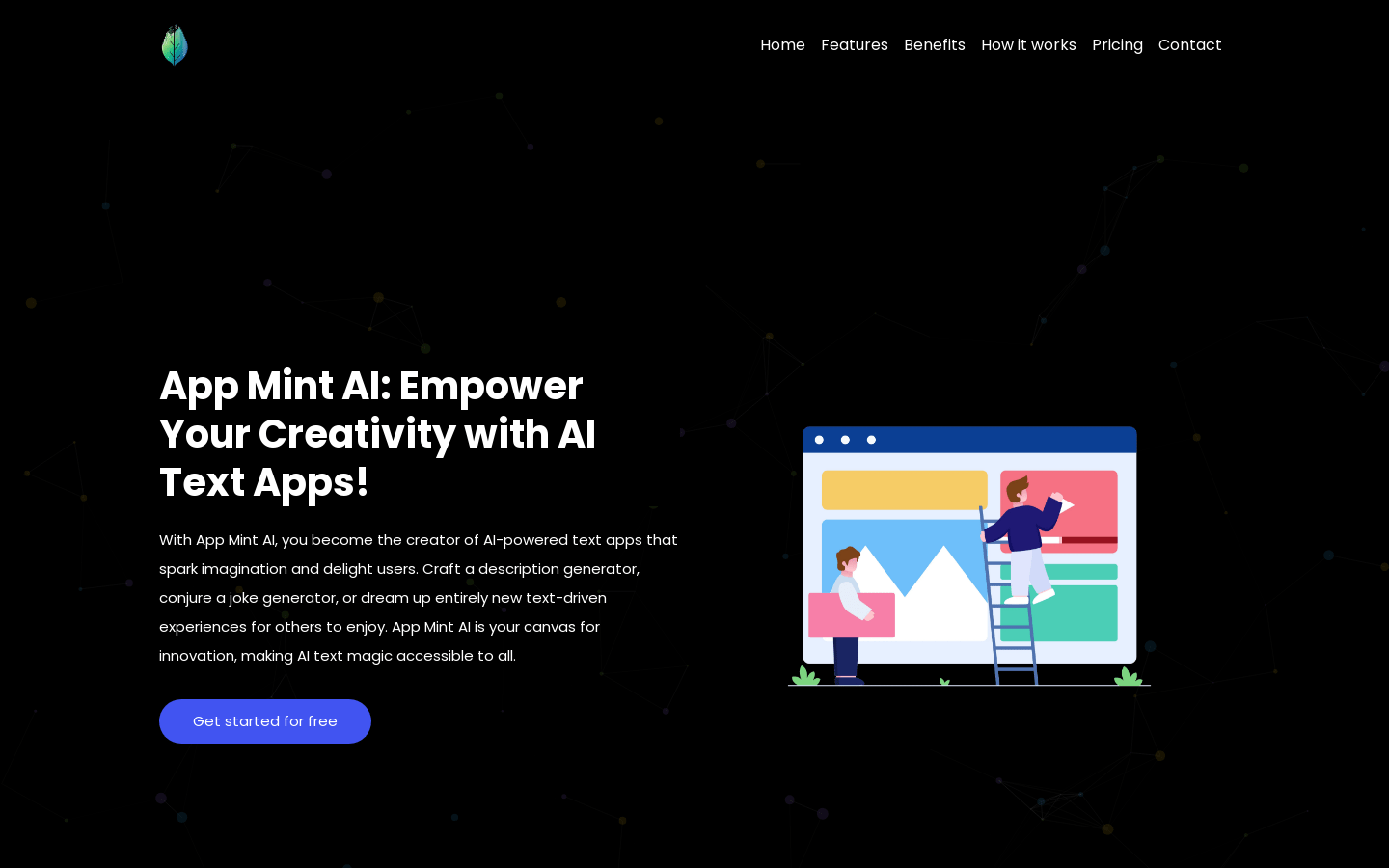
Screenshot archived from the listing page, for preview only.











