
aOCR
AI document parsing and OCRExtract structured data from documents
Highlights
What you can do with it
- Process financial statements and transaction records
- Turn handwritten medical records into editable text
- Organise policy documents and application forms
How to use it
- 1 Visit aocr.in and start a free trial
- 2 Upload your PDF, image, Excel, or PowerPoint file
- 3 Choose the processing functions you need
- 4 Let the AI parse and extract the data
- 5 Download the structured result
Who it is for
Pros
- Handles many document formats in one place
- Table and handwriting support go beyond plain OCR
- Natural language query lowers the barrier
Limitations
- A free trial, then paid use
- Accuracy varies with document quality
- Handwriting and complex layouts need checking
- Specific formats take setup effort
What aOCR is
aOCR is an AI document parsing and data extraction tool. It takes complex documents in formats such as PDF, images, Excel spreadsheets, and PowerPoint slides and converts them into structured data that other systems can use. It goes beyond simple text recognition: it handles advanced table extraction, supports OCR in multiple languages, and can read handwritten text. A context-aware layer reads layout and entities rather than just characters, and a natural language query feature lets you search documents without writing complex commands. The site states a high accuracy rate and real-time processing.
What you can do with it
- Parse PDFs, images, spreadsheets, and slides into structured data
- Extract table structure and content accurately
- Recognise text in many languages, including handwriting
- Classify documents automatically by content
- Query documents in natural language and automate repetitive intake
Who it is for
Fintech companies that process large volumes of statements and transaction records, healthcare organisations that need to digitise handwritten records, and government offices that manage policy documents and forms all benefit from aOCR. It is aimed at enterprises that want to automate document intake and reduce manual data entry. Any team with a steady stream of documents to parse will find the automation useful.
What to watch out for
aOCR offers a free trial before paid use, so it is not free long term. Accuracy varies with the quality of the input, and handwritten or unusually laid-out documents will need checking, because automated extraction can misread a value. Setting up the tool for specific formats and fields takes effort before it runs cleanly. The stated accuracy figure is the provider's claim, so test it against your own document types before you trust it for critical data entry.
FAQ
Is there a free trial?
Yes, aOCR offers a free trial.
What formats does it support?
PDF, images, Excel spreadsheets, and PowerPoint slides.
Can it read handwriting?
Yes, it includes handwritten text recognition.
Who is it for?
Fintech, healthcare, and government teams that process many documents.
Why it is free
What the official page says: free trial
Free limits, trial length and features are decided by the official site and can change at any time.
Product preview
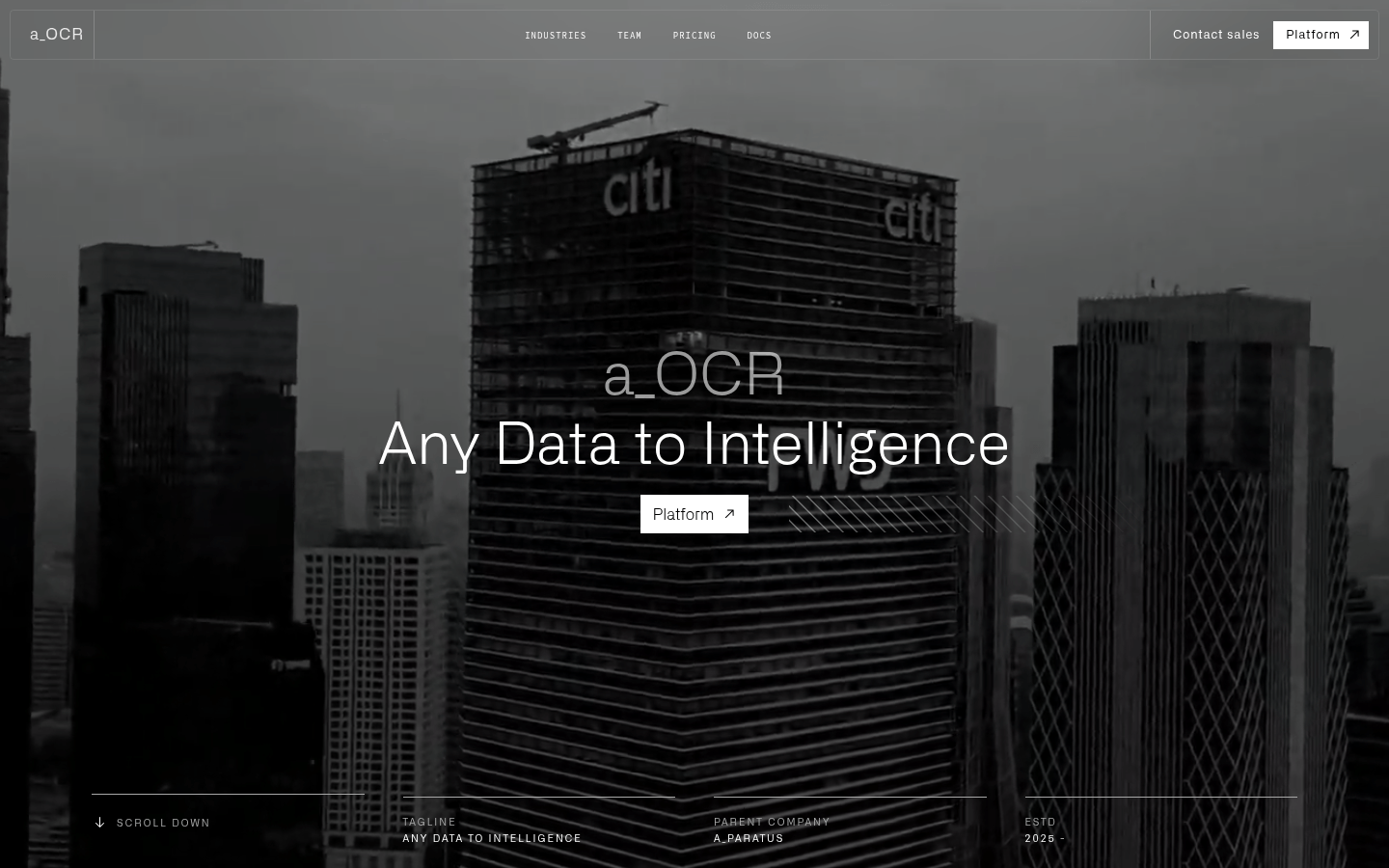
Screenshot archived from the listing page, for preview only.











