
AnyToURL
Turn any file into a shareable linkDrag a file, get a link that anyone can open
Highlights
What you can do with it
- Share a PDF or image in a chat without attaching it
- Send a code snippet link to a teammate
- Let a recipient preview a document before downloading it
How to use it
- 1 Open anytourl.com and drag your file into the upload area
- 2 Copy the generated link
- 3 Set a password if the file is private
- 4 Share the link and check the expiry if you are on the free tier
Who it is for
Pros
- No setup; a link appears immediately after upload
- In-browser preview saves the recipient a download step
- Free tier covers small, short-lived sharing
Limitations
- Free files expire after 24 hours, so it is not for long-term storage
- Free tier caps files at 5MB and daily bandwidth at 1GB
- Free limits can change, and permanent storage requires a paid plan
What AnyToURL is
AnyToURL is an online file hosting and sharing tool. You drag a file into the page and it returns a link that anyone can open. Images, videos, PDFs, and code snippets are all supported, and files are served over a global edge network so links load quickly in different regions. There is a preview feature for images, PDFs, and documents, which means the person receiving the link can look at the content in a browser before deciding whether to download it. Password protection is available for files that should not be public. Nothing needs to be installed, and the whole flow happens in the browser, which is useful when you are away from your usual machine.
What you can do with it
- Turn a file into a link without setting anything up
- Share PDFs, images, videos, and code snippets from one place
- Let recipients preview a document in the browser
- Protect a link with a password
Who it is for
- People who share files in chat and email every day
- Developers who send snippets and assets to teammates
- Small teams that want quick previews instead of attachments
What to watch out for
Free files expire after 24 hours, so this is a tool for short-lived sharing rather than storage. The free tier caps each file at 5MB and daily bandwidth at 1GB, which rules out large video files. Permanent storage sits behind a paid plan, and the free limits can change. Because files sit on someone else's infrastructure, avoid using it for material you would not hand to a third party; a password helps but does not change who holds the file. If you need a link that still works next month, check the paid terms first.
FAQ
How large can a free file be?
The free tier caps each file at 5MB.
How long does a free link last?
Twenty-four hours, after which the file expires.
What file types can I share?
Images, videos, PDFs, and code snippets are all listed as supported.
Why it is free
What the official page says: 免费版免费
Free limits, trial length and features are decided by the official site and can change at any time.
Product preview
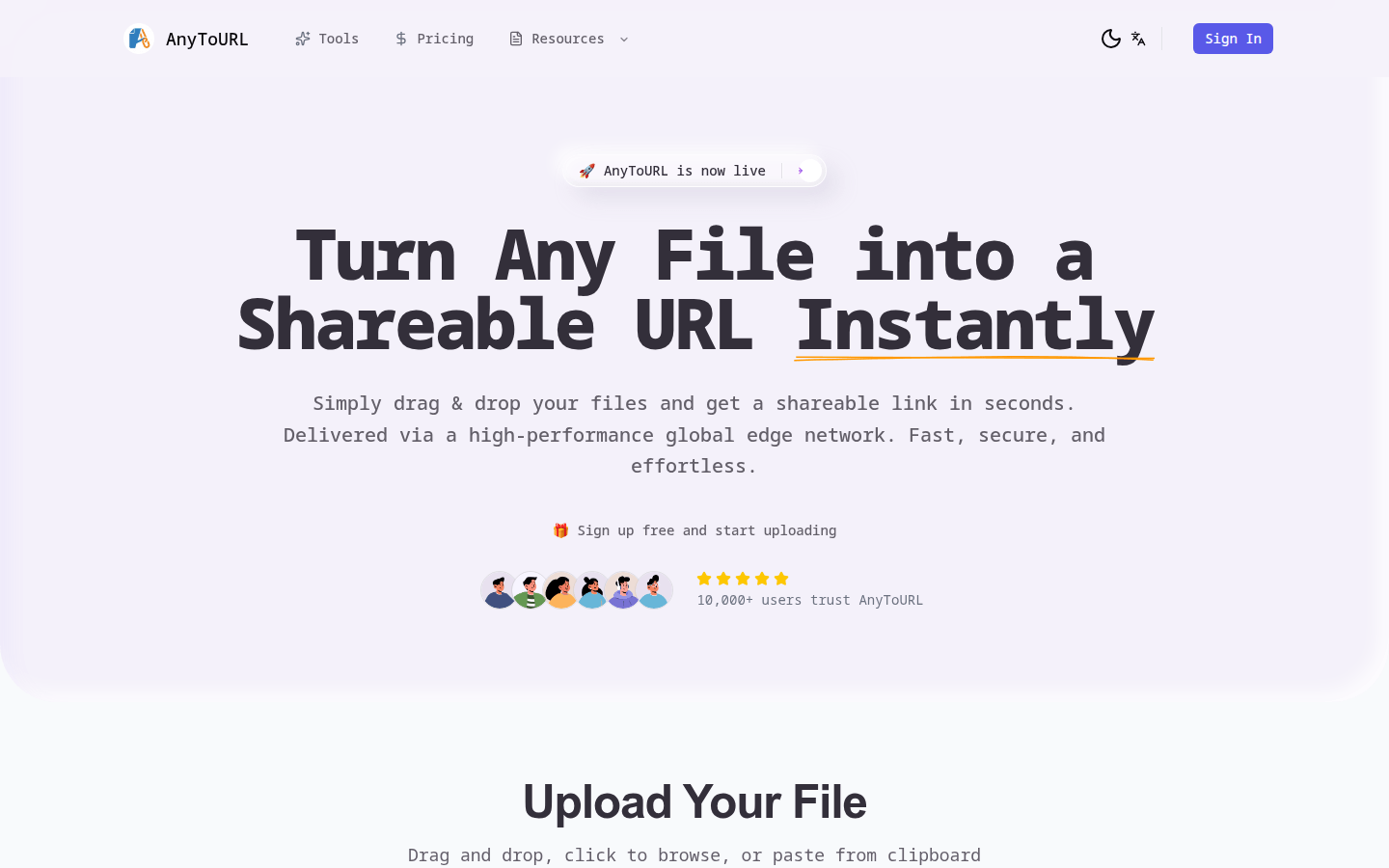
Screenshot archived from the listing page, for preview only.