
Any Video Converter AI Video Enhancer
AI video enhancer that upscales and repairs old footageUpgrade blurry, noisy video to 4K with one preview
Highlights
What you can do with it
- A family upgraded an old blurry party video to 4K for sharing
- A documentary creator cleaned up low-resolution downloaded material
- A repair professional restored a batch of noisy old film footage
How to use it
- 1 Download and install the software
- 2 Upload the video that needs improvement
- 3 Choose options such as 4K upscaling, noise removal, or color
- 4 Preview the effect and adjust if needed
- 5 Start processing and save the improved video
Who it is for
Pros
- One-click preview shows the effect before processing
- Handles noise, blur, color, and scale in one tool
- No watermark is mentioned on the preview output
Limitations
- The page does not confirm a permanent free version, and pricing can change
- It is desktop software, so it needs install and system resources
- Upscaling cannot invent detail that was never recorded
What Any Video Converter AI Video Enhancer is
AI Video Enhancer is the video enhancement tool from Any Video Converter. It uses AI to analyze and reconstruct each frame of a video, with the goal of improving quality that has been lost to age, compression, or low light. The page lists upscaling to 4K, noise and grain removal, repair of low-quality downloads from platforms such as YouTube, color adjustment, and scaling at 100, 200, or 400 percent. A one-click preview shows the effect before you commit to a full render, and the page highlights high-quality preview output with no watermark.
What you can do with it
- Upscale old or low-resolution video up to 4K.
- Remove noise and grain from low-light footage.
- Repair blurry detail in platform downloads.
- Adjust color and scale the frame, with a preview before processing.
Who it is for
- Home users preserving and sharing family videos.
- Video creators who must salvage weak source material.
- Professional repair staff processing large batches of old footage.
What to watch out for
The page does not confirm a permanent free version and suggests a trial plus a paid professional version, and pricing or free rules can change. It is desktop software, so it needs installation and enough system resources for long renders. Enhancement improves what is there, it cannot invent detail that was never captured, so heavily compressed or very small sources will only improve so much. Start with a small sample to confirm the output meets your expectations before processing the full batch. Free tiers and usage limits can change, so check the current rules on the official page before relying on it long term.
FAQ
What does this tool do?
It uses AI to enhance video, including upscaling to 4K, removing noise, and adjusting color.
Is it free?
The page does not confirm a permanent free version and mentions a possible trial and paid professional version, so check current terms.
Can I preview before processing?
Yes. A one-click preview shows the AI enhancement effect first.
Who is it for?
Home users, video creators, and professional repair staff who need better footage quality.
Why it is free
What the official page says: free trial
Free limits, trial length and features are decided by the official site and can change at any time.
Product preview
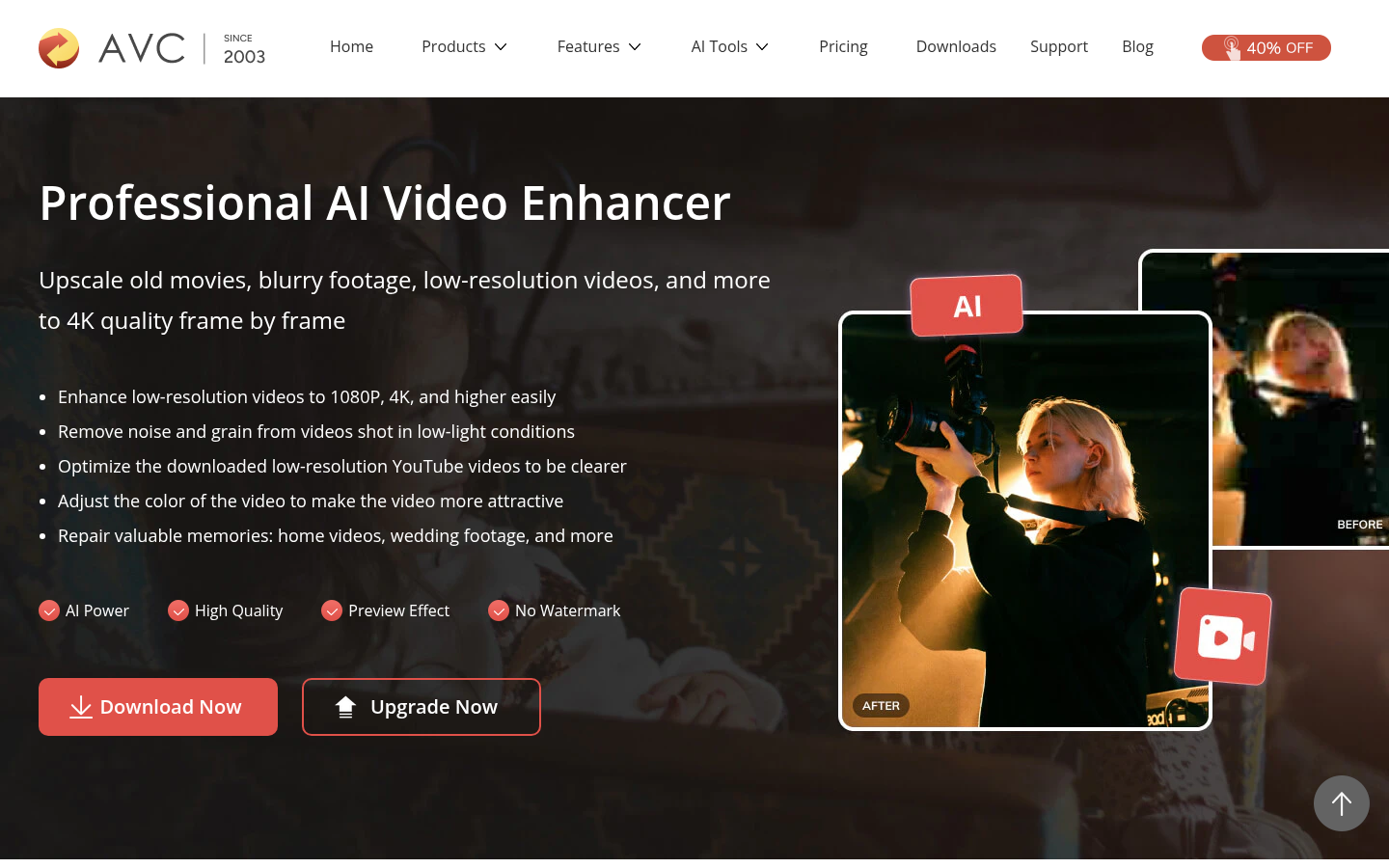
Screenshot archived from the listing page, for preview only.











