
Antigravity
Google Easter eggs plus an AI coding IDEPlay with browser gravity, code with an AI agent
Highlights
What you can do with it
- Casual users dragging page elements in Google Gravity for fun
- Developers letting the AI agent handle tedious coding tasks
- Educators demoing JavaScript physics engines in class
How to use it
- 1 For the eggs, open a modern browser and search Google Gravity or Google Space, then pick a trusted mirror
- 2 For the IDE, log in to the Gemini 3 Pro developer workspace
- 3 Create a project and enable the agentic IDE codenamed Antigravity
- 4 Let the agent write code, run terminals, and control the browser
Who it is for
Pros
- Both parts are free of charge
- Easter eggs need no install and run instantly
- AI agent can automate real development chores
Limitations
- The eggs are entertainment, not productivity tools
- The AI IDE is tied to Google's preview and may change or gate access
- The agent controls your browser, so review what it does
What Antigravity is
Antigravity is not real anti-gravity technology. It refers to two separate free things that share a name. The first is a set of browser Easter eggs such as Google Gravity and Google Space, which use a JavaScript physics engine to make page elements fall, float, or drift. They need no installation and run straight in a modern browser, which makes them handy for demonstrating JavaScript and WebGL motion in a sandboxed, playful way. The second is an AI coding platform: in 2025 Google paired Gemini 3 Pro with an agentic development IDE codenamed Antigravity, letting an AI agent write code, run terminals, and control the browser to automate development work. Both are free of charge.
What you can do with it
- Open Google Gravity or Google Space and drag elements around for fun.
- Use the eggs as a live demo of JavaScript and WebGL physics.
- Let the AI agent write code and run terminals for you.
- Orchestrate testing, building, and deploying from one IDE.
- Keep repository status, diffs, and commands in one session.
Who it is for
- Casual users who want a novel, free browser toy.
- Developers who want an AI agent to take on tedious coding.
- Educators teaching JavaScript physics and WebGL in class.
- Anyone curious about agent-driven development workflows.
What to watch out for
The Easter eggs are pure entertainment and will not help with real work. The AI IDE depends on Google's developer preview, so access, naming, and features can change or become limited. Because the agent can control your browser and run commands, review what it does before trusting it on anything sensitive. Treat both parts as experiments rather than stable production tools.
FAQ
Is Antigravity real anti-gravity tech?
No. It covers browser Easter eggs like Google Gravity plus an AI coding IDE codenamed Antigravity.
Do the Easter eggs need installing?
No. They run directly in a modern browser with zero setup.
What can the AI platform do?
The Gemini 3 Pro agent can write code, run terminals, and control the browser to automate workflows.
Why it is free
What the official page says: free of charge
Free limits, trial length and features are decided by the official site and can change at any time.
Product preview
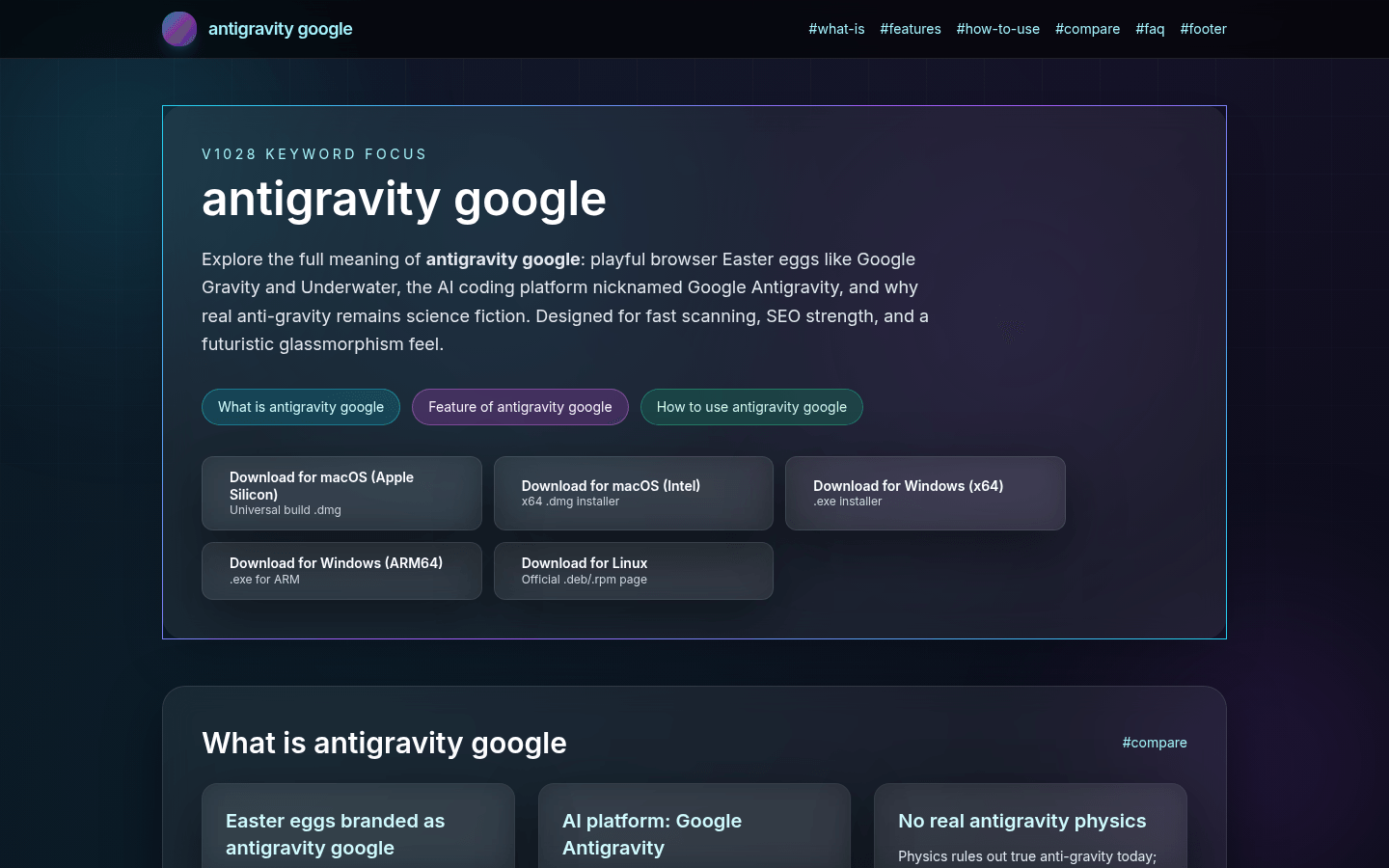
Screenshot archived from the listing page, for preview only.











