Anky.AI
AI tool that turns text into imagesText in, images out, plus a few extras
Highlights
What you can do with it
- Turning a written idea into an image in an art style
- Generating images in realtime while refining a concept
- Pairing text to speech with a generated image
How to use it
- 1 Create an account and choose the free or Pro plan
- 2 Enter a text description of the image you want
- 3 Generate and review the result
- 4 Use the upscaler, remover or text to speech as needed
- 5 Save or share the output
Who it is for
Pros
- A free plan makes it easy to start
- Several small tools bundled in one place
- The community gives a source of reference work
Limitations
- The free plan has limits compared with Pro
- Generated images still need review before commercial use
- Features and pricing can change
What Anky.AI is
Anky.AI is an AI creation tool whose main job is turning text into images. You write what you want to see and it generates a picture from that description. Around that core it bundles a few smaller tools creators often need anyway: realtime generation while you iterate, text to speech for narration, an upscaler for raising resolution, and a watermark remover for cleaning up files you own. Plans are split by use case, with a free plan for beginners and learners and a Pro plan described as being for experts and commercial use. The site also presents itself as a community, so beyond the tools there is a place to share work and pick up ideas.
What you can do with it
- Turn a written description into an image
- Generate images in realtime as you refine a prompt
- Convert text to speech for a voice track
- Upscale an image or remove a watermark from your own file
Who it is for
- Beginners learning how AI image generation behaves
- Creators who need a quick visual without a design tool
- Pro users doing commercial work who need higher limits
What to watch out for
Free plans are limited, so heavy use pushes you toward Pro. Generated images are not automatically safe to use commercially; check the plan terms and make sure your prompt does not lean on protected characters or brands. Quality varies with the prompt, so plan on generating several versions and picking the best. As with any online creative service, features and pricing can change, so verify current terms before you build a workflow around it.
FAQ
Is there a free plan?
Yes, the free plan is aimed at beginners and learners, and there is a Pro plan.
What else does it do?
Text to speech, image upscaling and watermark removal.
Can I use it commercially?
The Pro plan is described as being for experts and commercial use.
Why it is free
What the official page says: free plan
Free limits, trial length and features are decided by the official site and can change at any time.
Product preview
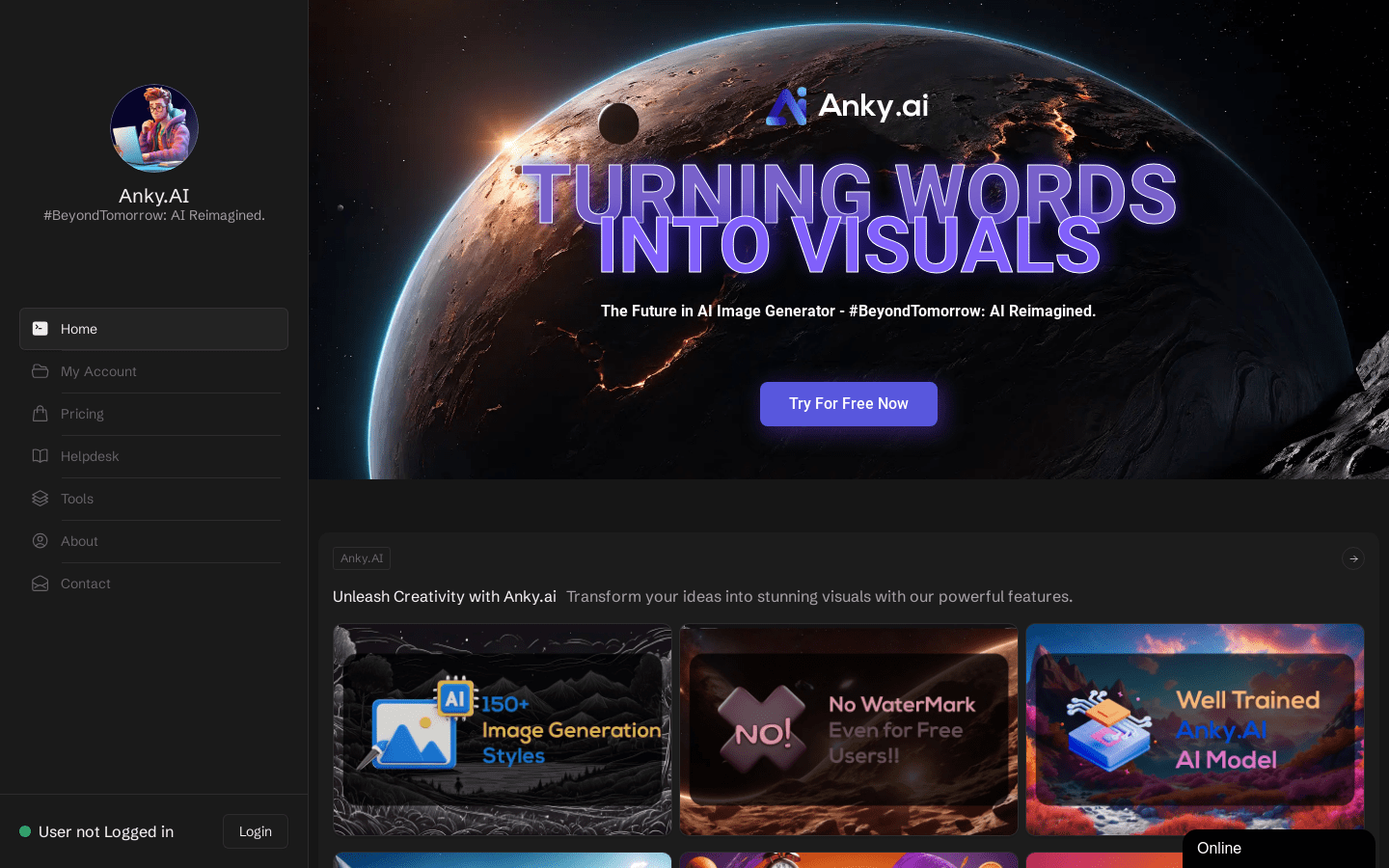
Screenshot archived from the listing page, for preview only.











