
Ankon AI
Whiteboard explainer videosTopic or PDF to a narrated whiteboard video
Highlights
What you can do with it
- A teacher turns a maths explanation into a whiteboard lesson video
- A marketer builds a product promo video from a script
- A blogger converts an article into a video for YouTube
How to use it
- 1 Provide input: a topic, a pasted script, a PDF, or reference images
- 2 Set length, orientation, voice, subtitles, and visual options
- 3 Click generate and let the tool draw, narrate, and sync
- 4 Download the MP4, the SRT file, and the metadata
- 5 Organise into collections and share by link or in the community gallery
Who it is for
Pros
- No animation software or drawing skills needed
- Free credits let you test the full pipeline
- Failed renders are refunded automatically
- Subtitles, thumbnails, and metadata come with the video
Limitations
- Credits are consumed per finished minute, so length costs money
- The free credit allowance is small
- Voice cloning raises consent and platform-rule risks and should only use your own voice or material you are clearly permitted to use, with any consequences falling on you
- Automatic fact-checking helps, but claims still need your own verification
What Ankon AI is
Ankon AI is an AI video generation platform aimed at whiteboard explainer videos. The gap it targets is between having something to explain and being able to animate it: most educators, marketers, and writers have content but no ability to storyboard, draw, and sync a voice track. You give it a topic, a script, a PDF, or a reference image, and it writes a voice-over script with fact-checking, then draws whiteboard scenes line by line in time with the narration. An AI voice reads the script, verbatim subtitles are embedded in the video, and an SRT file is provided separately. The download package includes an MP4, a custom thumbnail, and publish-ready metadata with title, description, and chapter timestamps. Vertical shorts and horizontal videos up to ten minutes are both supported. New users get 5 free credits, or 10 in the founder's beta, and one credit equals one minute of finished video.
What you can do with it
- Turn a topic, script, PDF, or image into a narrated whiteboard video
- Get an automatic script with fact-checking instead of writing from scratch
- Choose an AI voice and have subtitles embedded automatically
- Output a vertical short or a horizontal video of up to ten minutes
- Download an MP4, an SRT file, a thumbnail, and ready-to-publish metadata
- Organise videos into collections and share them by link
Who it is for
Educators use it to turn a dense explanation into something a student can follow visually. Marketers turn product features and brand stories into short promo videos without a production budget. Writers and bloggers convert existing articles into video to reach a second audience. Micro-SaaS founders use it for the how-it-works clip that every product page needs. Anyone with written material and no video capability is the intended user.
What to watch out for
Credits are consumed per finished minute, so a ten-minute video is a real cost and the free allowance only covers a short test. The voice cloning feature needs particular care: it works from a 10-second English clip, and using someone else's voice without clear permission can breach platform rules and, in some places, the law, with the consequences falling on you. Use only your own voice or audio you are explicitly authorised to use. Automatic fact-checking reduces risk but does not remove it, so verify any factual claim in a generated script before publishing. Rendering failures are refunded, which softens the cost of a bad run.
FAQ
How do credits work?
One credit equals one minute of finished video, and a failed render is refunded automatically.
What input formats are accepted?
Topics, pasted scripts, PDF files, and reference images can all be used as the basis for a video.
Can I clone a voice?
The platform offers voice cloning from a 10-second English clip. Use only your own voice or audio you are clearly authorised to use, since misuse can breach platform rules and the consequences are yours.
What do I receive after generation?
An MP4 with embedded subtitles, an SRT file, a thumbnail, and publish-ready title, description, and chapter information.
Why it is free
What the official page says: free credits
Free limits, trial length and features are decided by the official site and can change at any time.
Product preview
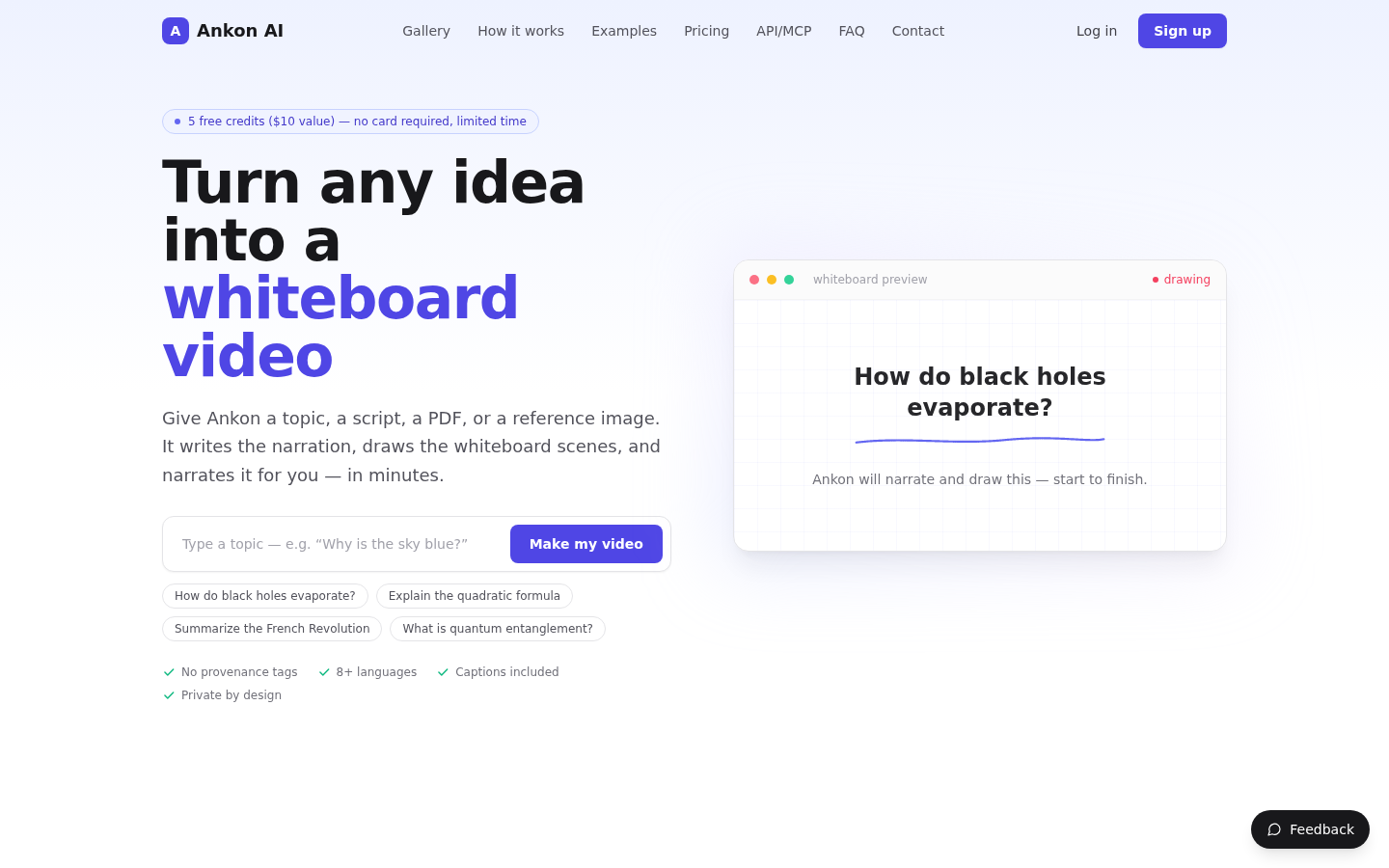
Screenshot archived from the listing page, for preview only.











