AniShort
Collaborative platform for AI short dramasPlan and edit short dramas together on a canvas
Highlights
What you can do with it
- A team edits a school short drama script together in real time
- A creator uses templates to spin up a commercial ad short drama
- A team shares a work in the community for feedback
How to use it
- 1 Register an account on the AniShort website.
- 2 Create a new project and pick a suitable template.
- 3 Use the canvas-based editor to build and edit content.
- 4 Invite teammates to join the project.
- 5 Save to the cloud or download a local copy.
Who it is for
Pros
- Real-time collaboration for team projects
- Templates and canvas editing speed up early drafts
- Cloud saving plus version control reduce lost work
Limitations
- Free trial only, with paid access for continued use
- Best for short drama work, not a general video editor
- Team features need everyone to adopt the same platform
What AniShort is
AniShort is an online collaborative platform made specifically for AI short drama creation. It lets creators manage projects in a layered, hierarchical way and edit on a canvas-based interface, which is meant to make ideas easy to lay out and rearrange. Collaboration is central: multiple users can work on the same project in real time, which suits small teams producing a drama together. Around the editor sit templates to spark ideas, cloud storage so work is saved and reachable anywhere, version control to trace and revert changes, creative data analysis, and community sharing for feedback. A free trial is offered, and the focus is narrow by design: short drama production rather than general video editing.
What you can do with it
- Manage a short drama project in layered, hierarchical order
- Edit scripts and scenes on a canvas-style interface
- Collaborate with teammates in real time
- Save to the cloud, track versions, and share for feedback
Who it is for
- Creators producing AI short drama content
- Small teams that need to collaborate on one project
- Writers and editors who prefer a canvas workflow
What to watch out for
The free trial is limited and continued use needs a paid plan. The tool is built for short drama work, so it is not a general-purpose video editor. Because collaboration is the point, it works best when the whole team adopts the same platform, and generated scenes should still be reviewed before you publish them. Behavior may vary across browsers and devices, so test before production use and consult the help docs if errors appear. Features and interface details may change between versions, so review the latest notes on the page before you start.
FAQ
What is AniShort for?
It is a collaborative platform for creating AI short dramas, with layered project management and canvas editing.
Can a team work together?
Yes. It supports real-time collaboration so multiple users can edit the same project.
Is there a free trial?
Yes. The platform offers a free trial.
Why it is free
What the official page says: free trial
Free limits, trial length and features are decided by the official site and can change at any time.
Product preview
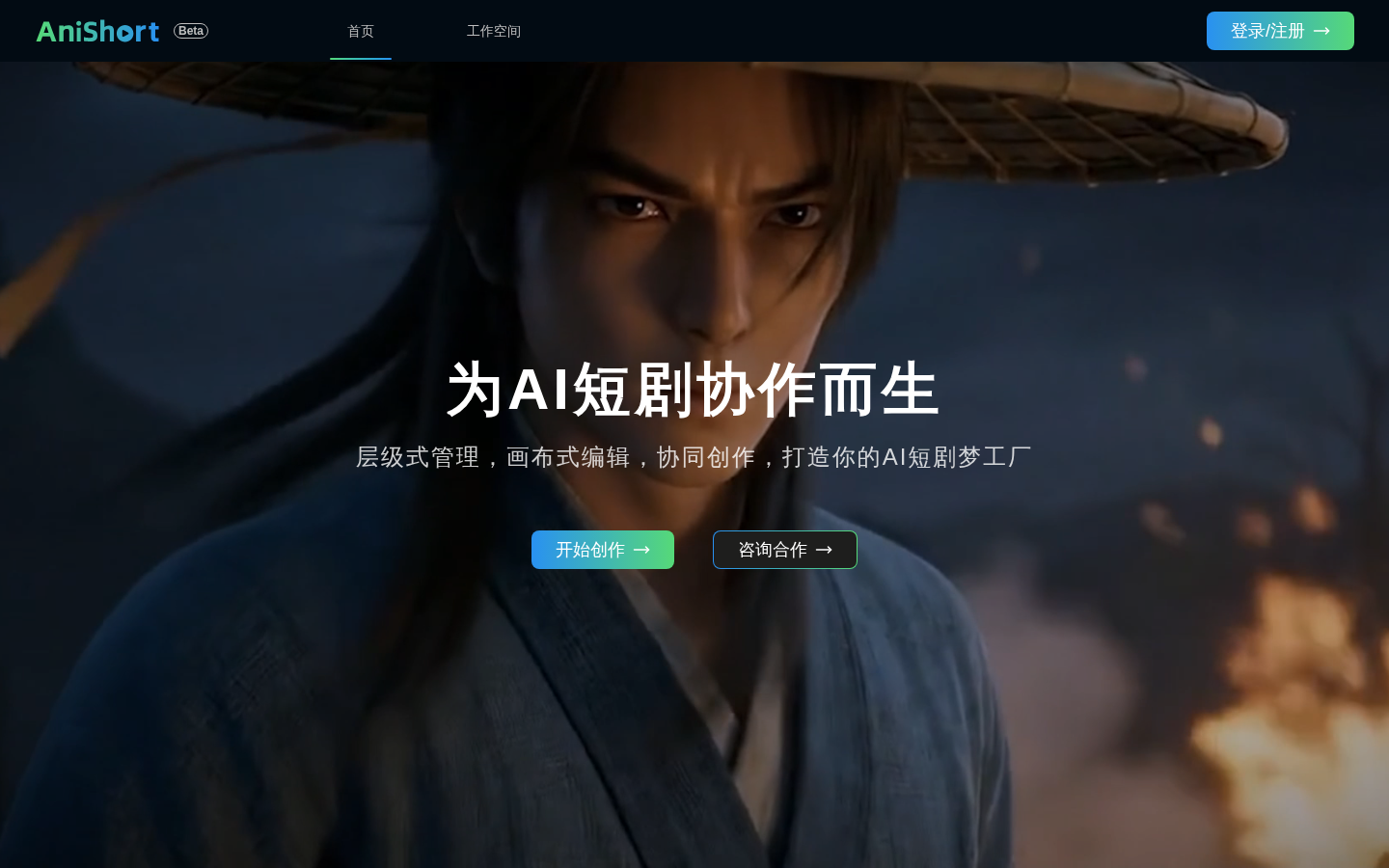
Screenshot archived from the listing page, for preview only.











