
AnimeGenius
Free AI anime art generatorText, photos, and doodles into anime
Highlights
What you can do with it
- Convert a photo into an anime-style portrait
- Sketch a rough doodle and see it become clean anime art
- Animate a finished anime image into a short video
How to use it
- 1 Open AnimeGenius in your browser
- 2 Choose your input: text prompt, photo upload, or doodle
- 3 Generate the anime art
- 4 Optionally turn the result into a moving image or video
- 5 Download the finished file
Who it is for
Pros
- Free to use according to the product listing
- Three input types: text, photo, and doodle
- Generation takes seconds rather than minutes
- Output can go beyond still images into motion
Limitations
- Focused on anime style only, not other art directions
- Free access and generation limits can change without notice
- Output quality varies with the input you provide
What AnimeGenius is
AnimeGenius is a free AI anime generator. Its purpose is narrow and clear: produce anime-style artwork from input you already have, without asking you to draw. There are three ways in. You can type a description and get an image in seconds, upload a photo and have it restyled as anime, or draw a rough doodle and watch it convert into cleaner anime art in real time. The last step in the pipeline is motion, since a finished piece can be turned into a dynamic image or a short video rather than staying static.
What you can do with it
- Generate anime art from a text prompt in seconds
- Convert an uploaded photo into an anime-style image
- Turn a rough doodle into finished anime art in real time
- Animate a static result into a moving image or video
Who it is for
- Anime fans who want artwork of their own characters and ideas
- Social media users who need profile pictures and post images
- Casual creators who want anime visuals without drawing training
What to watch out for
The tool only produces anime-style output. If a project needs photorealism, watercolour, or any other direction, this is the wrong instrument. Free services also tend to adjust limits, queues, or account requirements over time, so treat the current free access as a snapshot rather than a guarantee. Finally, results track the quality of the input: a blurry photo or an extremely rough doodle will carry that roughness into the final image, so the best output comes from cleaner starting material and clearer prompts. Name and archive exported files consistently so you can find and reuse them, and keep a backup copy of key data.
FAQ
Is AnimeGenius free?
It is presented as a free AI anime generator. Check the site for any current limits before heavy use.
What can I start from?
A text prompt, a photo you upload, or a doodle drawn in real time.
Can it make moving images?
Yes, generated anime art can be transformed into dynamic images or videos.
Why it is free
What the official page says: 免费
Free limits, trial length and features are decided by the official site and can change at any time.
Product preview
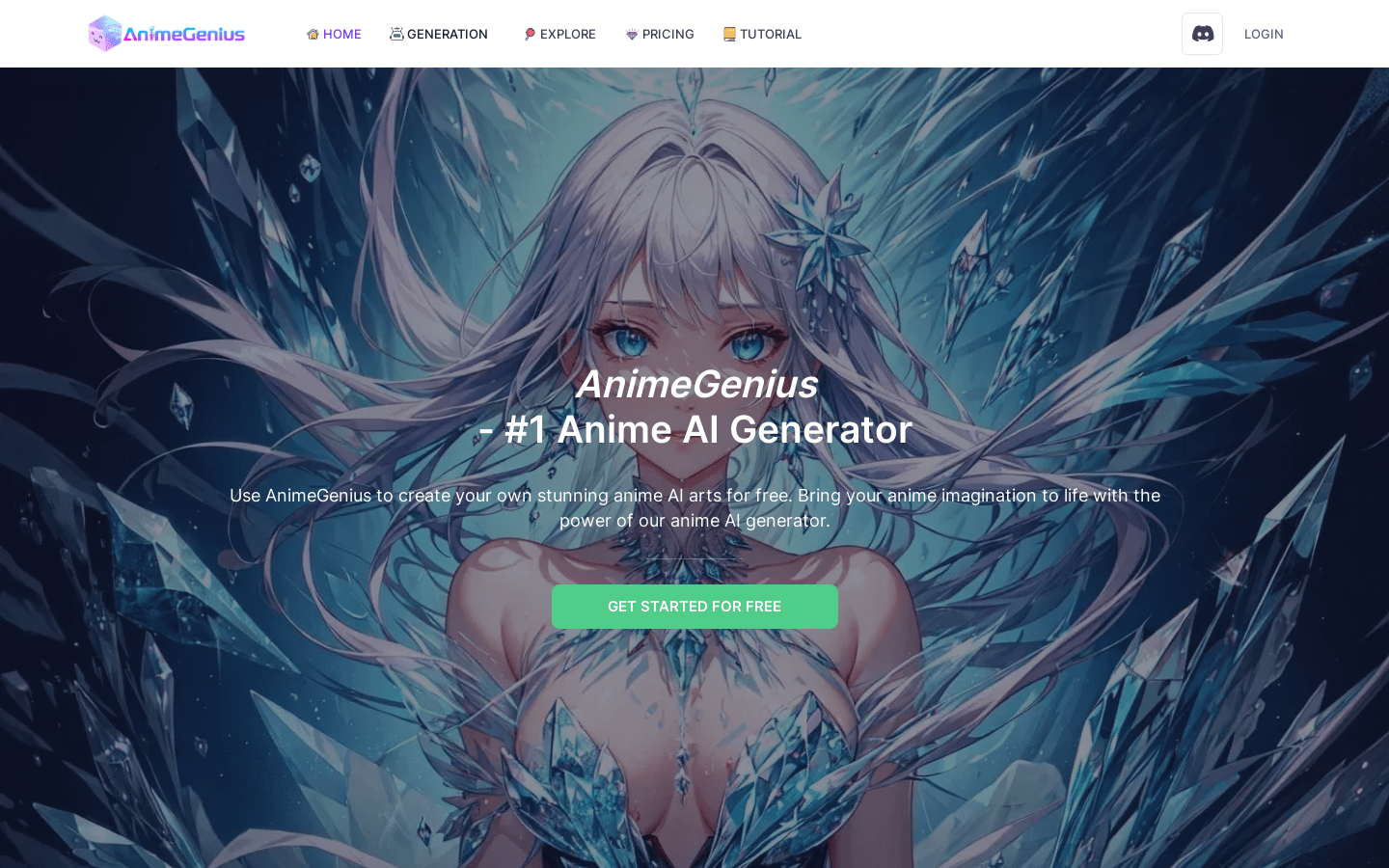
Screenshot archived from the listing page, for preview only.











