
Animater.ai
AI motion designer that clones web pages and turns them into promo videos.Clone your page, animate it, add sound, export in 4K.
Highlights
What you can do with it
- Marketing teams producing SaaS promo videos for social media
- Product developers creating demo videos that attract investors
- Creators animating blog pages with sound for unique content
How to use it
- 1 Register, choose a plan, and start the 7-day free trial
- 2 Prepare your subscription to a coding agent such as Claude or ChatGPT
- 3 Enter the page URL; the system clones all elements
- 4 Direct animations via your agent, add audio, then export in MP4
Who it is for
Pros
- Uses real page content, so videos stay accurate to the product
- Leverages coding agents you may already pay for
- Film grammar templates prevent amateur pacing
Limitations
- Requires a separate coding agent subscription, an added dependency
- Starter costs $19 monthly, so it is not free beyond the trial
- Animation quality depends on how well you direct the agent
What Animater.ai is
Animater is an AI motion design tool made for real-world products, with a distinctive workflow: it starts by cloning your actual live web page, preserving all real fonts, colors, and every element, so the promotional video reflects your true product rather than a mockup. Animation is driven by your own coding agents, such as Claude, ChatGPT, or Codex, which you direct through a chat box, and the platform supplies professional structure: real motion design techniques like camera movement, isolation and animation, mask reveals, and staggered transitions, plus 90 coded motion laws and product launch film grammar with hook-to-CTA arcs and 15, 30, and 60 second plans. After animating, you add voiceovers, music, and sound effects, preview the result, and export as MP4 at 1080p or 4K. Pricing includes a 7-day free trial, with Starter at $19, Professional at $39, and Enterprise at $99 monthly, and annual billing saves 20 percent.
What you can do with it
- Clone any product page and turn it into an animated promotional video
- Direct animations through your existing coding agent subscription
- Apply professional film grammar templates for launches and demos
- Add voiceover, music, and effects, then export in 1080p or 4K
Who it is for
- Marketing teams that need polished product promo videos on short timelines
- Product developers demonstrating features at launch or to investors
- Individual creators who want video output without production equipment
- SaaS companies standardizing launch video quality across releases
What to watch out for
Animater has a real dependency chain: beyond its own subscription, it requires a coding agent subscription such as Claude or ChatGPT, so your total cost is the sum of both, and the free trial period is when you should confirm the whole chain works for you. Output quality also depends on how well you direct the agent; vague instructions produce bland motion, so learning the provided film grammar pays off. Cloning pages means the tool captures whatever is publicly rendered on your URL, so test pages, staging content, or text you did not intend to publish can end up in videos if you are careless about which URL you enter. Finally, plan pricing and the motion law library can change, and 4K export is only as good as the source page assets, so check your page's images and fonts first.
FAQ
Is there a free trial?
Yes, a 7-day free trial. Paid plans are Starter at $19, Professional at $39, and Enterprise at $99 monthly, with 20% off annual payment.
Do I need my own AI subscription?
Yes. Animater is driven by your own coding agents, such as Claude, ChatGPT, or Codex, so you need one.
What resolution can I export?
Videos export as MP4 at 1080p or 4K for websites, social media, and other uses.
Why it is free
What the official page says: free trial
Free limits, trial length and features are decided by the official site and can change at any time.
Product preview
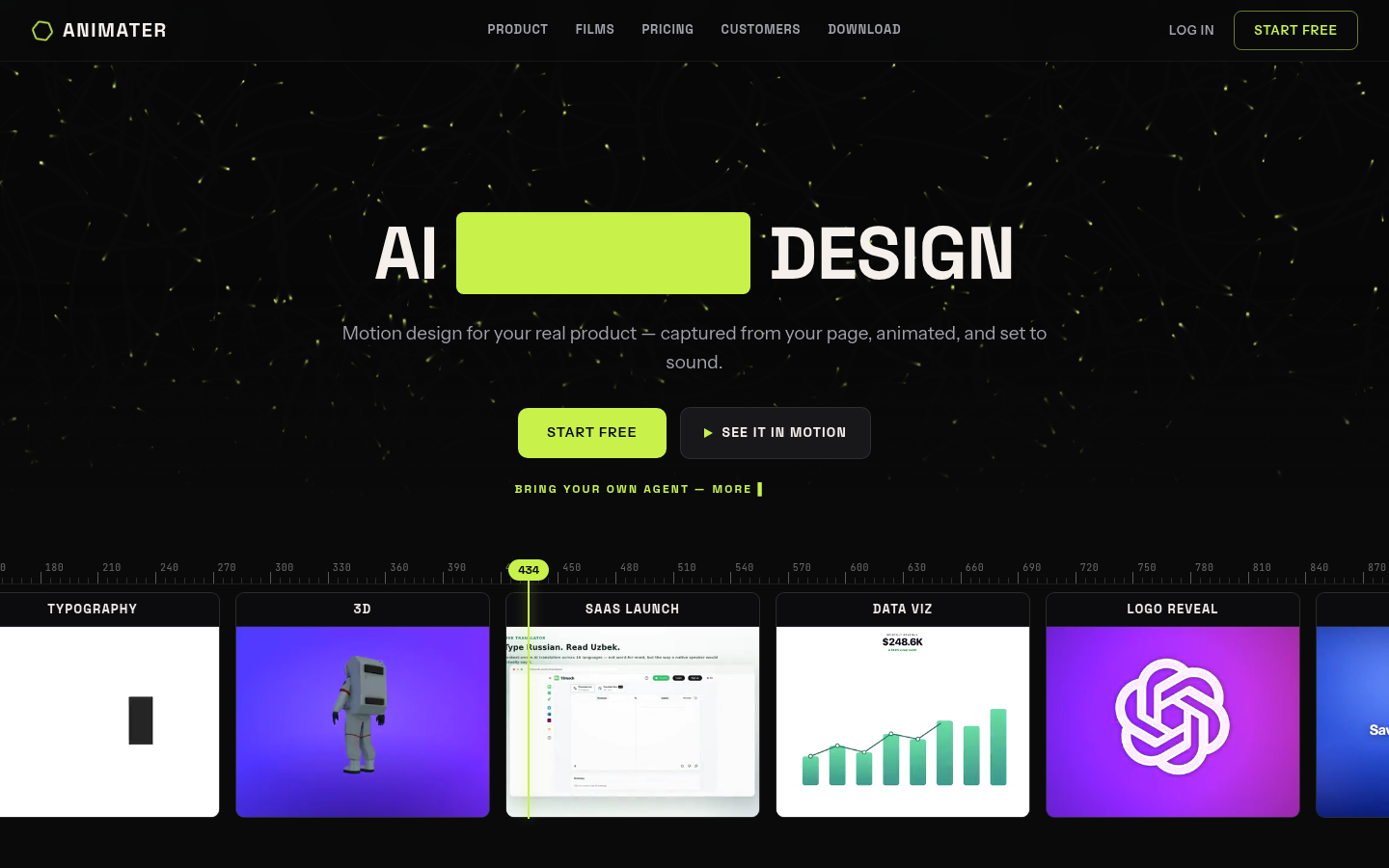
Screenshot archived from the listing page, for preview only.











