
Animated Diagrams
Text to editable animated diagramsDescribe a system and get an animated diagram
Highlights
What you can do with it
- A developer maps a microservice deployment flow
- A designer builds a product illustration for a client
- A teacher draws an immune system diagram for class
How to use it
- 1 Open https://animatediagram.com and click Start for free.
- 2 Log in for 10 free generations, or connect your own AI key.
- 3 Type a description of the system you want drawn.
- 4 Click Generate diagram and wait for the result.
- 5 Move and edit the diagram with the canvas tools, and switch models if needed.
Who it is for
Pros
- Diagrams stay editable after generation
- Bring your own key or use the free quota
- Several model choices on one canvas
Limitations
- Free quota is 10 generations unless you bring a key
- Complex systems need manual cleanup after generation
- Output quality varies by model and by prompt detail
What Animated Diagrams is
Animated Diagrams is an AI chart studio that turns plain English descriptions into diagrams. You describe a system and the tool draws an editable, animated diagram, which can be a system diagram, an architecture diagram, a workflow, or a product illustration. Templates and example prompts are provided so you are not starting from a blank prompt box, and the site says you can run several models, including OpenAI, OpenRouter, Gemini, Claude, Sarvam, and Ollama, on the same canvas. Access starts free without a card, with 10 free generations if you do not connect your own AI key.
What you can do with it
- Describe a system in English and get a diagram back
- Edit and rearrange the diagram after generation
- Switch between models on the same canvas
- Start from templates and example prompts
Who it is for
- Developers documenting architecture and deployment flows
- Designers building system and product visuals for clients
- Product managers and teachers who need to explain a process clearly
What to watch out for
The free quota is 10 generations unless you connect your own key, which means real use either costs money or costs you API credits, so check the pricing before you commit. Complex systems rarely come out clean on the first pass, so budget time for manual cleanup and rearrangement rather than expecting a finished diagram. Output quality varies by model and by how precise your description is; a vague prompt produces a vague diagram. Finally, animated diagrams are great for explanation but not always for print or documentation handoff, so check the export options before you commit to a format.
FAQ
What does it generate?
Editable animated diagrams including system diagrams, architecture diagrams, workflows, and product illustrations.
How many free generations do I get?
The site says 10 free chart generations if you log in without configuring an AI key, or you can connect your own key.
Can I edit the result?
Yes, the diagrams are described as editable, with canvas tools for moving and adjusting elements.
Why it is free
What the official page says: for free
Free limits, trial length and features are decided by the official site and can change at any time.
Product preview
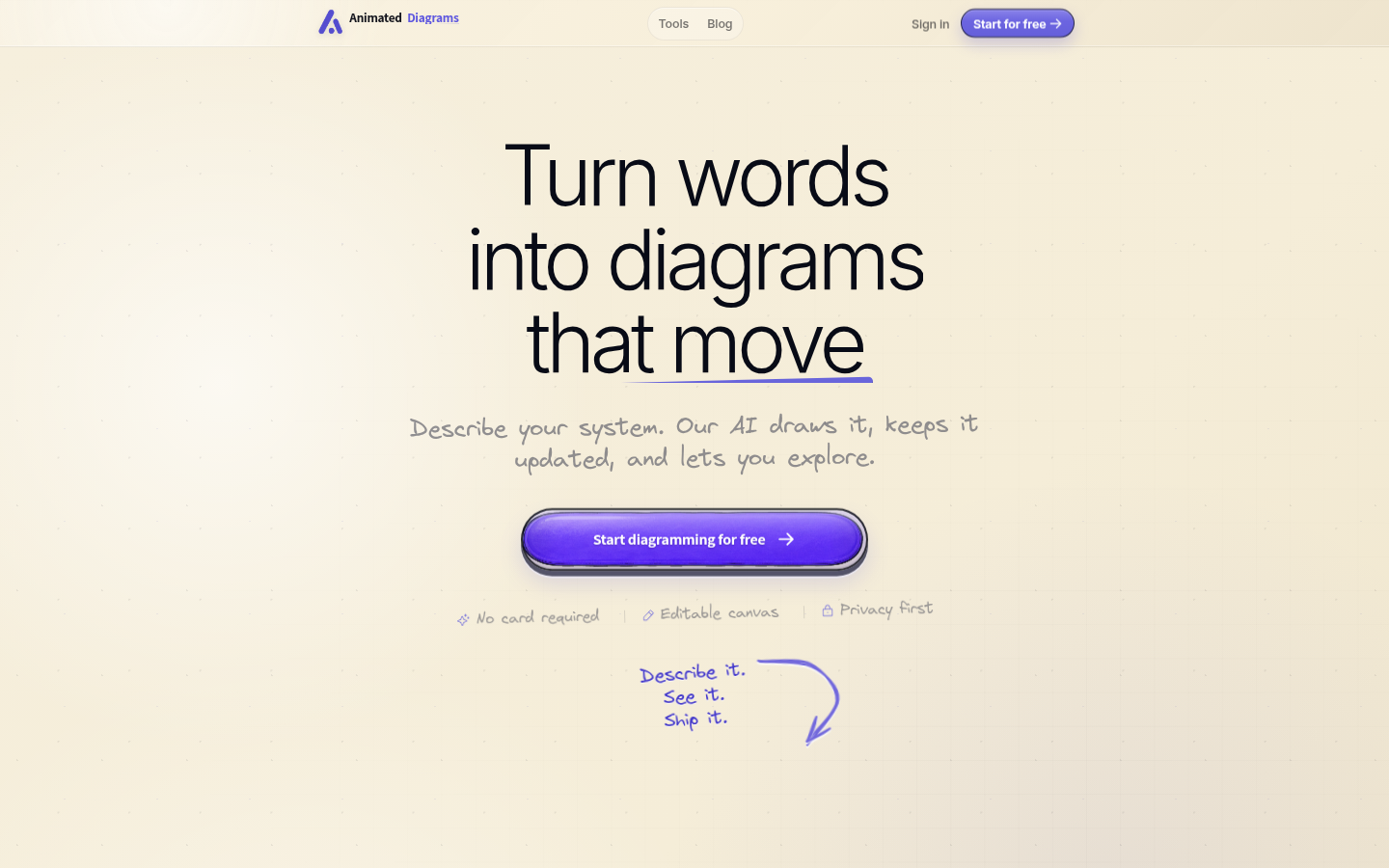
Screenshot archived from the listing page, for preview only.











