
Animate Old Photos
Turn old photos into short videosBring a still memory to life with AI
Highlights
What you can do with it
- Animate a family photo into a short clip
- Bring an old portrait to life for sharing
- Create a short memory video from a scan
How to use it
- 1 Open the Animate Old Photos site
- 2 Select a photo from your device or paste it in
- 3 Click the photo to video button
- 4 Wait two to five minutes, then preview and save
Who it is for
Pros
- Simple upload and wait workflow
- Repair and color tools included alongside animation
- Free to use during beta
Limitations
- Beta status means quality and access can change
- Clips are short, around five seconds
- Processing takes a few minutes per photo
- A paid plan may be introduced later
What Animate Old Photos is
Animate Old Photos is a website that uses Kling AI technology to turn old photographs into short videos. A still image becomes a roughly five-second clip, and creative prompt templates help shape how the motion looks. Beyond animation, the tool repairs and enhances photo quality, removes scratches and blemishes, adds color to black and white pictures, and matches background music to the theme. Multiple AI models are combined to improve the result.
What you can do with it
- Turn a still photo into a five-second video
- Repair scratches and enhance image quality
- Add color to black and white photographs
- Use prompt templates to shape the animation
- Get background music matched to the photo theme
Who it is for
- Families bringing old photographs back to life
- People restoring and enhancing scanned images
- Casual creators making short memory clips
- Anyone who wants a moving version of a still portrait
What to watch out for
This is a beta product, so output quality, queue times, and access can all change, and the site has said a paid plan may appear as advanced features arrive. Clips are short by design, around five seconds, so this is not a tool for long video projects. Processing takes a few minutes per photo, which adds up if you have a batch. Keep your original scans safe, since animation and repair are generated interpretations rather than restorations of what the camera actually captured. Start with a small sample to confirm the output meets your expectations before processing the full batch. Free tiers and usage limits can change, so check the current rules on the official page before relying on it long term.
FAQ
How long are the videos?
The tool turns old photos into five-second videos.
Is it free?
It is currently in beta and free to use, though a paid plan may appear later.
What does it do to the photo?
It can repair and enhance quality, remove scratches and blemishes, and add color to black and white images.
Why it is free
What the official page says: free to use
Free limits, trial length and features are decided by the official site and can change at any time.
Product preview
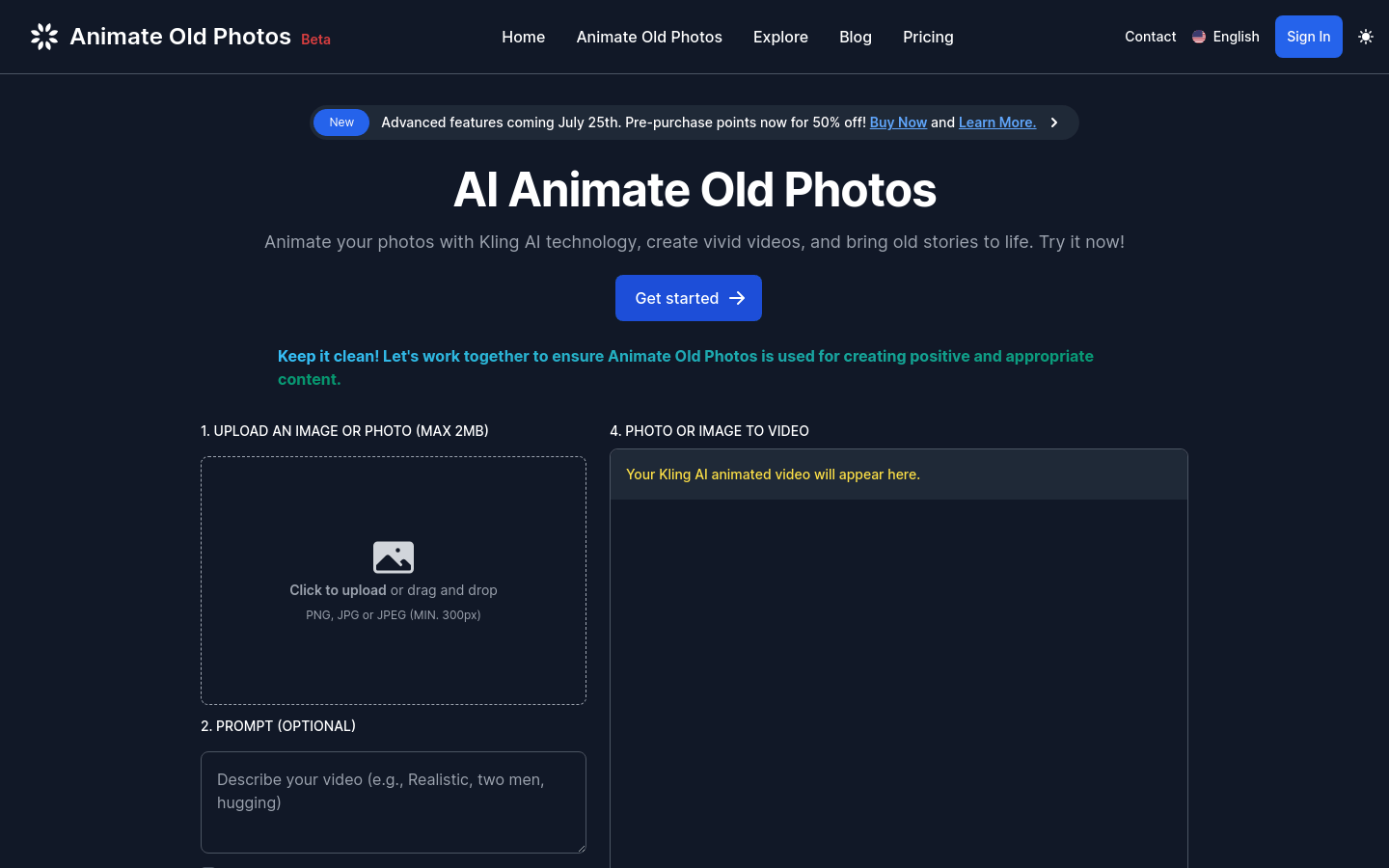
Screenshot archived from the listing page, for preview only.











