
Animate Image AI
Turn one image into smooth AI animationCinematic animation from a single image
Highlights
What you can do with it
- Designers who want animated visuals from still images.
- Content creators who need smooth animation for posts and videos.
- Brand and education teams that want simple animated visuals.
How to use it
- 1 Open the site and start the free trial.
- 2 Upload the image you want to animate.
- 3 Add a prompt to guide the motion and style.
- 4 Preview, adjust, and then export the animation.
Who it is for
Pros
- Turns one image into animation without a complex workflow.
- Prompt-guided control and fast preview iterations.
- Aimed at many users, from designers to educators.
Limitations
- Free use is a trial; the plans are subscriptions and the pricing and terms can change.
- Motion quality depends on the image and your prompts, so results vary.
- Focused on image animation, so it is not a full animation or video editing suite.
What Animate Image AI is
Animate Image AI is a tool that turns a single static image into natural, smooth animation. The product description says it offers convenient, efficient, high-quality animation for many fields, with advantages such as motion intelligence, prompt-guided animation control, a workflow built specifically for image animation, fast preview iterations, professional visual quality, and scalability. It is meant to meet the demand for image animation and help users convert images into animated clips with ease. It offers flexible subscription plans with a free trial, so the free access is limited, and the listed plans are a basic plan at $24.9 per month and a professional plan at $40.9 per month. It is aimed at all users who want high-quality image animations, including designers, content creators, brand marketing teams, and educators.
What you can do with it
- Turn one static image into smooth, natural animation.
- Control the motion with prompts for precise movement.
- Preview quickly and iterate until the motion looks right.
- Produce professional-looking animation from a single image.
Who it is for
- Designers who turn still images into animation.
- Content creators who need animated visuals for posts and video.
- Brand marketing teams and educators who want simple, strong animation.
What to watch out for
Free use is limited to a trial, and the plans are subscriptions, so the pricing and terms can change at any time. Motion quality depends on the source image and the prompts you write, so results vary and some animations may need several tries to look right. The tool is focused on animating single images, so it is not a full animation or video editing suite and it will not handle complex scenes, characters, or timeline work. If you animate photos that include real people, make sure you have the right to use those images and follow platform rules on AI-generated media, since misuse can break rules and create risk for you.
FAQ
Is Animate Image AI free?
It offers a free trial. The listed plans are a basic plan at $24.9 per month and a professional plan at $40.9 per month.
What does it do?
It turns a single static image into natural, smooth animation with prompt-guided control and fast previews.
Who is it for?
It is aimed at designers, content creators, brand marketing teams, educators, and other users who want high-quality image animations.
Why it is free
What the official page says: 免费试用免费
Free limits, trial length and features are decided by the official site and can change at any time.
Product preview
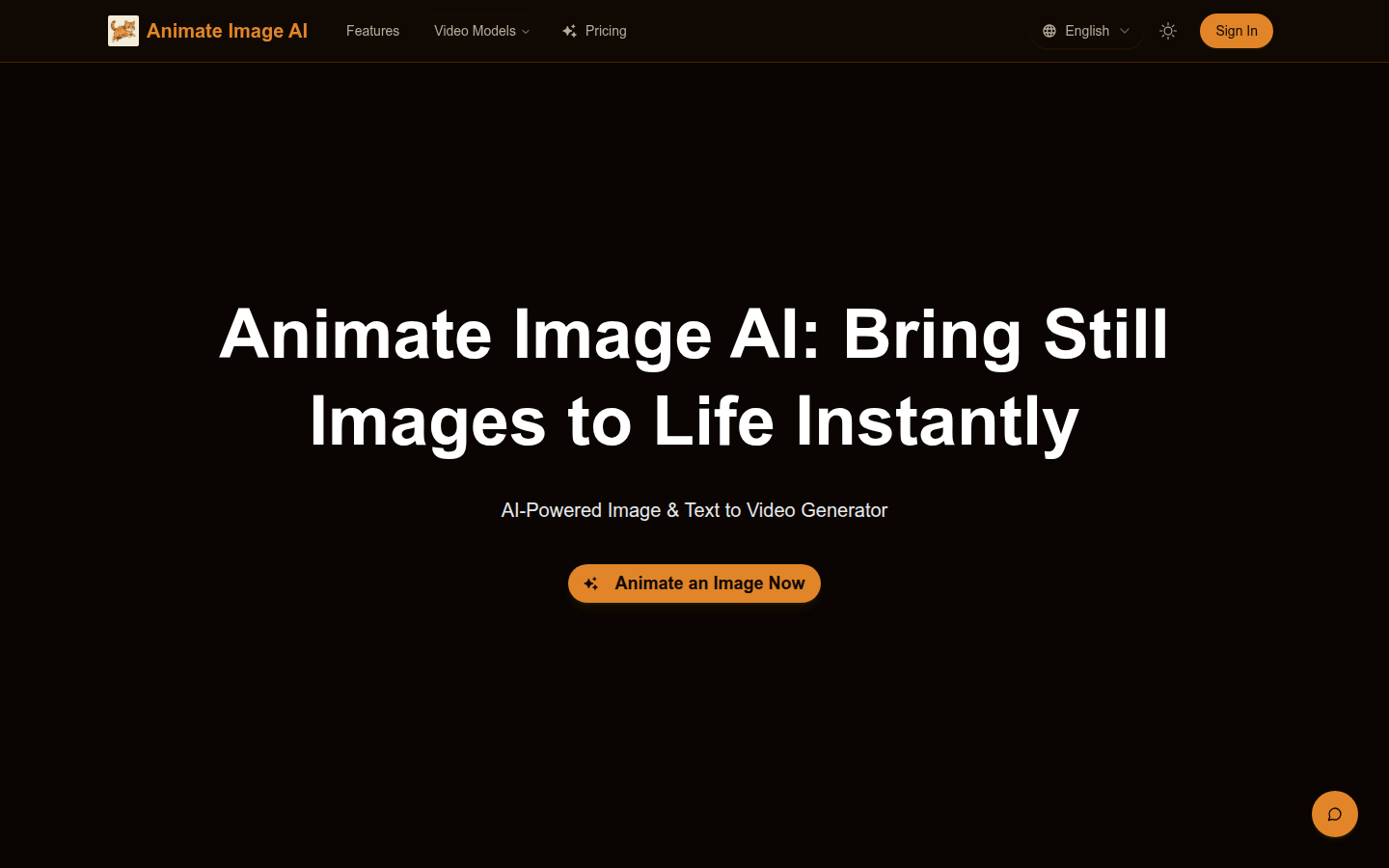
Screenshot archived from the listing page, for preview only.