
Animate Image AI
Photo to video with AITurn static images into video clips
Highlights
What you can do with it
- Social managers animate product photos for ads
- Store owners add motion to product pages
- Educators turn charts into animated explainers
How to use it
- 1 Upload an image in JPG or PNG format
- 2 Select your animation preference settings
- 3 Download the generated MP4 video
Who it is for
Pros
- Free version with daily image allowance
- Simple three-step upload to video flow
- 1080p output with realistic motion
Limitations
- Free daily limit may change over time
- Unlimited use requires a premium plan
- Complex scenes may animate unevenly
What Animate Image AI is
Animate Image AI is an AI tool that turns static images into animated videos. Instead of editing frames by hand, you upload a photo and the tool adds motion using precise motion algorithms and context-aware intelligence. It handles realistic facial animation and produces clean high definition output, up to 1080p. The tool works with many image types, including portraits, product shots, landscapes, pet photos, and artwork. It exports to popular formats such as MP4 for video and GIF for chats and apps. The free version lets users process about 10 images per day, while premium subscribers can use it without that daily cap.
What you can do with it
- Turn a single photo into a short animated clip
- Control facial expressions and object motion
- Export results as MP4 or GIF for different apps
Who it is for
- Social media managers animating product photos for ads
- Photographers bringing portrait galleries to life
- E-commerce store owners adding motion to product pages
What to watch out for
The free daily limit may change over time, so do not build a fixed content schedule around the free allowance. Unlimited use sits behind a premium plan, which adds cost for regular posting. Results vary with the source image, and complex scenes with many moving parts may animate unevenly. Because it is an online tool, upload times and availability depend on the service. Treat the free version as a way to test how well it handles your type of images before upgrading. For best results, start with a small test file and review the output carefully before working on anything important. Free tiers can change over time, so it is worth checking the current limits on the official page before you rely on the tool daily.
FAQ
Is Animate Image AI free?
There is a free version that processes about 10 images per day. Premium subscribers get unlimited use.
What formats does it output?
It exports videos in MP4 and GIF formats, with high definition output up to 1080p.
What images work best?
It handles portraits, product shots, landscapes, pet photos, and artwork, and works with JPG or PNG files.
Why it is free
What the official page says: for freefree version
Free limits, trial length and features are decided by the official site and can change at any time.
Product preview
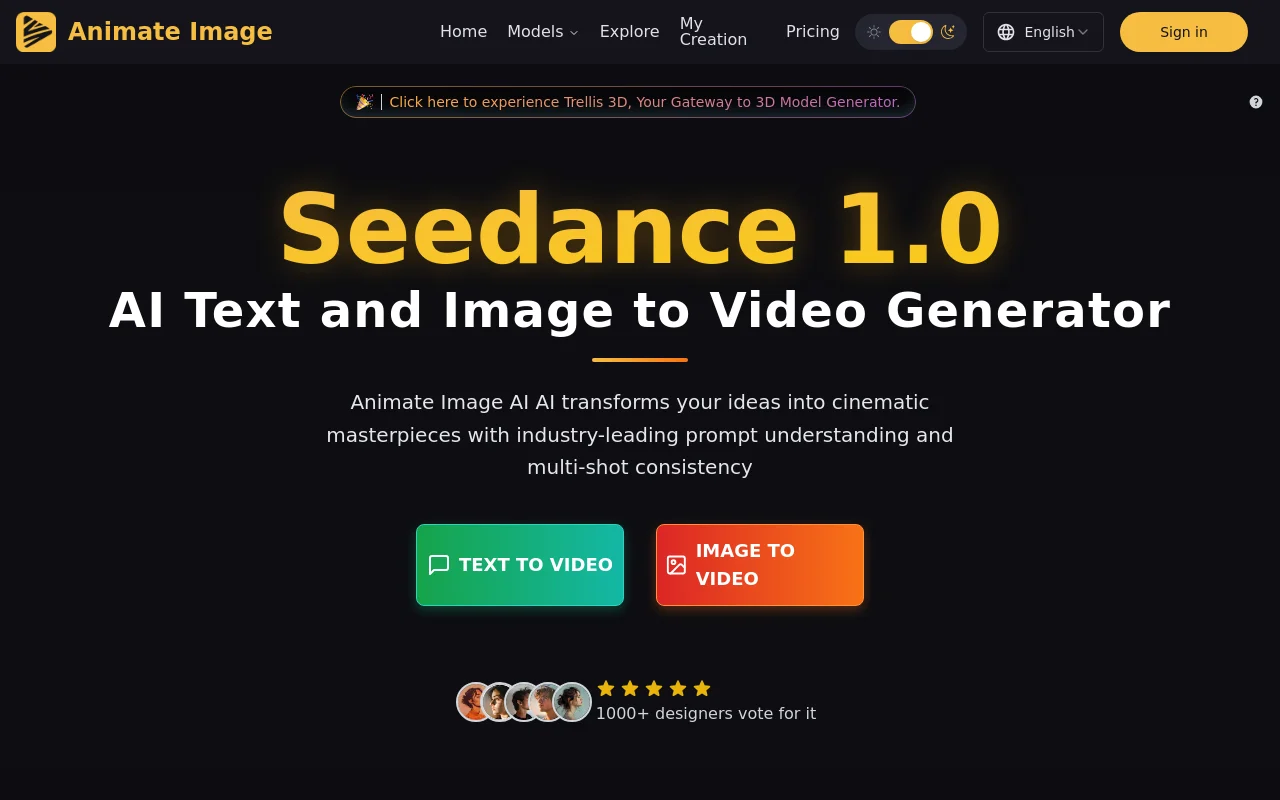
Screenshot archived from the listing page, for preview only.











