
Animanic
Turn topics into animated learning videosTransform any topic into an engaging video.
Highlights
What you can do with it
- Students turn classroom notes into review videos.
- Teachers build instructional videos to boost engagement.
- Self-learners convert hard science topics into easy videos.
How to use it
- 1 Register an account on the Animanic site.
- 2 Enter your notes and questions and set options like video length.
- 3 Generate the video with the AI animation engine.
- 4 Chat with the mentor inside the video and adjust based on feedback.
Who it is for
Pros
- Free to use during the beta period.
- Visual animation makes hard ideas easier to grasp.
- Interactive mentor answers questions inside the video.
Limitations
- Beta status means features and free access may change.
- New platform, so expect bugs and rough edges.
- Focused on learning, not general video editing.
What Animanic is
Animanic is an educational technology tool that turns topics into videos. You enter notes and questions, pick options such as video length, and its AI animation engine builds an animated video that explains the idea. It also adds thoughtful audio and text to help you follow along. A discussion feature lets you talk with an Animanic mentor inside the video to ask questions and satisfy curiosity. The tool is designed to make learning more visual and interactive than reading notes alone. The product is currently in beta testing and is offered for free, with users encouraged to give feedback to improve it.
What you can do with it
- Turn classroom notes or a topic into an animated video for review.
- Use the AI animation engine to explain complex concepts visually.
- Add audio and text transcripts to support understanding.
- Chat with a mentor inside the video to clear up questions.
- Set custom options like video length to fit your needs.
Who it is for
- Students who want to review material in a more visual way.
- Teachers who need engaging videos to support lessons.
- Self-learners working through complex subjects on their own.
What to watch out for
Animanic is still in beta, so features, quality, and the free offer may change as the team improves it. Because it is a new platform, you may run into bugs or uneven output, and you should check results before relying on them for study. Video length and depth are limited by the options you set, so very long or highly detailed topics may need to be split into several videos. It is aimed at learning rather than general video editing, so it will not replace a full editor. Give feedback through the product so the team can fix issues.
FAQ
Is Animanic free?
Yes, it is in beta and currently offered for free, with feedback encouraged.
What do I need to start?
An account, plus notes or questions you want turned into a video.
Can I ask questions while watching?
Yes, you can chat with an Animanic mentor inside the video.
Why it is free
What the official page says: for freefree to use
Free limits, trial length and features are decided by the official site and can change at any time.
Product preview
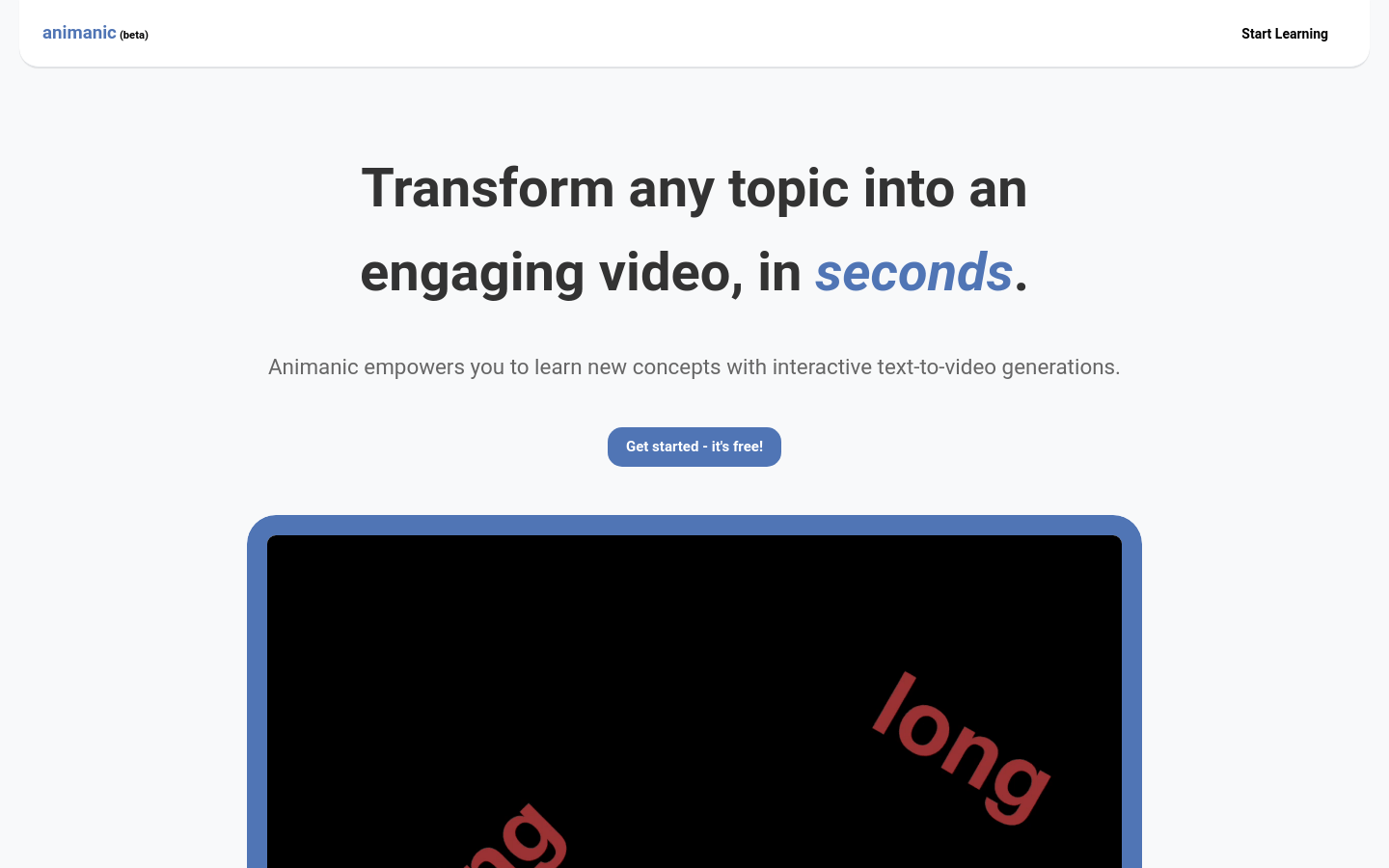
Screenshot archived from the listing page, for preview only.











