
Animaker
AI subtitle generator for videosAuto-transcribe and caption your videos
Highlights
What you can do with it
- Add captions to a short-form video
- Transcribe a home video or movie clip
- Download subtitles for use on other platforms
How to use it
- 1 Open the Animaker subtitle generator
- 2 Upload your video file
- 3 Let the AI transcribe and build the captions
- 4 Review and download the subtitle file
Who it is for
Pros
- Free to use
- Automatic transcription saves time
- Subtitle files can be downloaded and reused
Limitations
- Accuracy depends on audio quality and accents
- Free access and limits can change over time
- Captions usually need a quick human review for names and jargon
What Animaker is
Animaker's subtitle generator is an online application that automatically generates subtitles and captions for videos. You upload your video and the system uses AI to transcribe the audio and build the captions for you. It supports multiple video formats and works for many kinds of clips, including movies, home videos, TikTok videos, Instagram reels, and YouTube shorts. The generated subtitle files can be freely downloaded and used on different platforms, and the tool is free to use, which makes it a simple way to add captions without editing them by hand.
What you can do with it
- Auto-transcribe a video and generate captions
- Add subtitles to short-form social videos
- Download subtitle files for use on other platforms
- Caption home videos and movie clips
Who it is for
- Short-form video creators on TikTok, reels, and shorts
- People who need captions for accessibility
- Anyone transcribing home or work videos
What to watch out for
Transcription accuracy depends on audio quality, background noise, accents, and technical words, so names and jargon often need a quick human fix. Free access and any usage limits can change over time, so check the current terms before you build a workflow around it. Long or poor-quality audio will take more cleanup. Always review the captions before publishing, since small errors can change the meaning of a line. Name and archive exported files consistently so you can find and reuse them, and keep a backup copy of key data. When quality matters, export a small draft first to confirm the result before producing the final file. Save a backup of the original file before large batch jobs, and keep an exported copy of key results in case the page or service becomes temporarily unavailable.
FAQ
Is the subtitle generator free?
The tool is described as free to use, and you can download the subtitle files.
What videos does it support?
It supports multiple formats and works for movies, home videos, TikTok, reels, and YouTube shorts.
How accurate are the captions?
It aims to be quick and accurate, but audio quality and accents affect the result, so review before publishing.
Why it is free
What the official page says: free to use
Free limits, trial length and features are decided by the official site and can change at any time.
Product preview
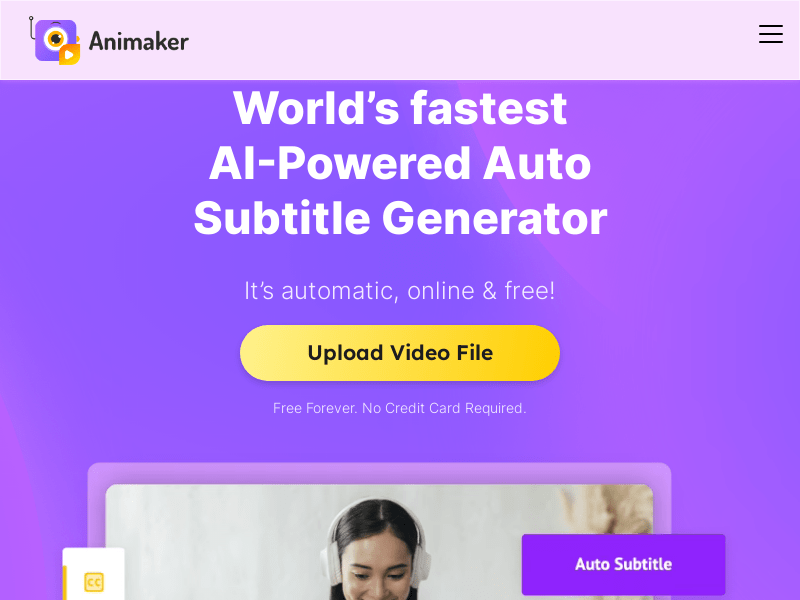
Screenshot archived from the listing page, for preview only.











