
Angry Email Translator
Free angry email tone translatorTurn angry emails polite and professional
Highlights
What you can do with it
- Cool down a reply to a frustrating client
- Rewrite a complaint email professionally
- Fix tone before hitting send
How to use it
- 1 Open the Angry Email Translator site
- 2 Paste your angry draft
- 3 Run the translation
- 4 Copy the polite version and send
Who it is for
Pros
- Free and simple to use
- Fast tone rewrite
- Helps avoid relationship damage
Limitations
- Rewrites are suggestions; read before sending
- Meaning can shift in translation, so check facts
- Free access can change
What Angry Email Translator is
Angry Email Translator is a free online tool that uses artificial intelligence to rewrite angry, aggressive emails into polite, professional messages. The workflow is simple: paste the heated draft, run the translation, and get a calmer version back. The listing pitches it as a way to keep communication professional, avoid damaging relationships, and save time compared with rewriting from scratch. It suits anyone who deals with frustrating email threads and wants a steady tone without letting emotion drive the send button.
What you can do with it
- Rewrite an angry draft into polite language
- Keep a professional tone in tense threads
- Save time versus rewriting by hand
- Check tone before hitting send
Who it is for
- Professionals handling tense email threads
- Customer-facing staff replying to complaints
- Anyone about to send an angry reply
What to watch out for
Rewrites are suggestions, so read the result before sending: meaning can shift in translation, and important details or numbers can get mangled. A politer tone does not fix a weak position, and some messages are better left unwritten until you have cooled off. The tool is free, but free access can change, so do not build a workflow that assumes it will always be there. If a situation involves legal or HR matters, a rewritten email is not a substitute for proper advice. Features and interface details may change between versions, so review the latest notes on the page before you start. For team use, agree on naming and editing conventions in advance to avoid version conflicts or duplicated work. For team use, agree on naming and editing conventions in advance to avoid version conflicts or duplicated work.
FAQ
Is Angry Email Translator free?
Yes. The listing describes it as a free online tool.
What does it do?
It uses AI to transform angry, aggressive emails into polite and professional tones.
Why use it?
The listing says it improves professionalism and helps avoid damaging relationships.
Why it is free
What the official page says: 免费
Free limits, trial length and features are decided by the official site and can change at any time.
Product preview
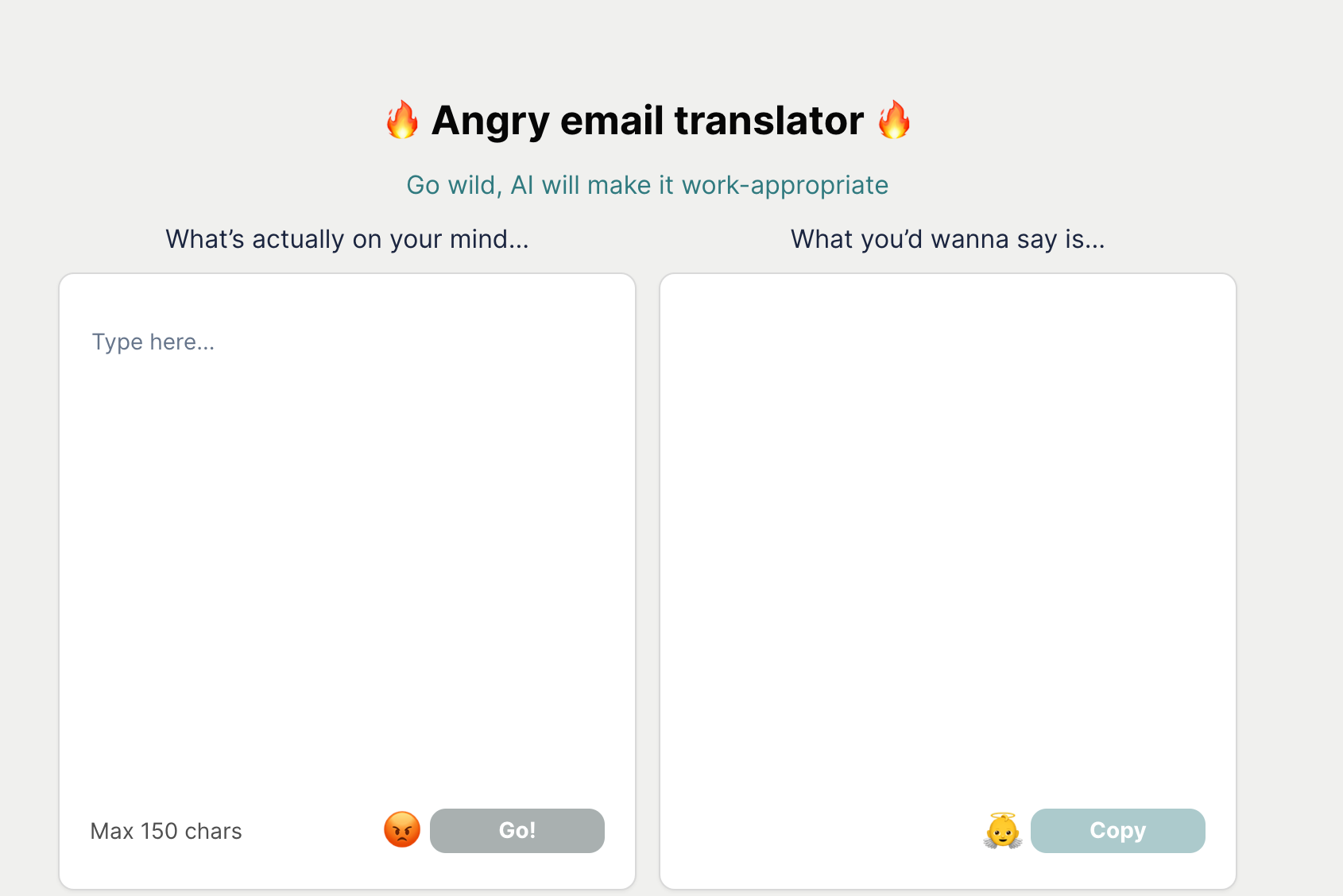
Screenshot archived from the listing page, for preview only.











